Provider Portal Overview
The Provider Portal is where independent practitioners manage their entire practice: profile, clients, calendar, bookings, earnings, and professional development. This article walks through every section available to providers.
Access the Provider Portal at admin.hunhu.us/provider using your provider credentials, or via the invitation link sent by your agency.
Dashboard
- Log in with your provider credentials. You land on the Provider Dashboard.
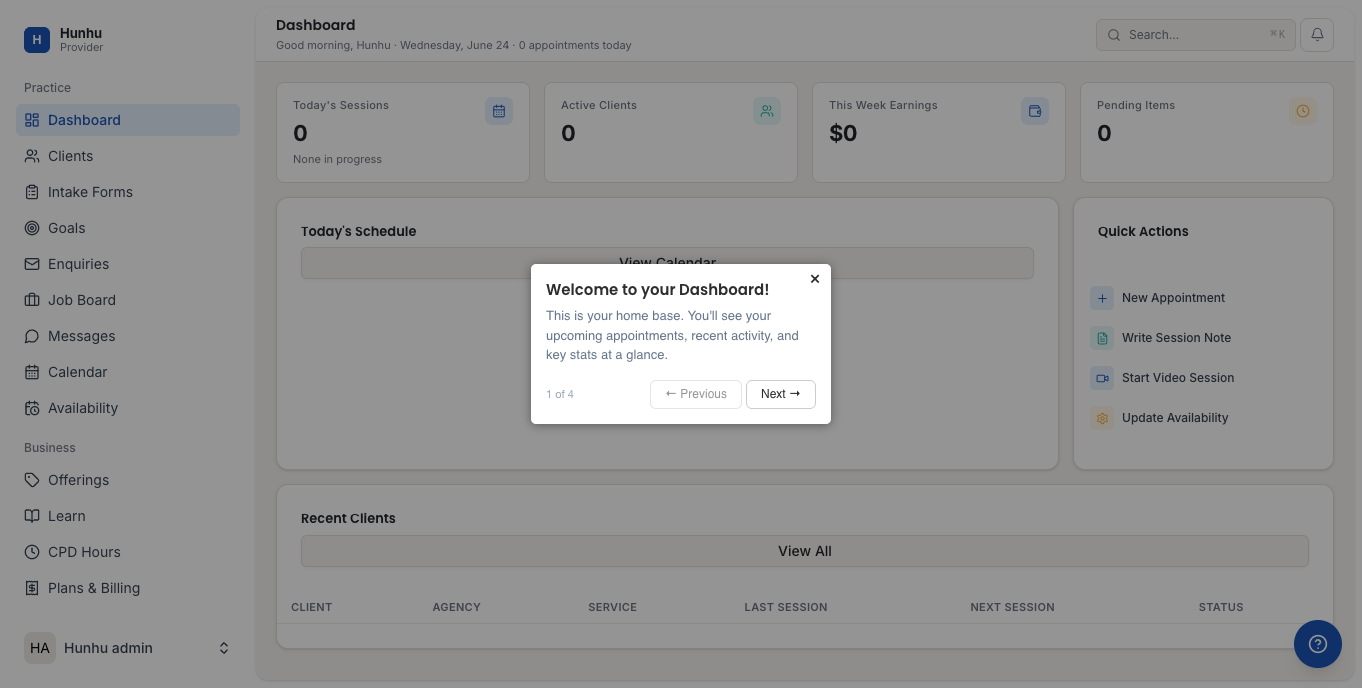
- The dashboard shows your key stats, upcoming appointments, recent messages, and any action items that need attention.
Clients
- Click Clients in the left sidebar.
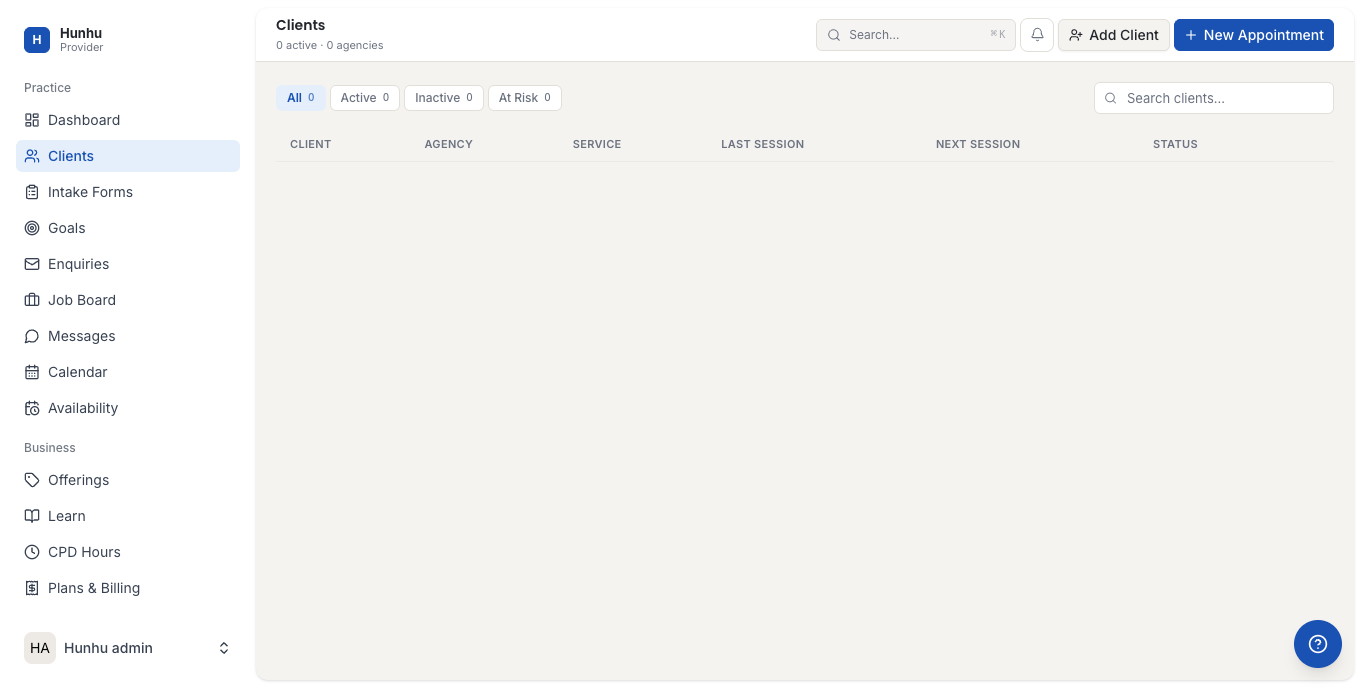
- View your full client list with each client's name, contact details, last session date, and status.
- Click any client to view their profile, session history, intake forms, and notes.
- From a client's profile you can send a message, book an appointment, or review their goals.
Intake Forms
- Click Intake Forms in the sidebar.
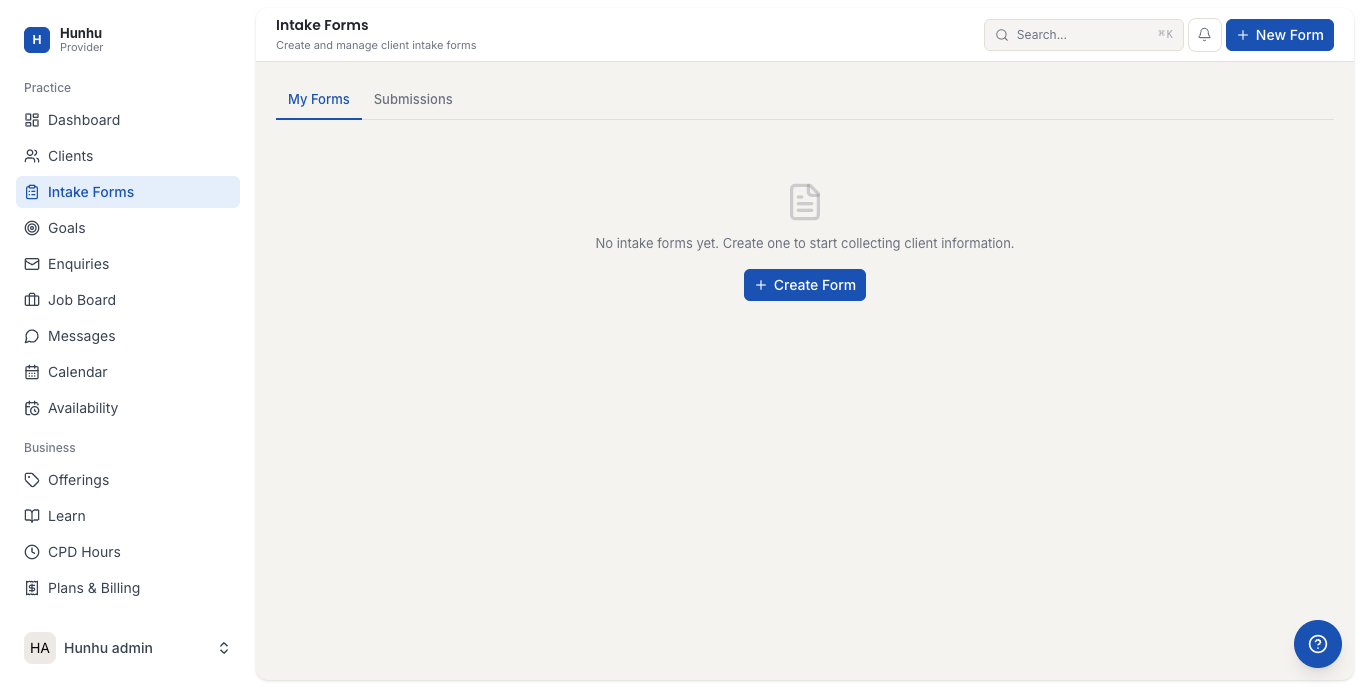
- Create, edit, and manage the intake forms that new clients complete before their first session.
- Assign forms to specific client segments or to all new clients automatically.
- View completed form responses on a client's profile.
Goals
- Click Goals in the sidebar.
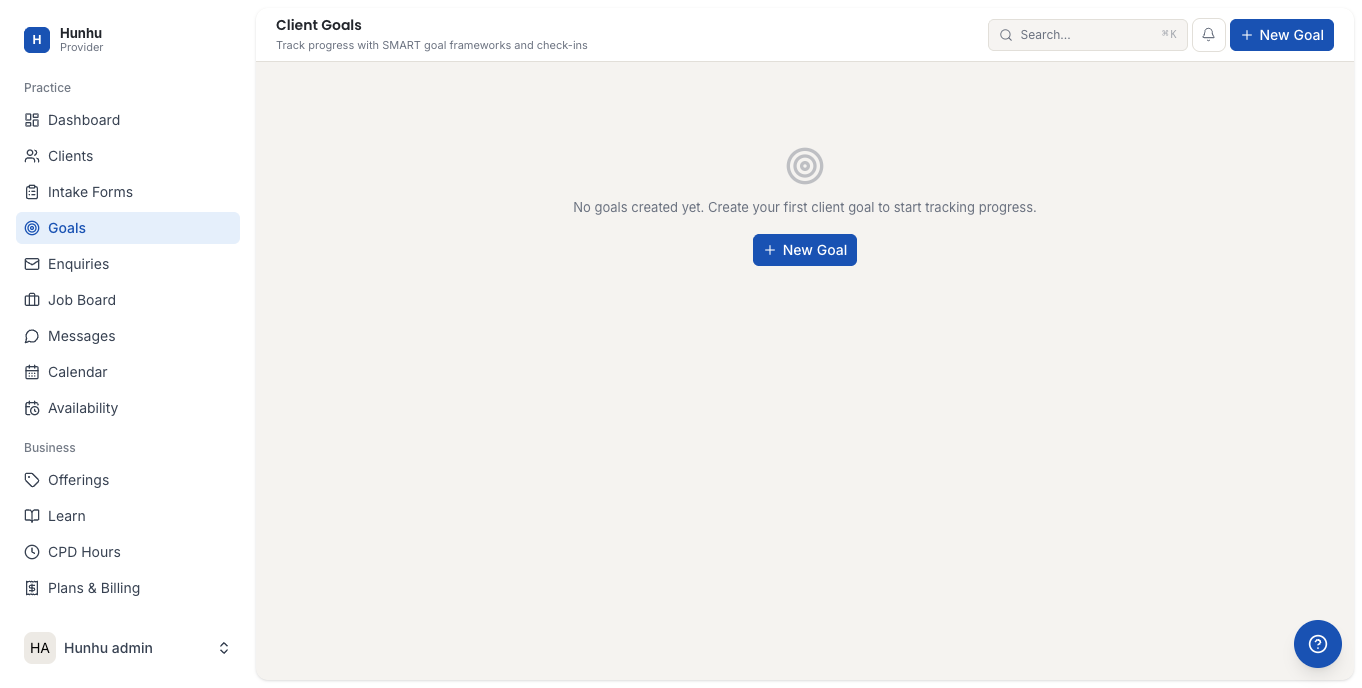
- Track client goals and progress milestones collaboratively.
- Set goal checkpoints, update status, and share progress notes with clients.
Calendar
- Click Calendar in the sidebar.
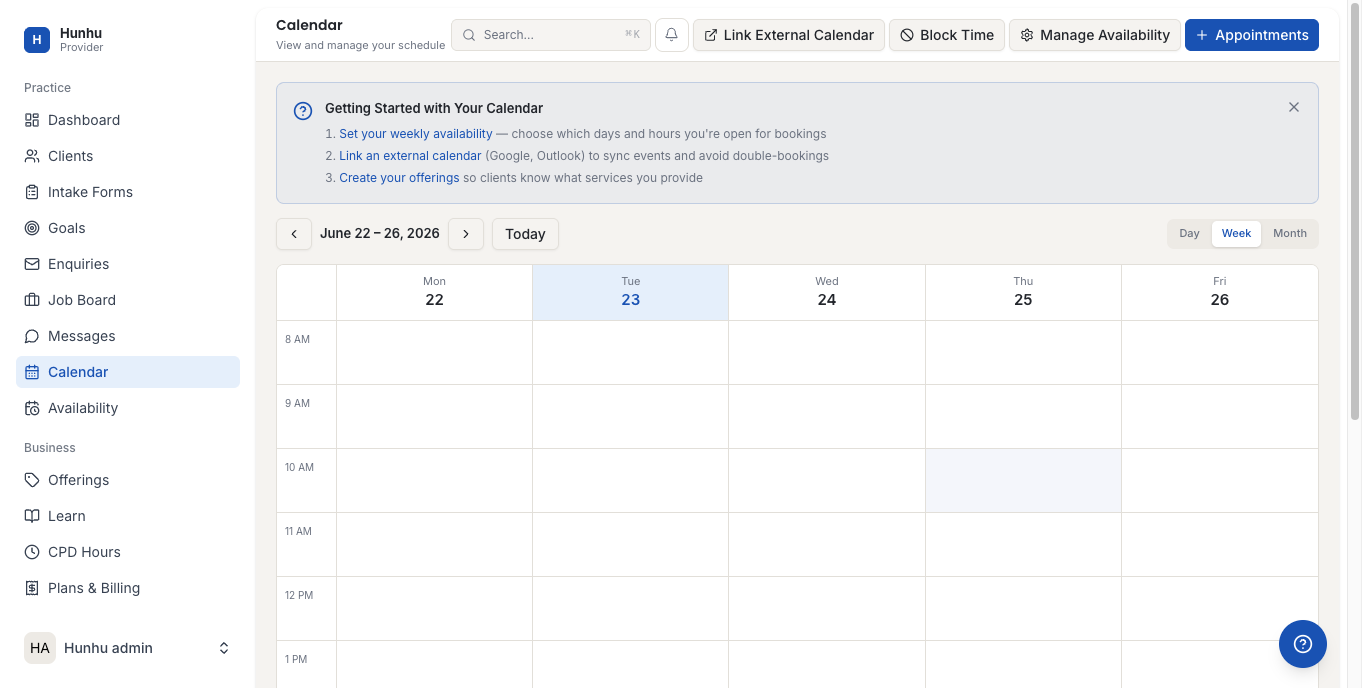
- View all your scheduled appointments in calendar format (day/week/month views).
- Click any appointment to view details or make changes.
- If Google Calendar is connected (Settings > Integrations), appointments sync bidirectionally.
Availability
- Click Availability in the sidebar.
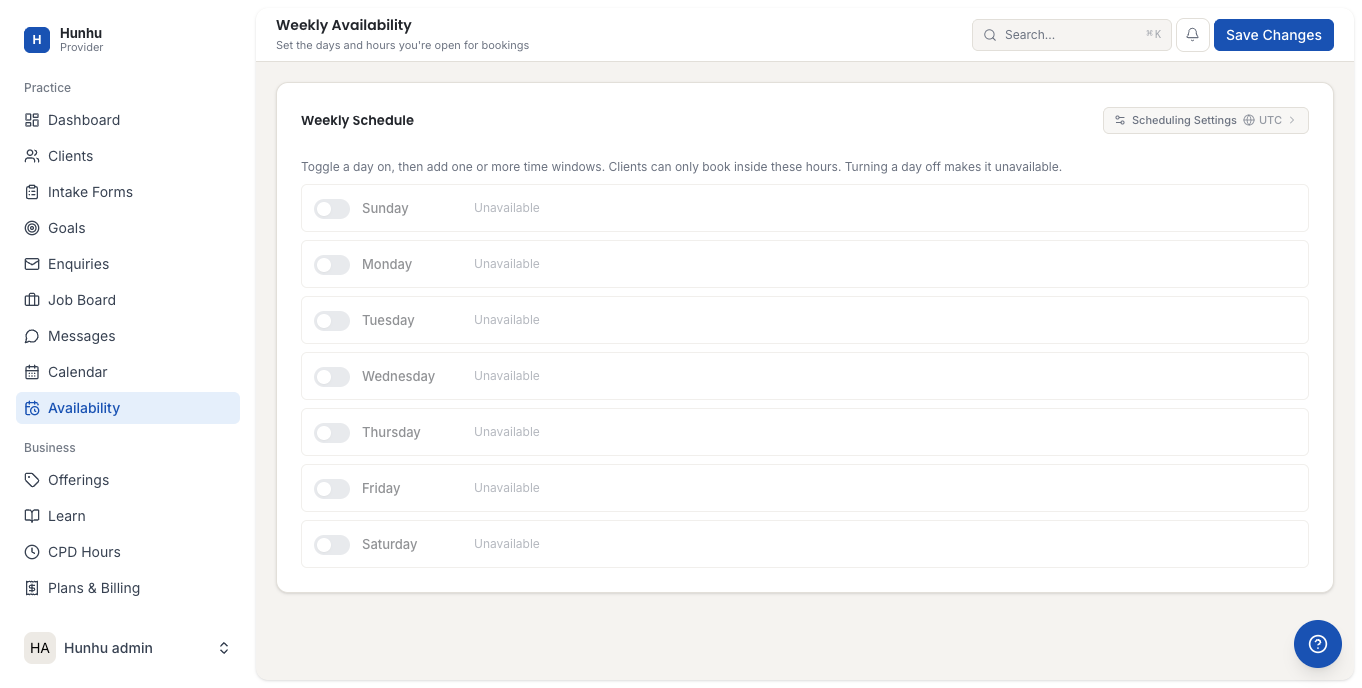
- Set your weekly recurring schedule — which days and times you are available for bookings.
- Block out specific dates (vacations, holidays) using the date-specific override.
- See the Setting Your Availability article for full configuration details.
Offerings
- Click Offerings in the sidebar.
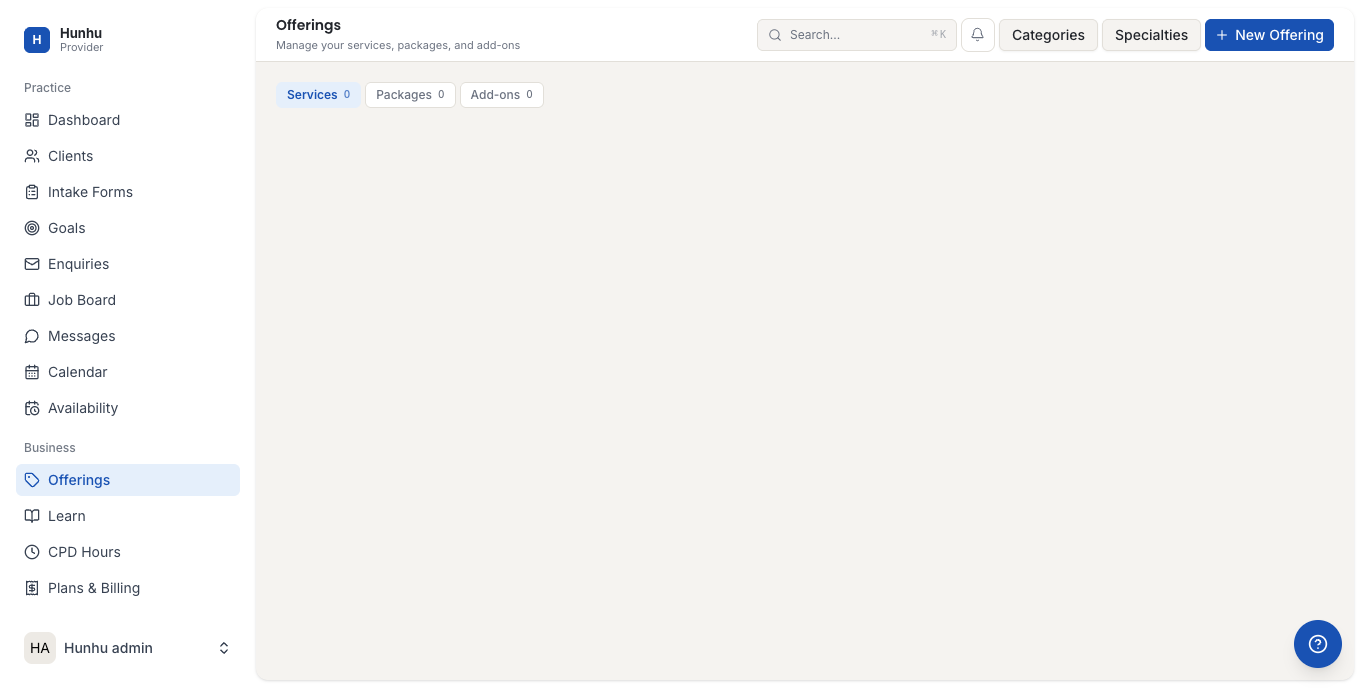
- Create and manage the services or session types you offer (e.g., "60-minute coaching", "Discovery Call").
- Set duration, price, and session type (virtual or in-person) for each offering.
- Published offerings appear on your public profile and allow clients to self-book.
Earnings & Payments
- Click Earnings in the sidebar.
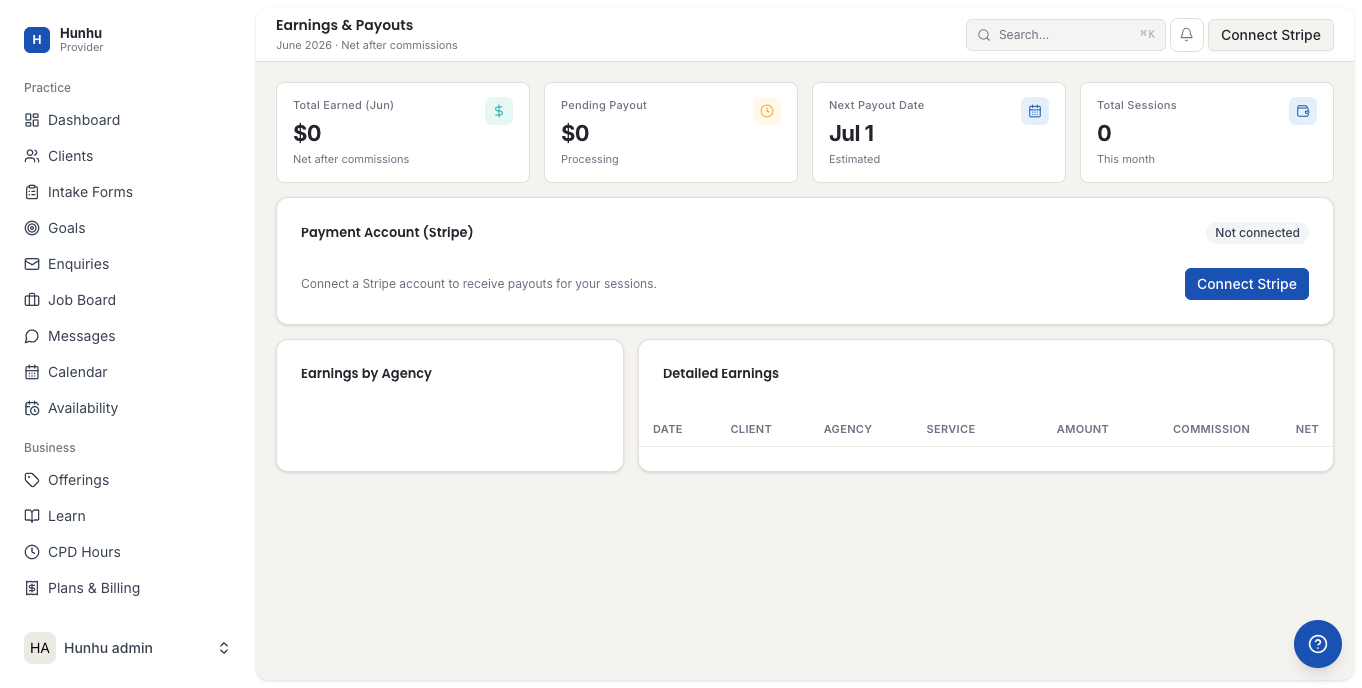
- View your earnings history, upcoming payouts, and transaction details.
- Understand how the agency commission is applied to each session fee.
- See the Earnings and Payouts Explained article for full details.
Subscription
- Click Subscription in the sidebar.
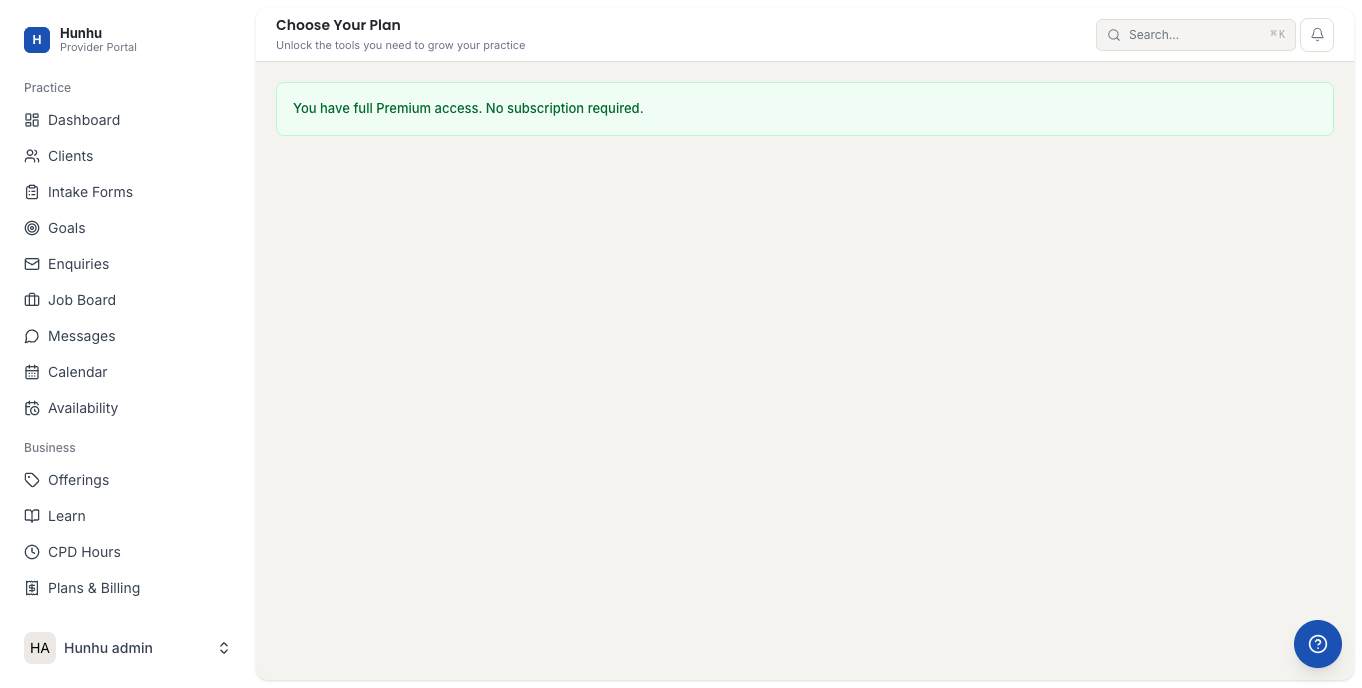
- View your current subscription plan and its included features.
- Upgrade, downgrade, or cancel your provider subscription.
Settings
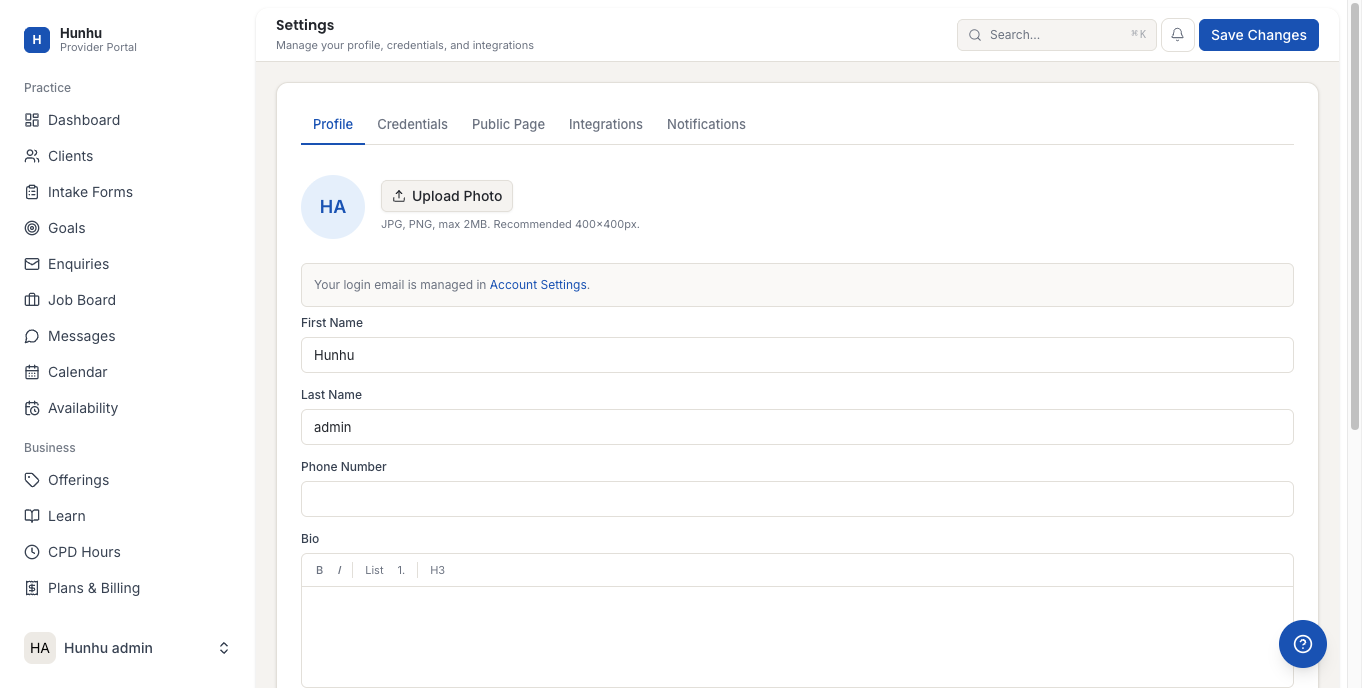
Provider Settings has five tabs. See individual articles for detailed setup guides.
- Click Settings in the sidebar.
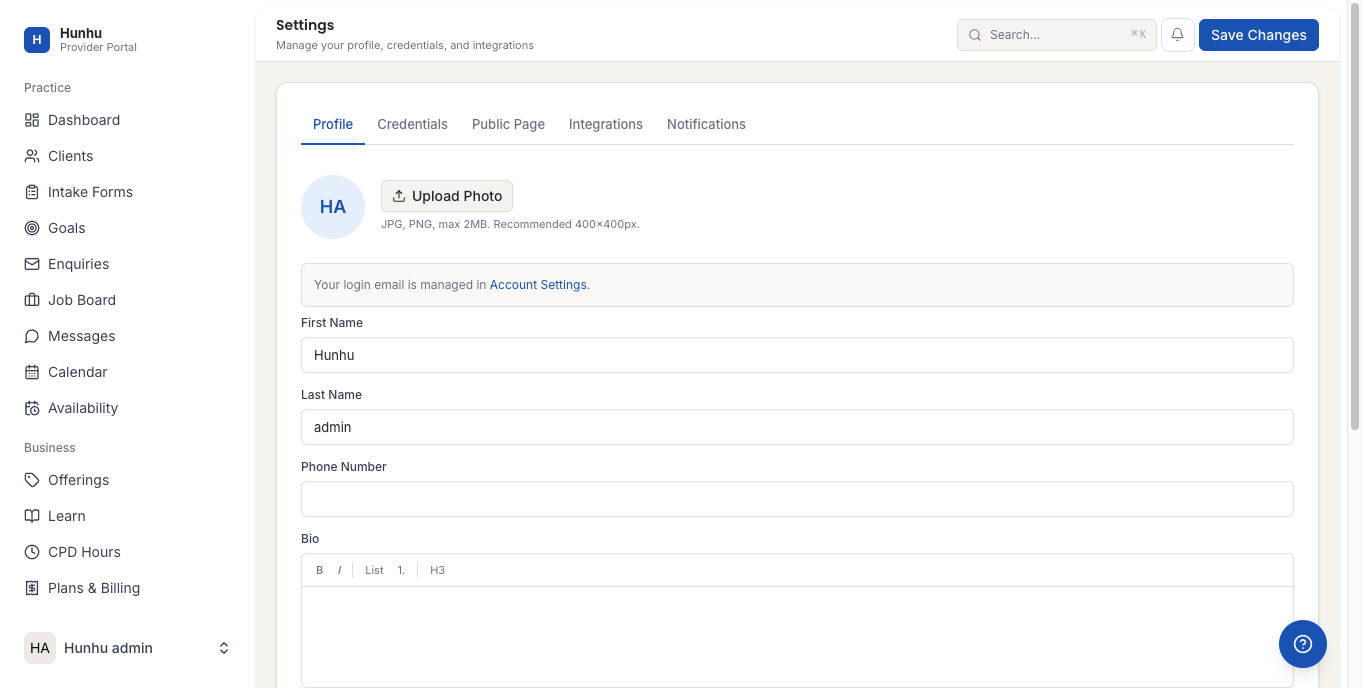
- The five settings tabs:
- Profile - Your name, bio, photo, specialties, and contact details
- Integrations - Connect Google Calendar for two-way appointment sync
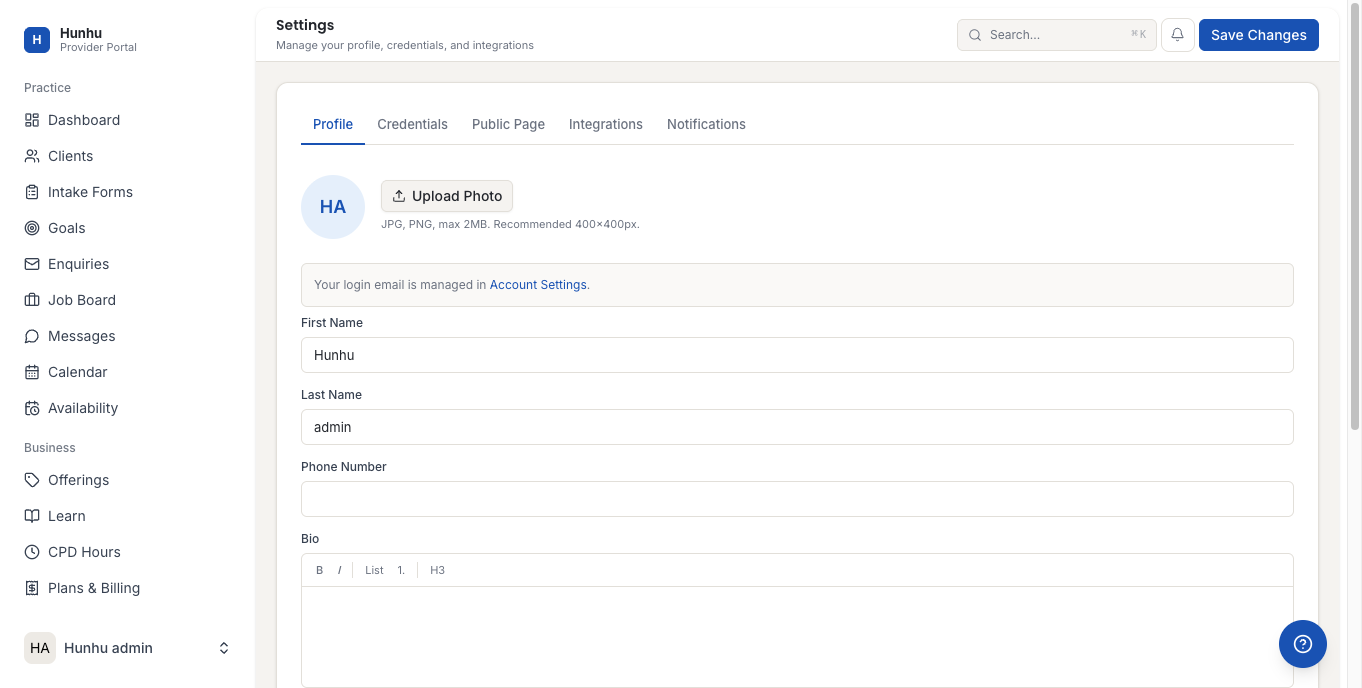
- Credentials - Add professional certifications, licenses, and credentials
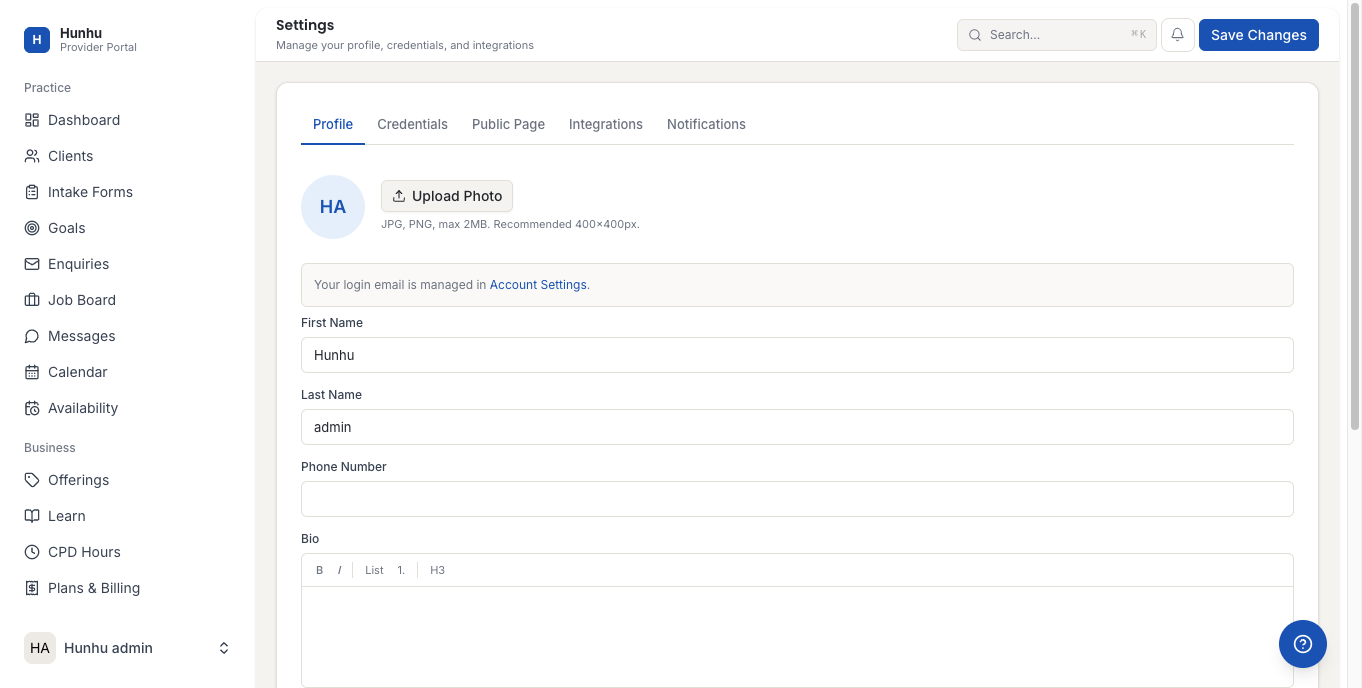
- Public Page - Configure what appears on your public-facing directory listing
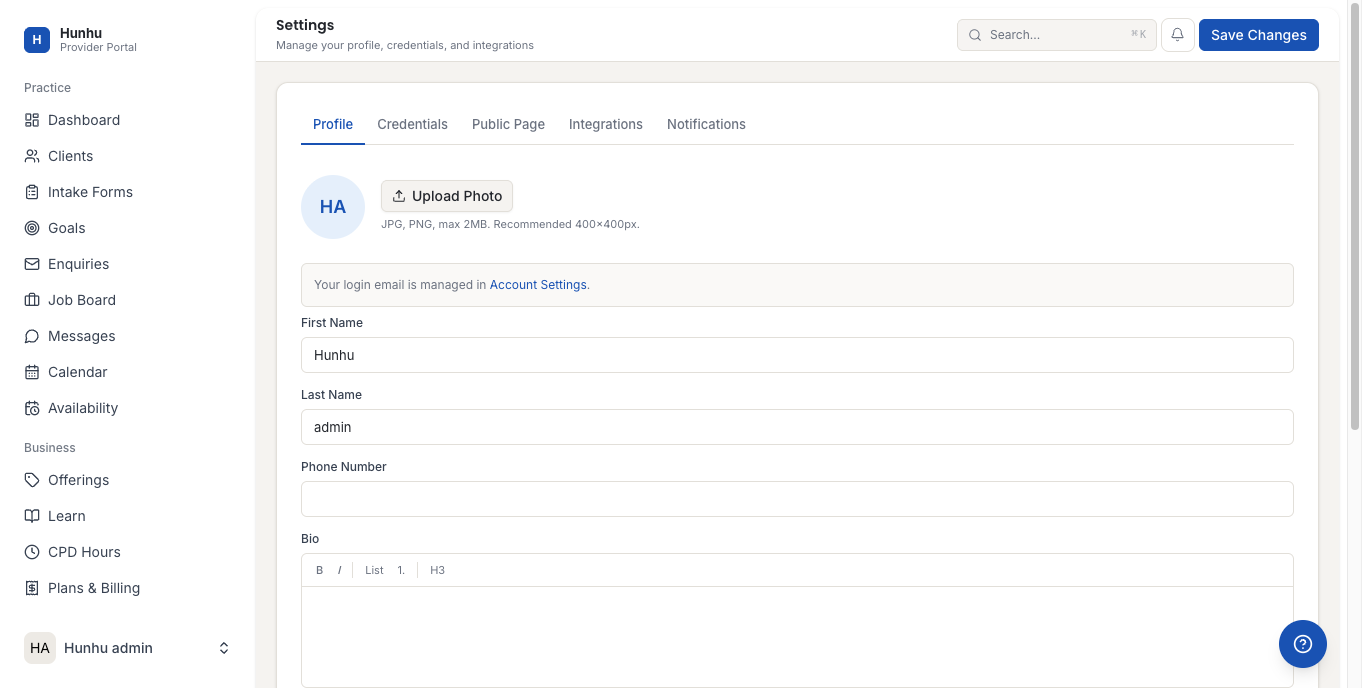
- Notifications - Control which email and in-app notifications you receive
Enquiries
- Click Enquiries in the sidebar.
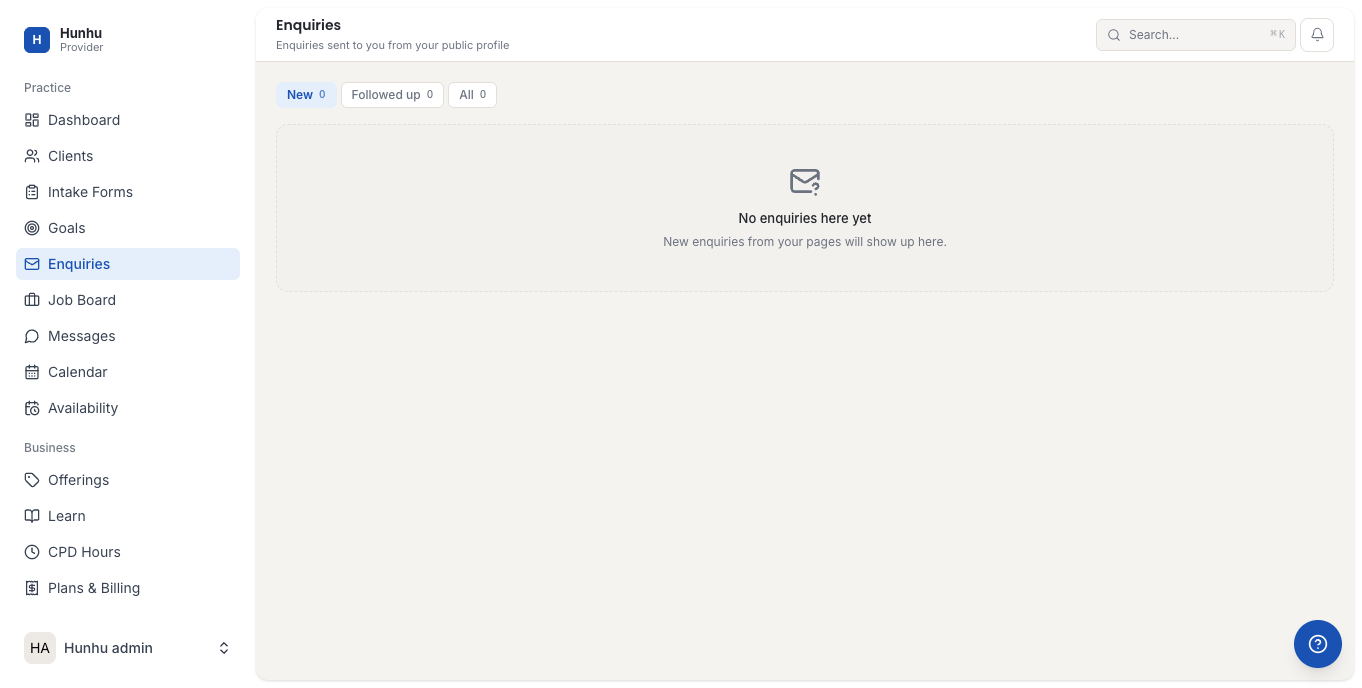
- View and respond to enquiries submitted by prospective clients through your public directory listing.
- Convert accepted enquiries into booked appointments or client relationships.
Messages
- Click Messages in the sidebar.
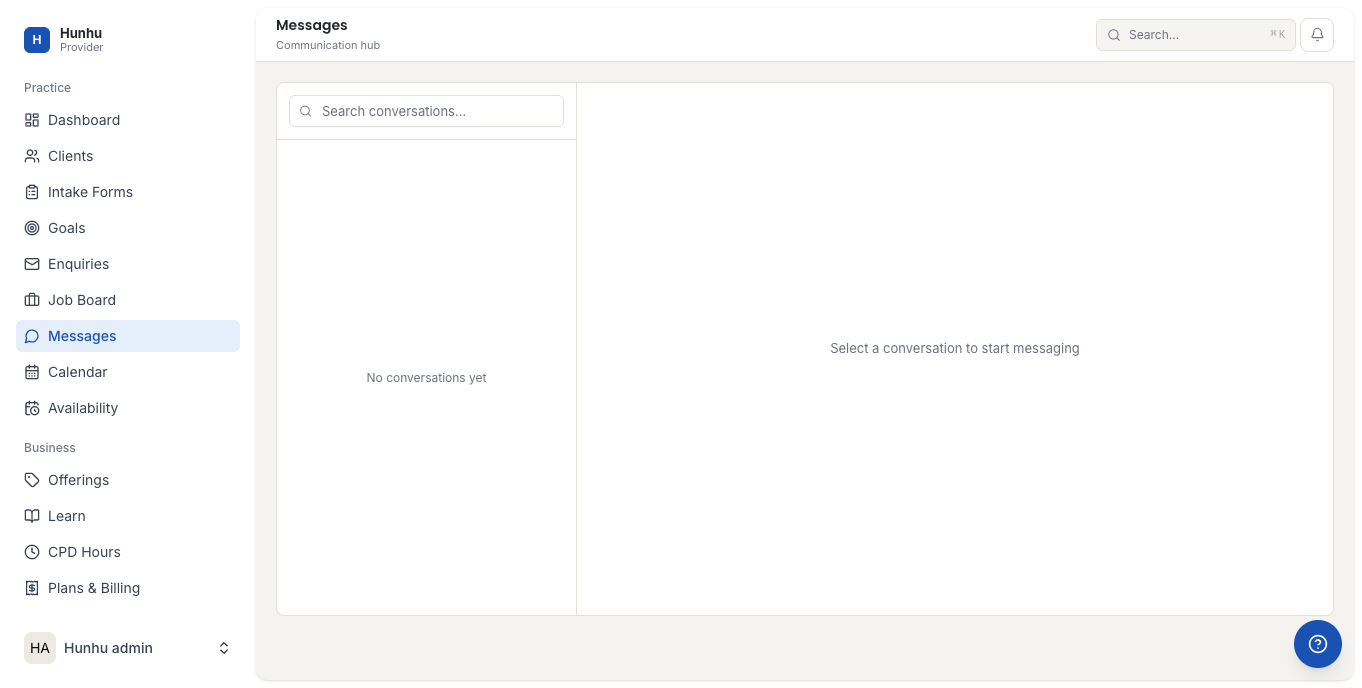
- Send and receive messages with clients and your agency through the built-in messaging system.
Learning Hub
- Click Learn in the sidebar.
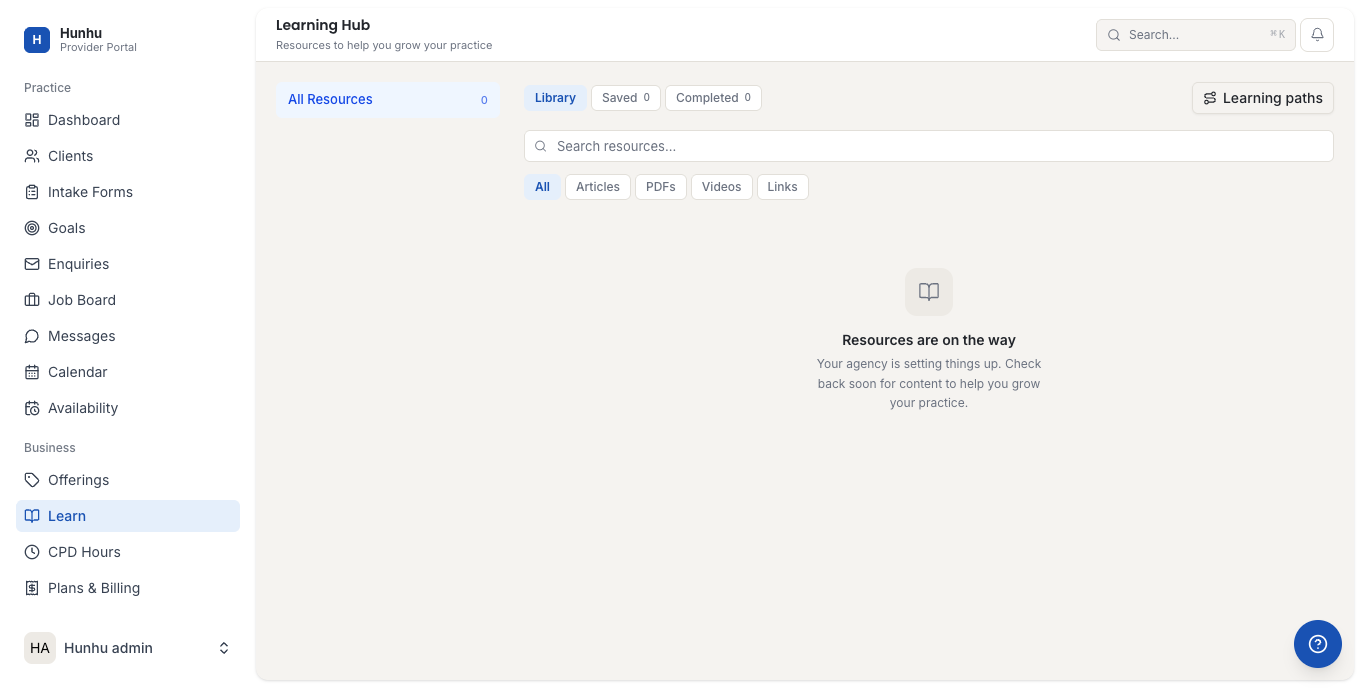
- Access resources and learning materials your agency has shared with you.
- Complete learning paths to deepen your practice and fulfill CPD (Continuing Professional Development) requirements.
CPD Hours
- Click CPD in the sidebar.
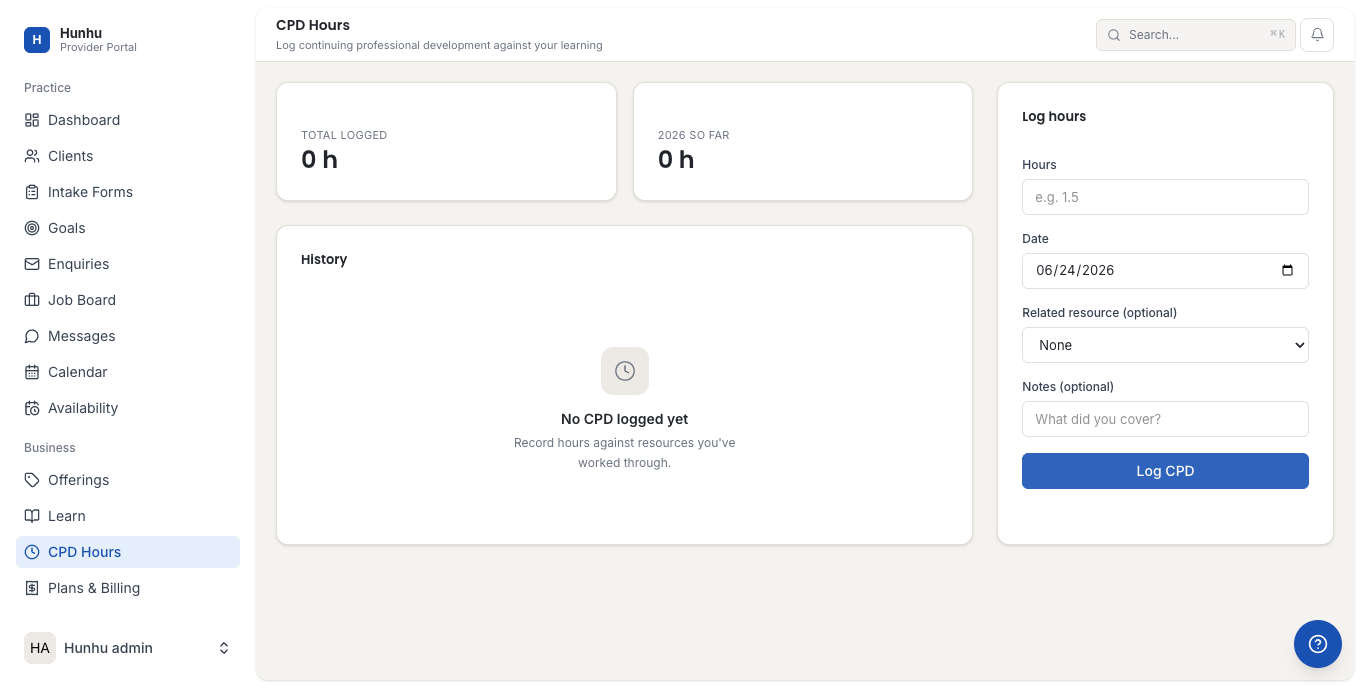
- Log and track your continuing professional development hours.
- Record completed courses, workshops, and other CPD activities.
Plans & Billing
- Click Billing in the sidebar.
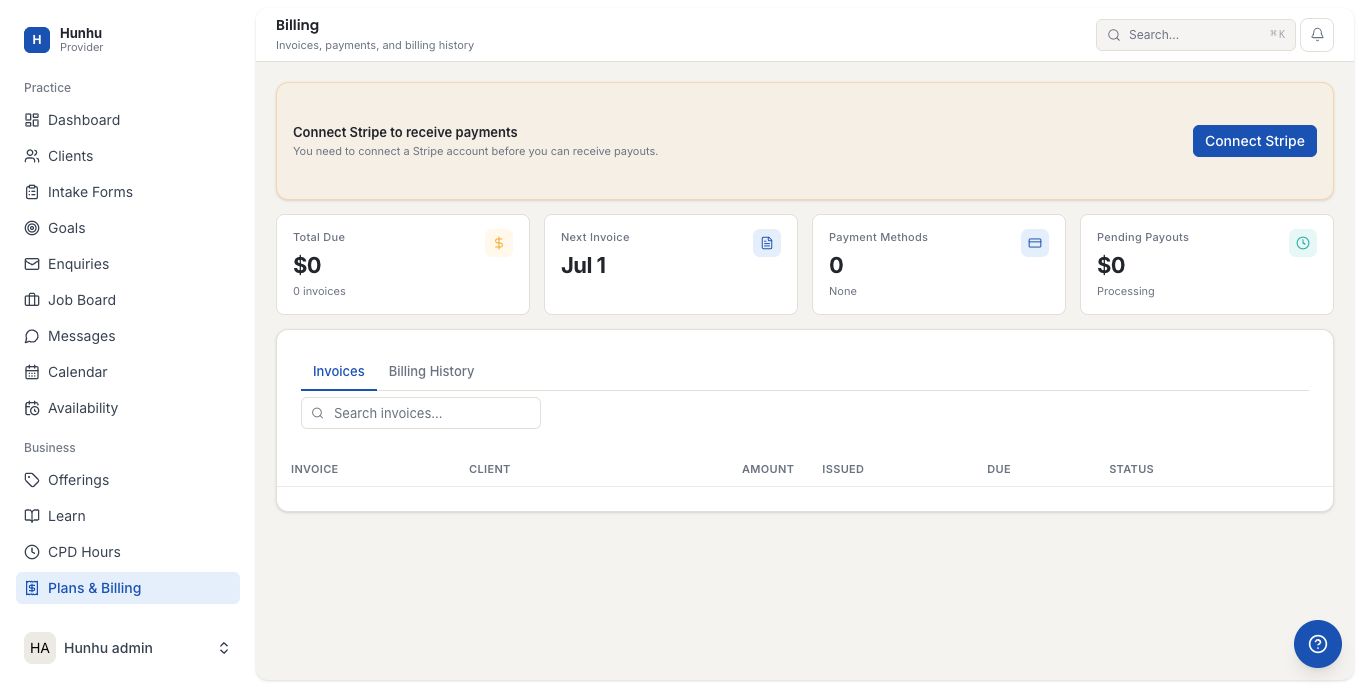
- View your current plan, upgrade options, and billing cycle.
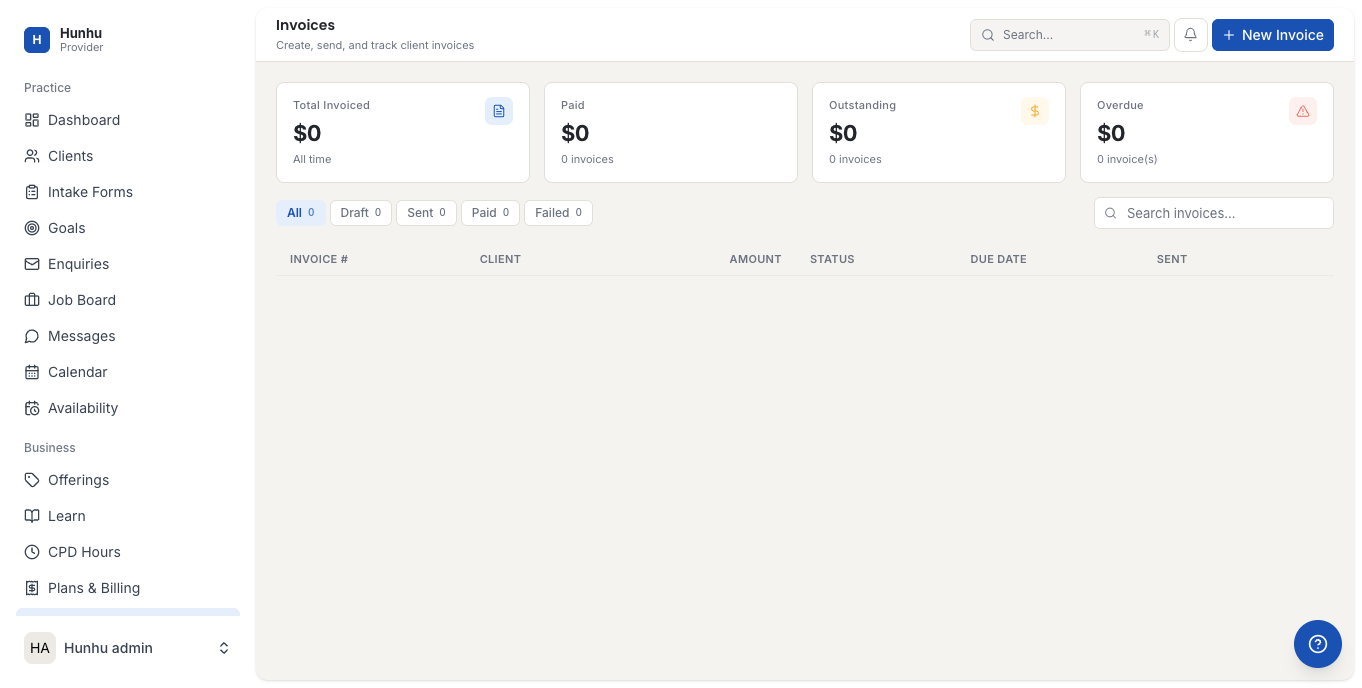
- Click Invoices to view and download past billing invoices.
Reports
- Click Reports in the sidebar.
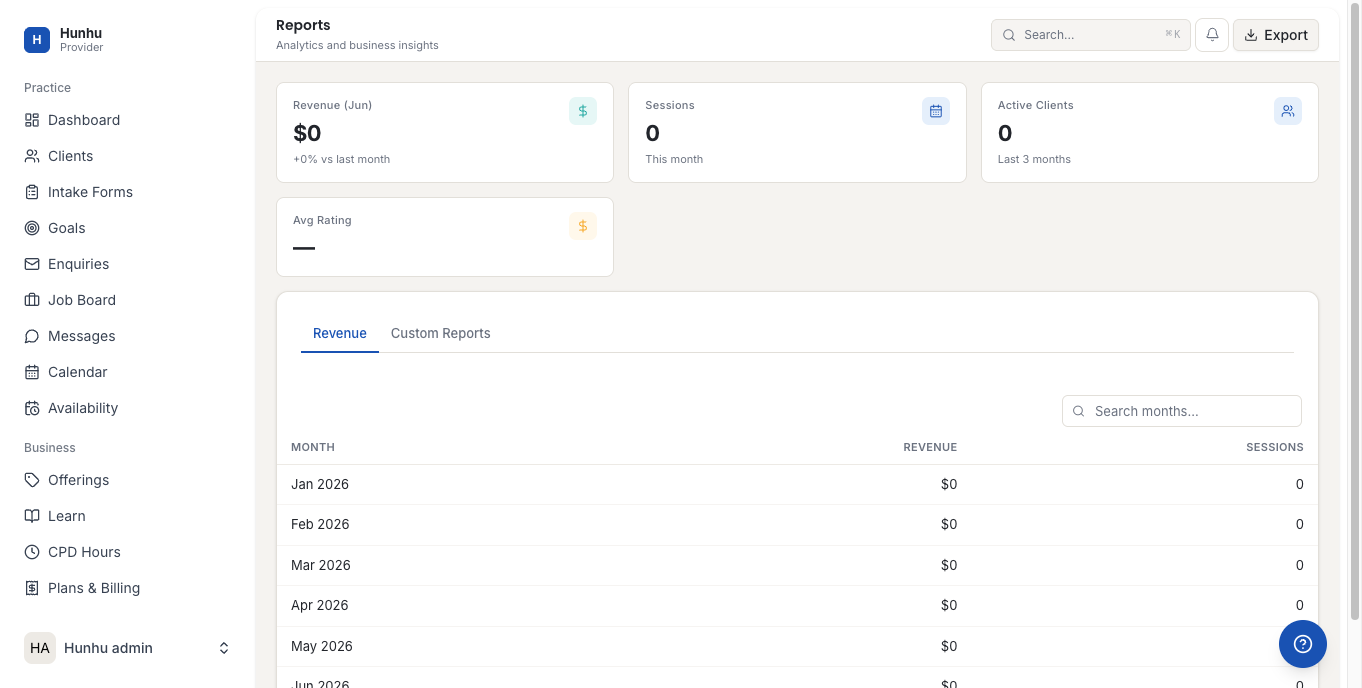
- View detailed reports on your sessions, client retention, earnings trends, and CPD progress.
Agency Requests
- Click Requests in the sidebar.
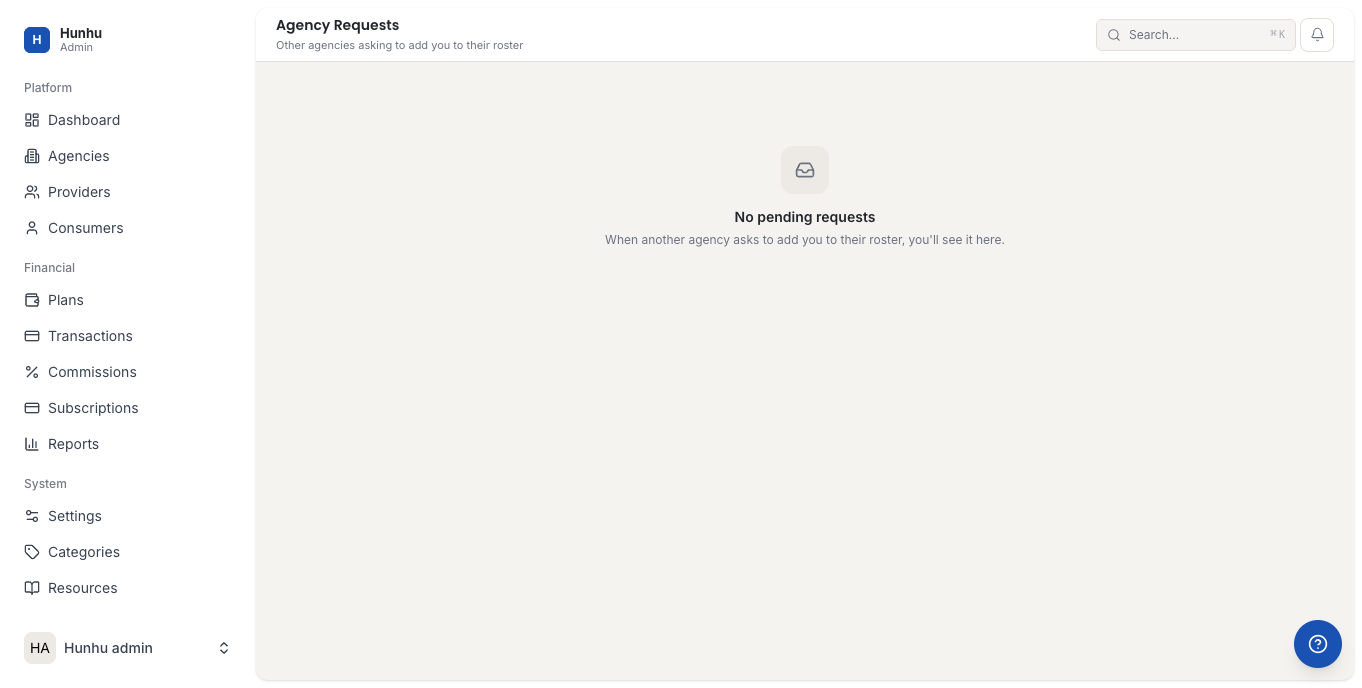
- View and respond to requests from agencies to join their network.
- Accept or decline invitations to become a listed provider with a specific agency.
Disputes
- Click Disputes in the sidebar.
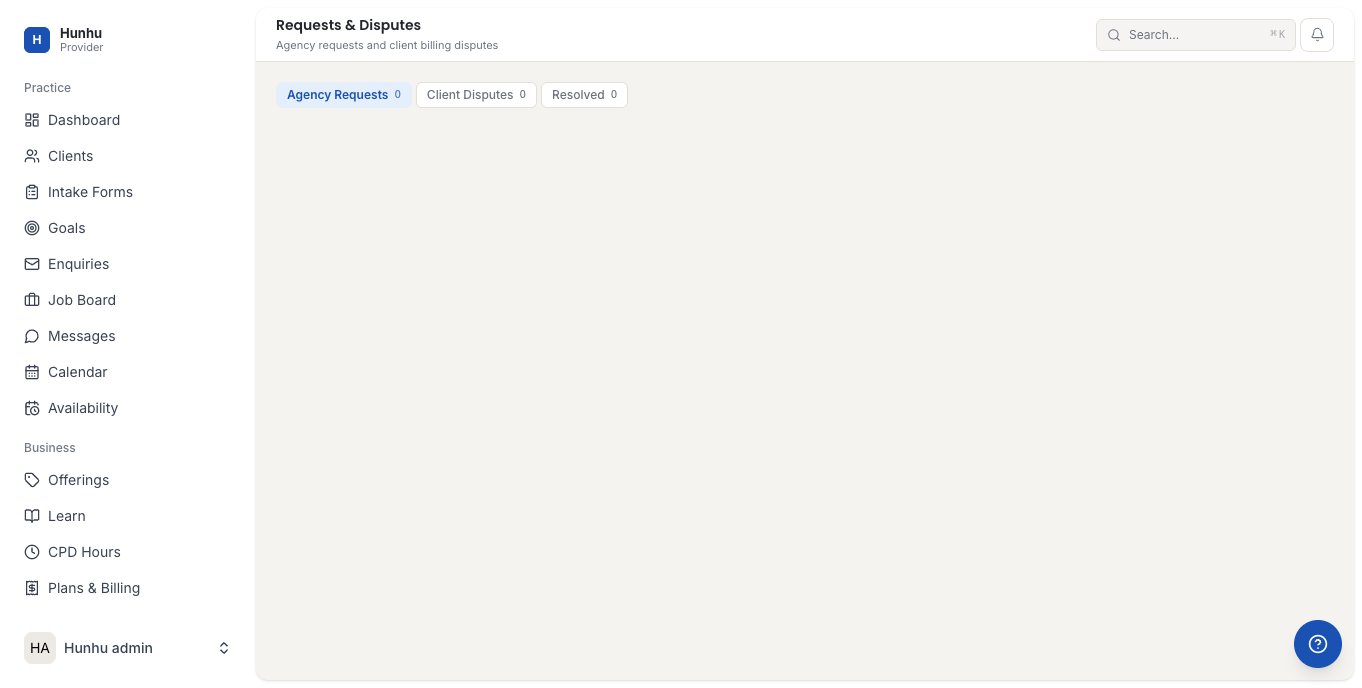
- View and respond to any open payment disputes raised by clients.
- Provide evidence or notes to support dispute resolution through the platform.
Discover Agencies
- Click Discover in the sidebar.
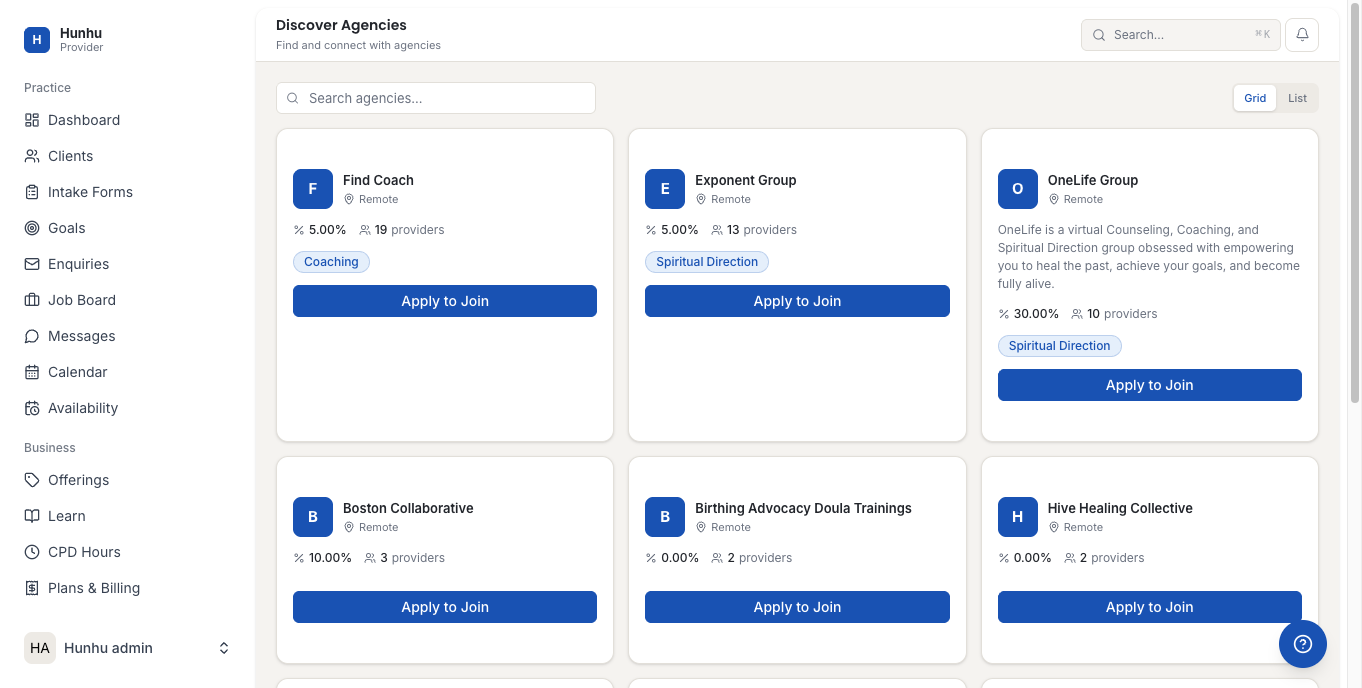
- Browse agencies that are actively recruiting providers to join their network.
- Submit a request to join an agency directly from their listing.
Was this helpful?
Still need help?
Our support team is here for you. Send us a message and we'll get back to you within 48 hours.