Agency Portal Overview
The Agency Portal is where your agency manages providers, clients, appointments, marketing, and settings. This article covers every section available in the Agency Portal.
Access the Agency Portal at admin.hunhu.us/agency using your agency credentials.
Dashboard
- Log in with your agency account. You land on the Agency Dashboard.
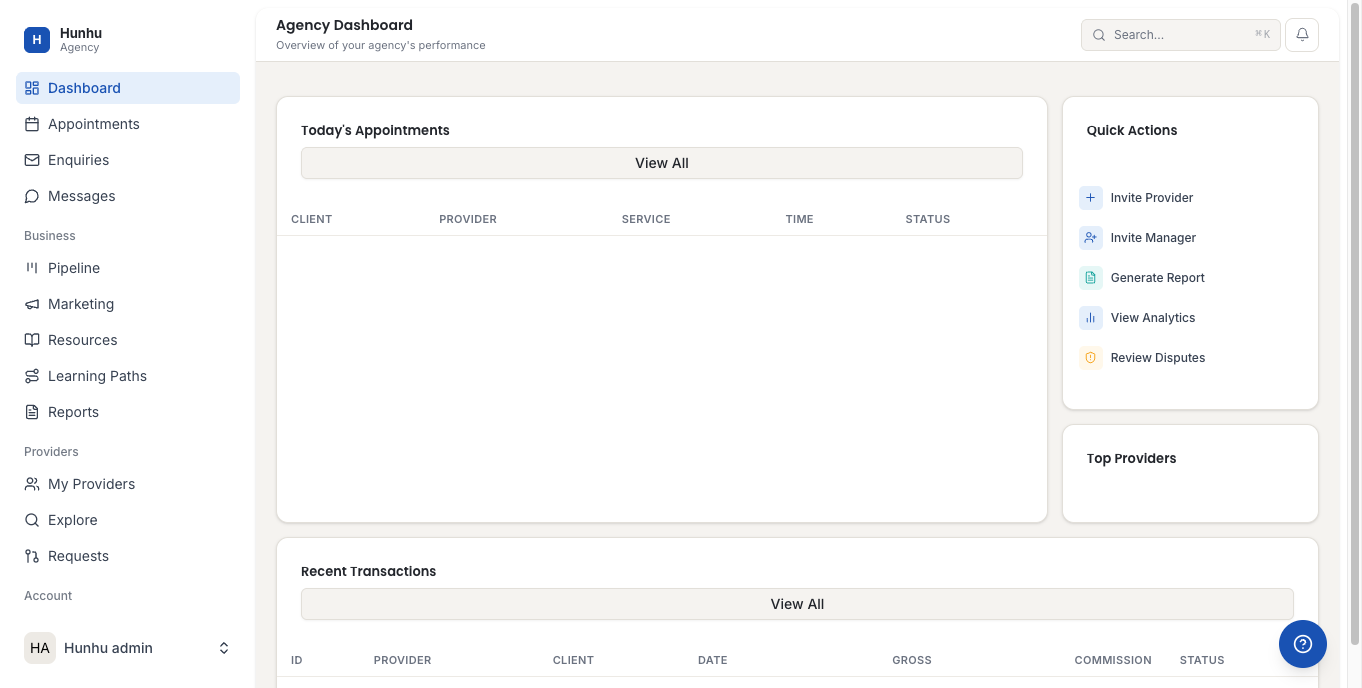
- The dashboard shows four stat cards at the top: Total Providers, Active Clients, Revenue, and Pending Disputes.
- The Quick Actions panel on the right gives one-click access to common tasks.
- The Top Providers list shows your highest-performing providers by revenue or sessions.
Appointments
- Click Appointments in the left sidebar.
- View and manage all appointments scheduled across your agency's providers.
- Filter by date range, provider, or status to find specific appointments.
Enquiries
- Click Enquiries in the sidebar.
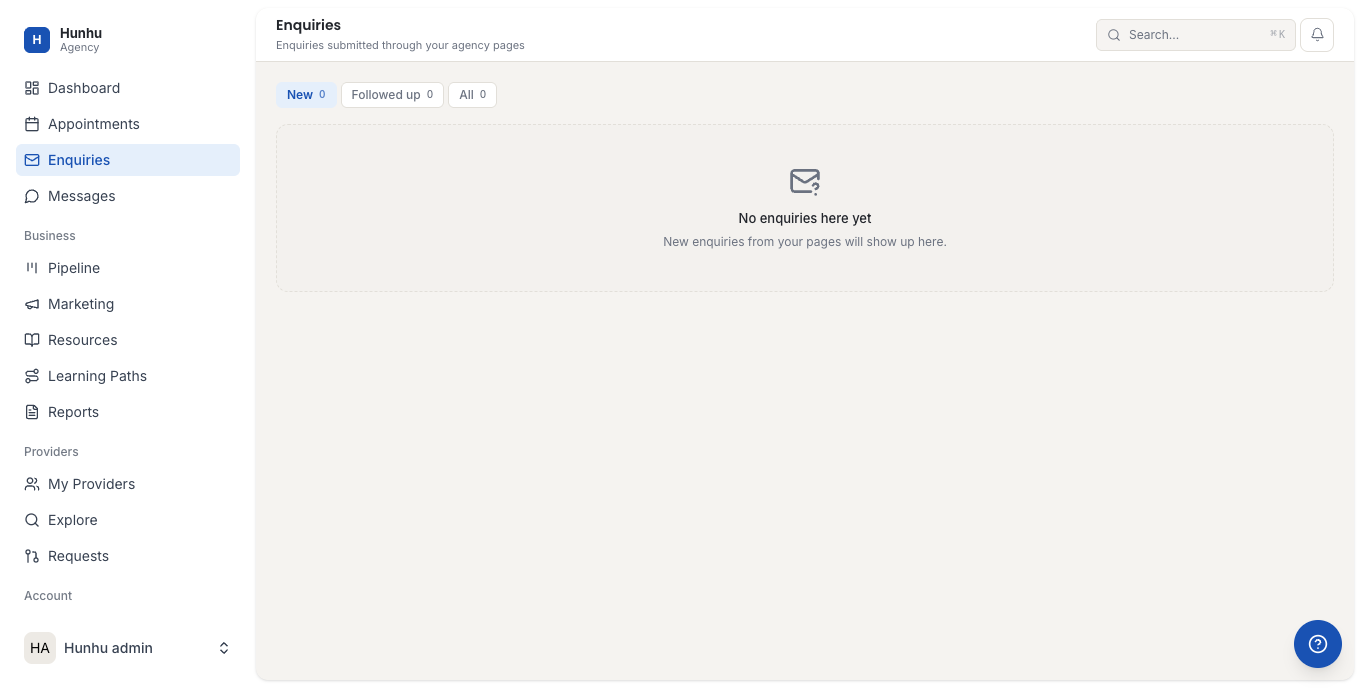
- Review incoming enquiries submitted through your agency's directory pages.
Messages
- Click Messages in the sidebar.
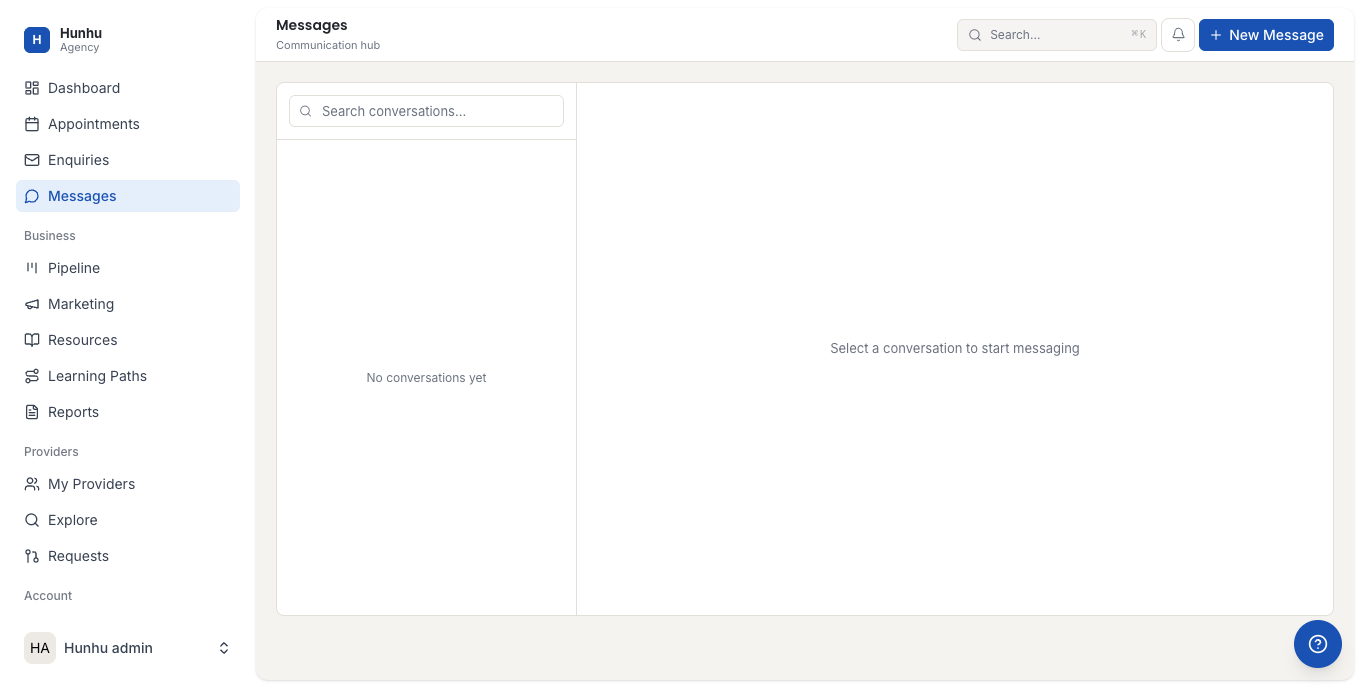
- View and respond to messages between your agency and clients or providers.
Pipeline
- Click Pipeline in the sidebar.
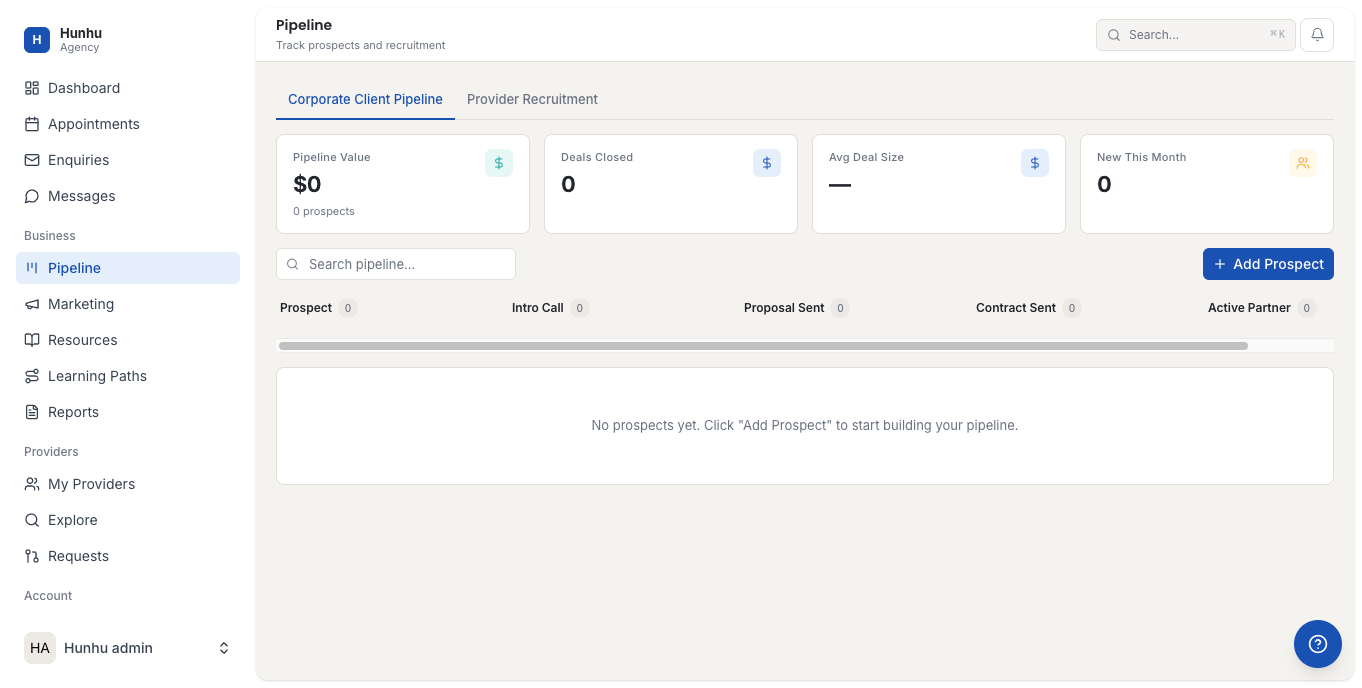
- Track potential client leads and move them through your agency's sales pipeline stages.
Marketing
- Click Marketing in the sidebar.
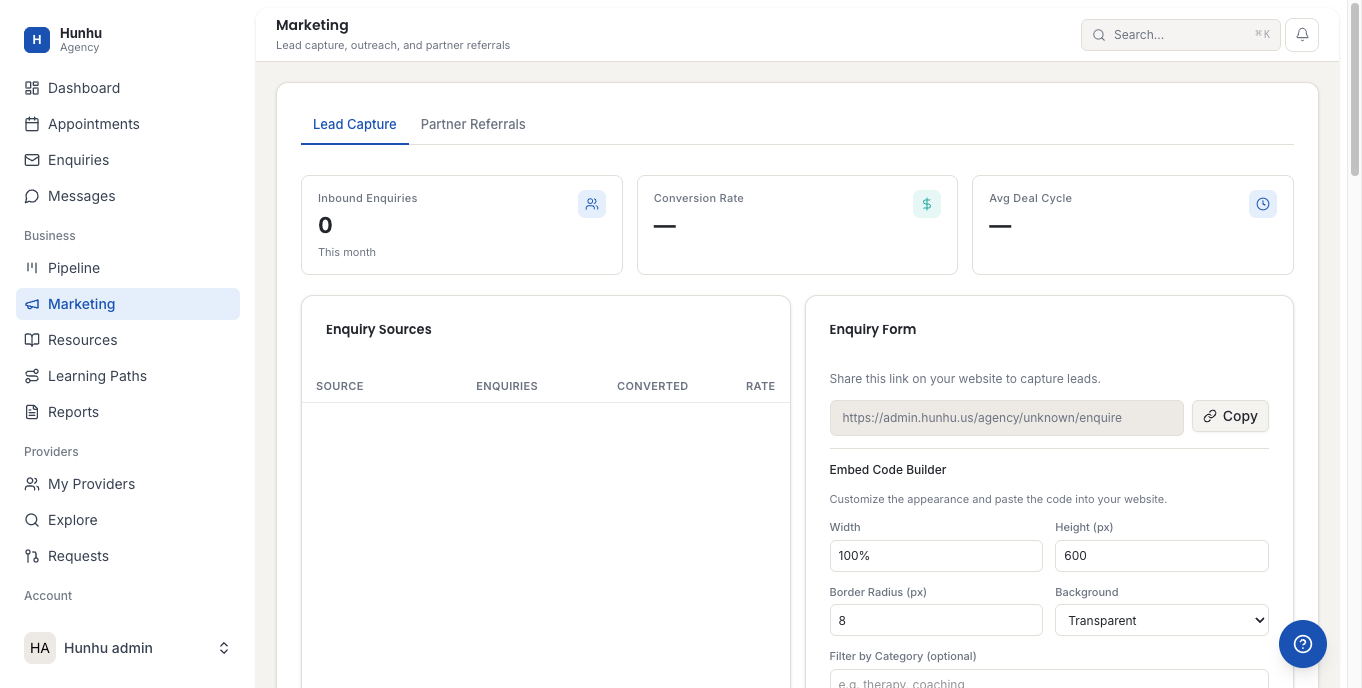
- Access marketing tools including campaign management and outreach features.
Resources
- Click Resources in the sidebar.
- View and manage resource documents shared with your providers. These appear in each provider's Learn section.
Learning Paths
- Click Learning Paths in the sidebar.
- Create and manage structured learning paths that your providers can follow for professional development.
Reports
- Click Reports in the sidebar.
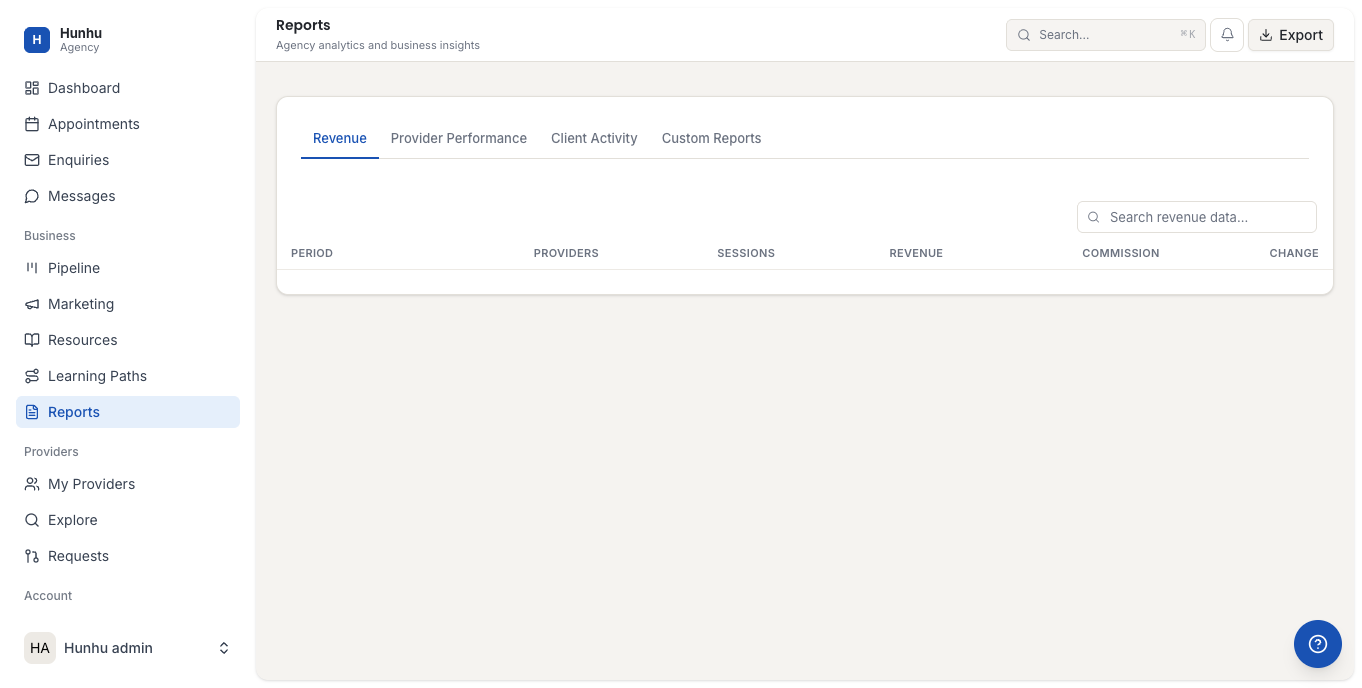
- Access detailed reports on appointments, revenue, provider performance, and client activity.
- Export reports for external use.
My Providers
- Click My Providers in the sidebar.
- See all providers currently associated with your agency, their status, and their activity metrics.
- Invite new providers or manage existing provider relationships from this page.
Explore
- Click Explore in the sidebar.
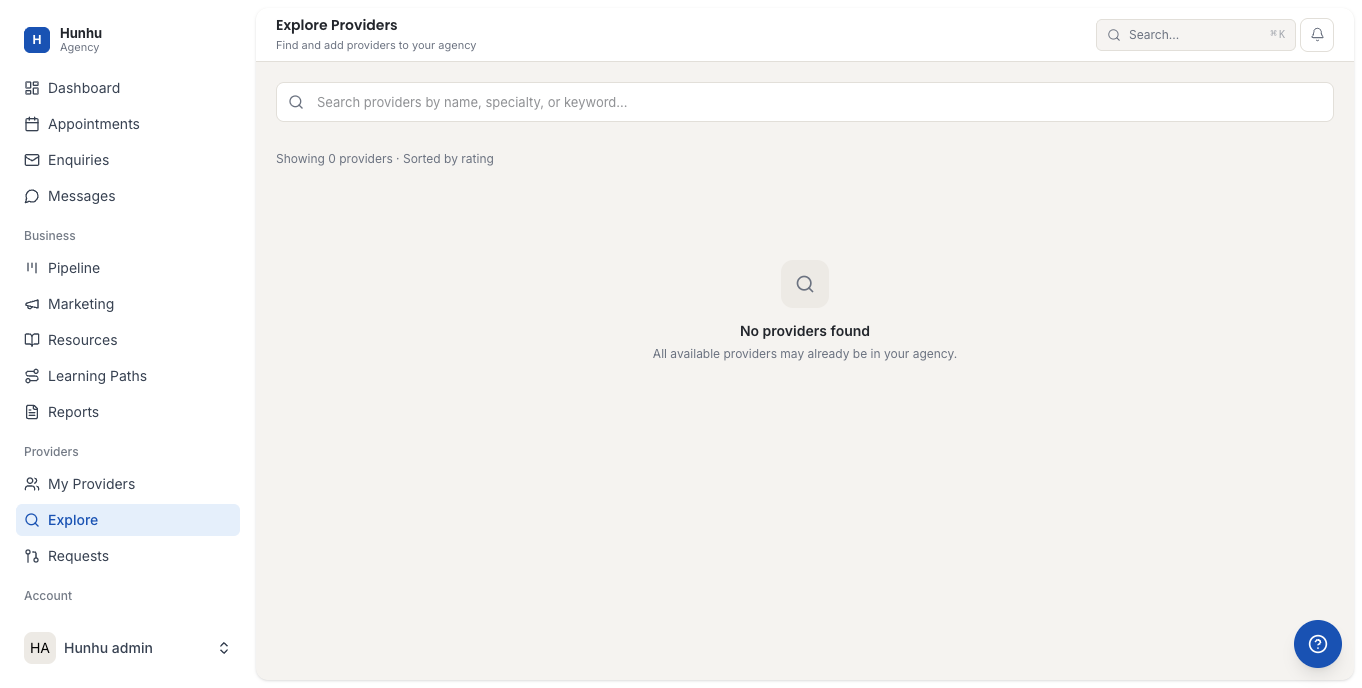
- Browse the full provider directory to discover independent providers and invite them to join your agency network.
Cross-Agency Requests
- Click Requests in the sidebar.
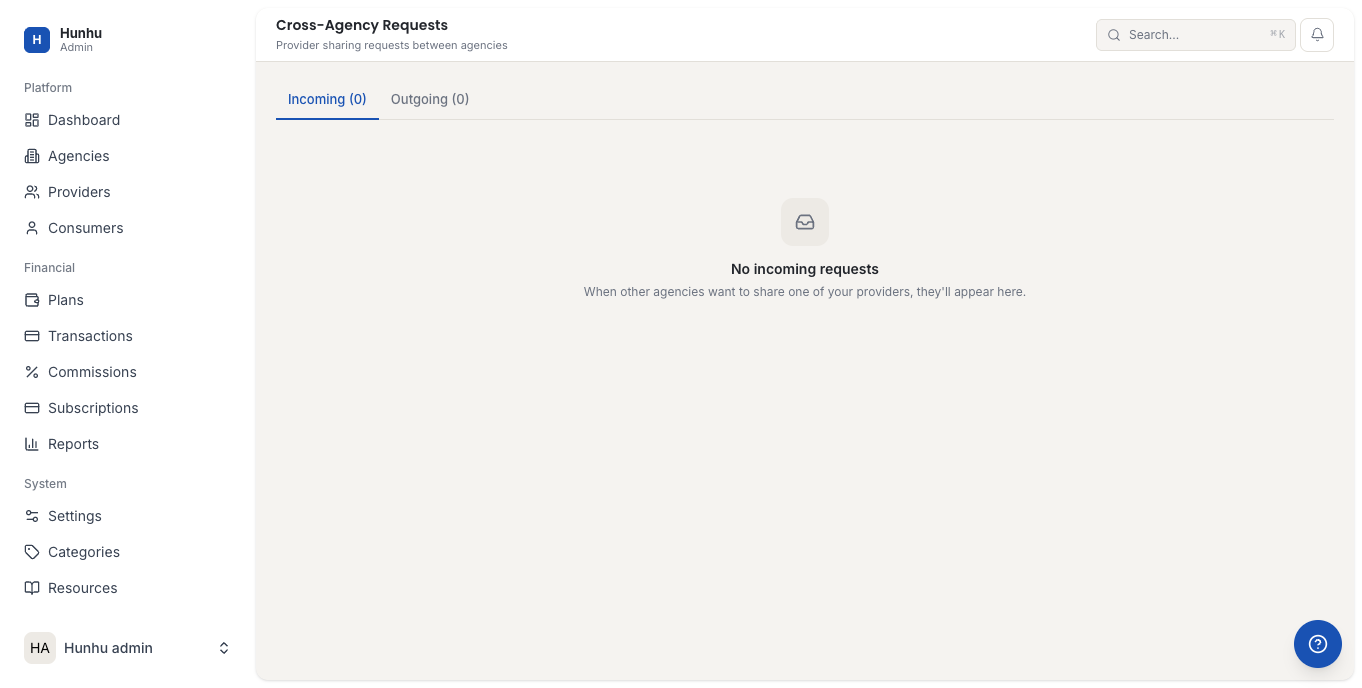
- Manage requests that have come in from clients across different agencies. This is useful when a client discovers a provider through one agency but their home agency is different.
Settings
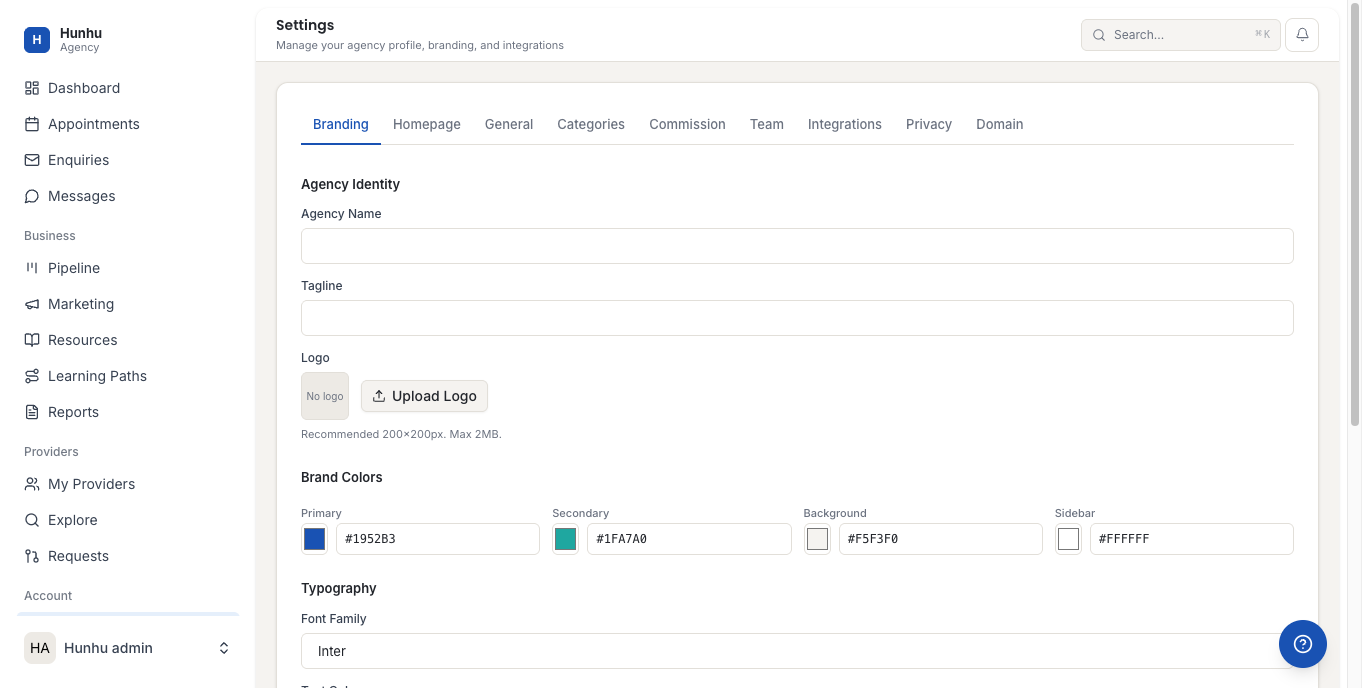
Agency Settings has nine tabs. See individual articles for detailed setup guides on each.
- Click Settings in the sidebar.
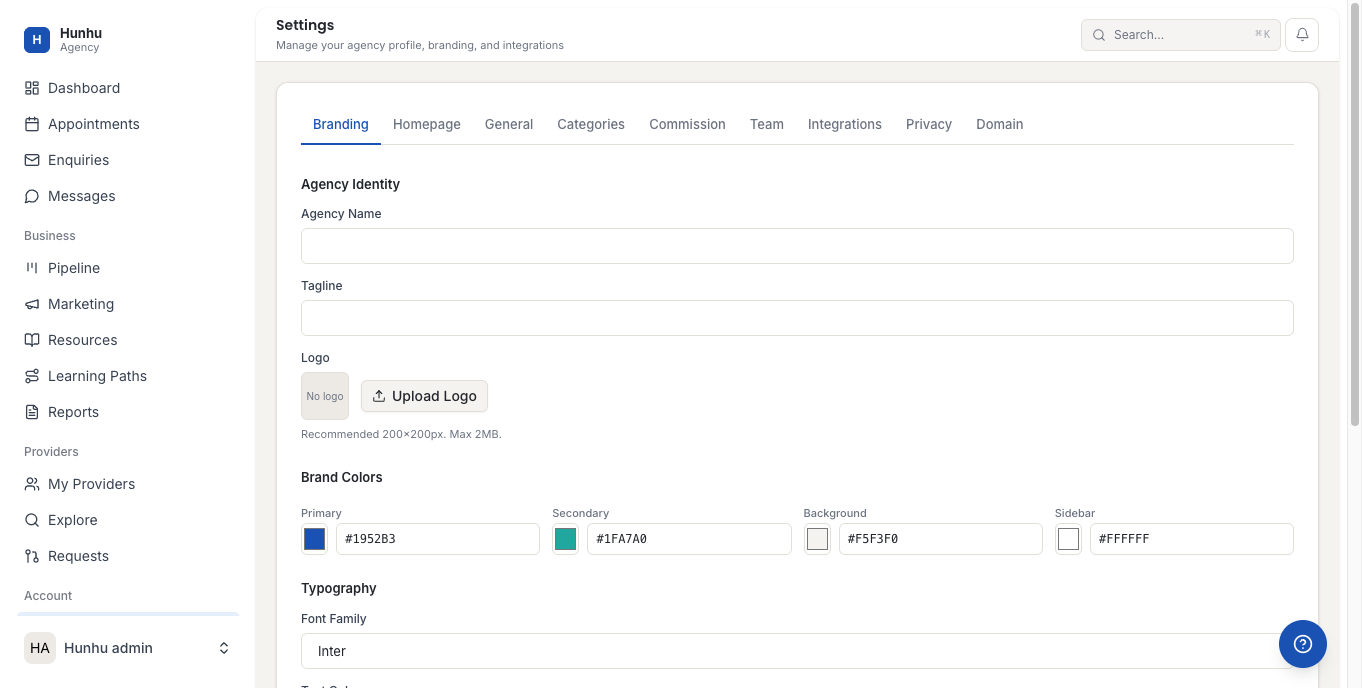
- The Settings page has these tabs:
- Branding - Logo, colors, fonts, and visual identity
- Homepage - Your agency's directory homepage layout
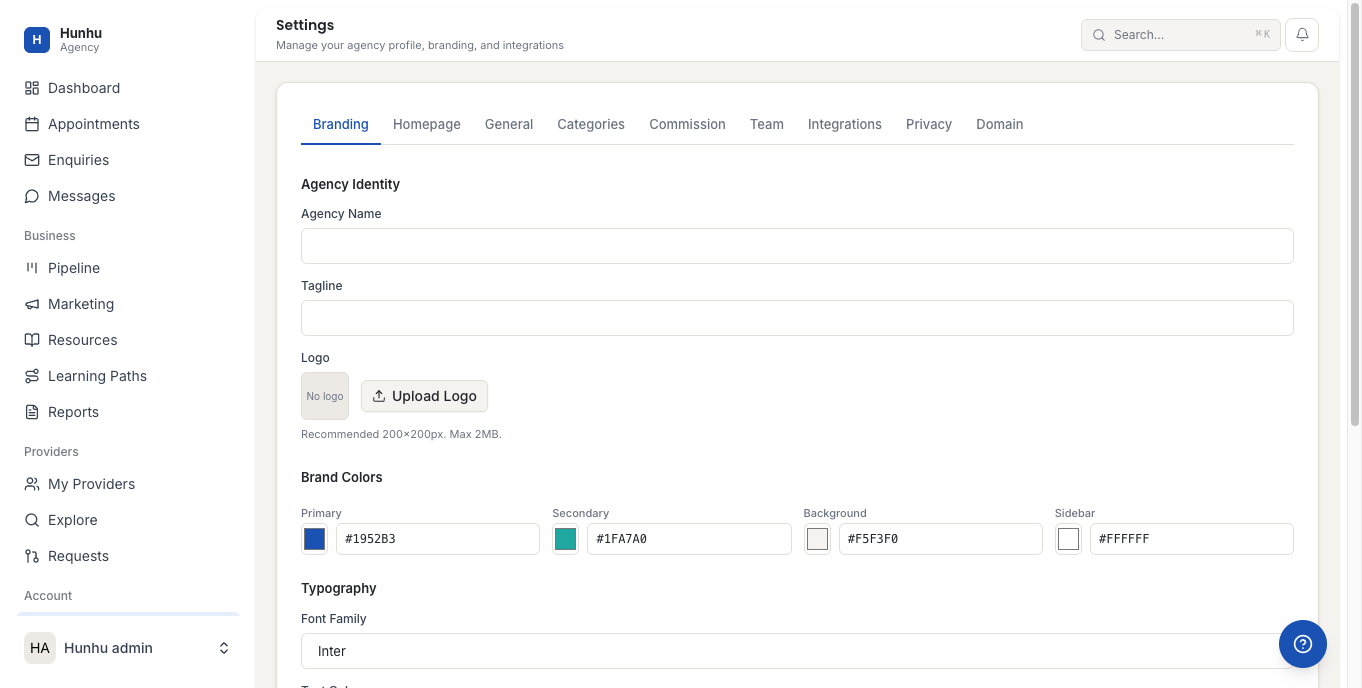
- General - Agency name, description, contact info
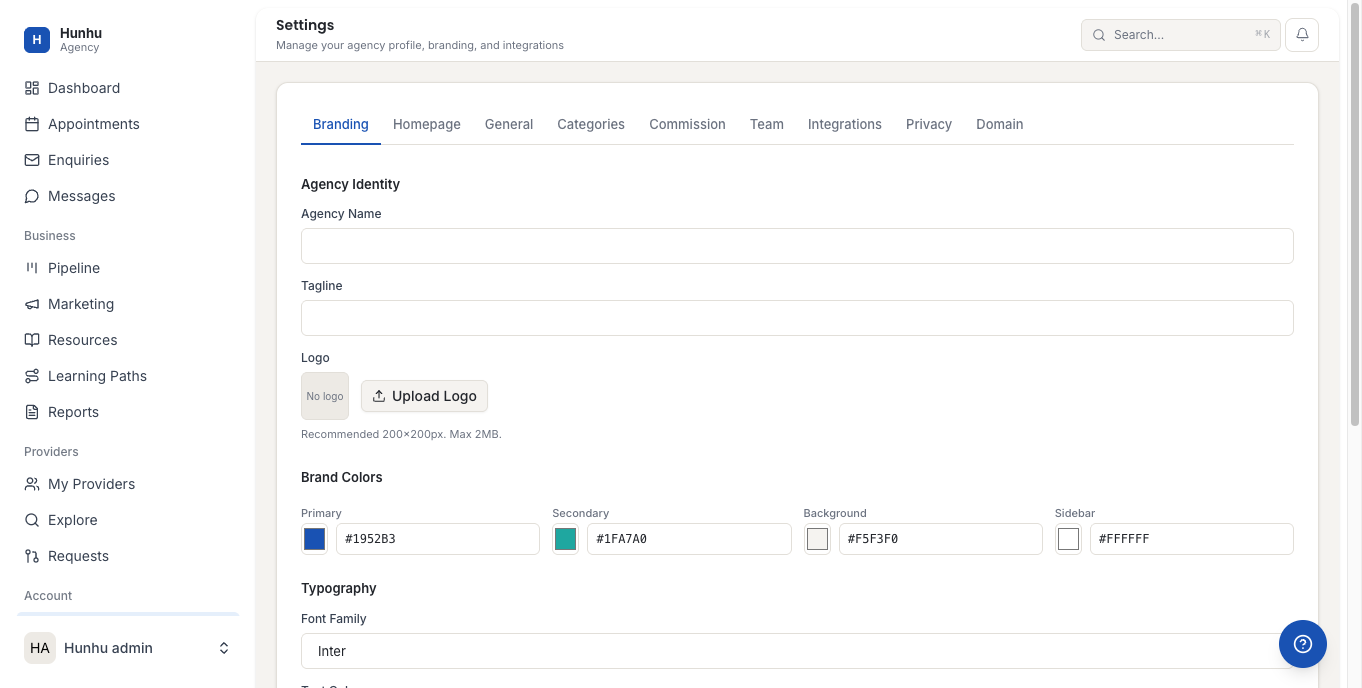
- Categories - Service categories visible in your directory
- Commission - Commission rates for provider referrals
- Team - Agency team members and their roles
- Integrations - Connect Stripe, Slack, HubSpot, Zoom, and manage email templates
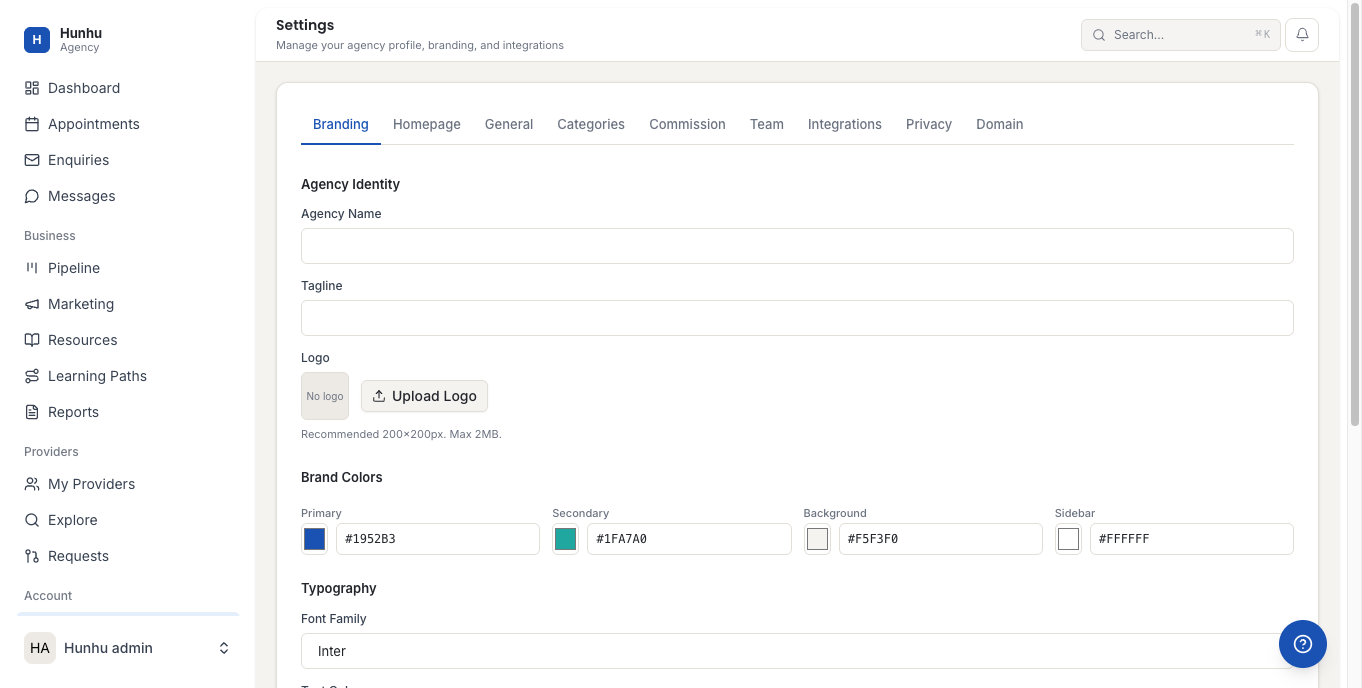
- Privacy - Privacy policy and data handling settings
- Domain - Custom domain configuration
Was this helpful?
Still need help?
Our support team is here for you. Send us a message and we'll get back to you within 48 hours.