Agency Reports
Agency Reports give you a complete operational picture of your directory — booking volumes, revenue, provider performance, client activity, and marketing results. Use the reports section to make data-driven decisions about your network, spot trends, and identify gaps.
Accessing Reports
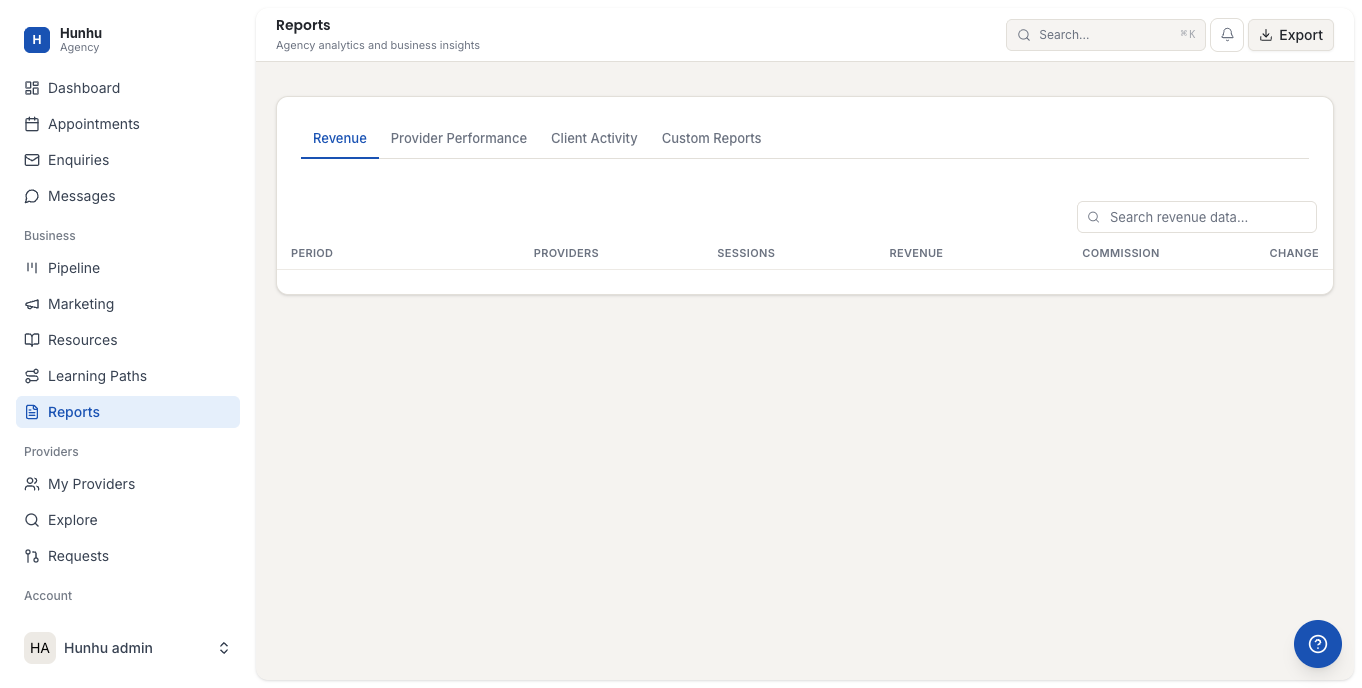
Go to Agency > Reports and select a report type from the navigation on the left. All reports can be filtered by date range. Use the date picker to compare periods or zoom into a specific month or quarter.
Booking Summary Report
Shows total appointments booked, completed, and cancelled across your network in the selected period. Includes a breakdown by provider so you can see who is driving the most session volume.
Revenue Report
Shows total gross revenue, commission earned by the agency, and net earnings paid out to providers. Filter by provider to see individual earnings. Use this to reconcile against your Stripe payouts.
Provider Performance Report
Compares providers by key metrics:
- Sessions delivered.
- Gross revenue generated.
- New vs returning clients.
- Enquiry-to-booking conversion rate.
- Average session rating (if ratings are enabled).
This report helps you identify your top performers, providers who may need support or coaching, and providers who are inactive and may need a follow-up.
Client Report
Shows client acquisition (new clients per period), retention (clients who booked more than once), and total active clients. A declining retention rate can indicate a quality or experience issue with providers or the booking process.
Enquiries Report
Shows enquiry volume, response time averages, and conversion rates. A low conversion rate with a high enquiry volume suggests the problem is in follow-up, not discovery. A low enquiry volume suggests a marketing or visibility gap.
Marketing Report
Shows email campaign performance, featured provider click-through rates, and discount code redemption. Use this alongside the Booking Summary to correlate marketing activity with booking spikes.
Exporting Reports
All reports can be exported to CSV by clicking Export in the top right of any report view. Use CSV exports for detailed analysis in spreadsheets or for sharing with your finance team.
Still need help?
Our support team is here for you. Send us a message and we'll get back to you within 48 hours.