Provider Goals
The Goals section allows you to set, track, and review objectives with your clients. It creates a shared record of what each client is working toward, making progress visible and keeping sessions focused.
Accessing Goals
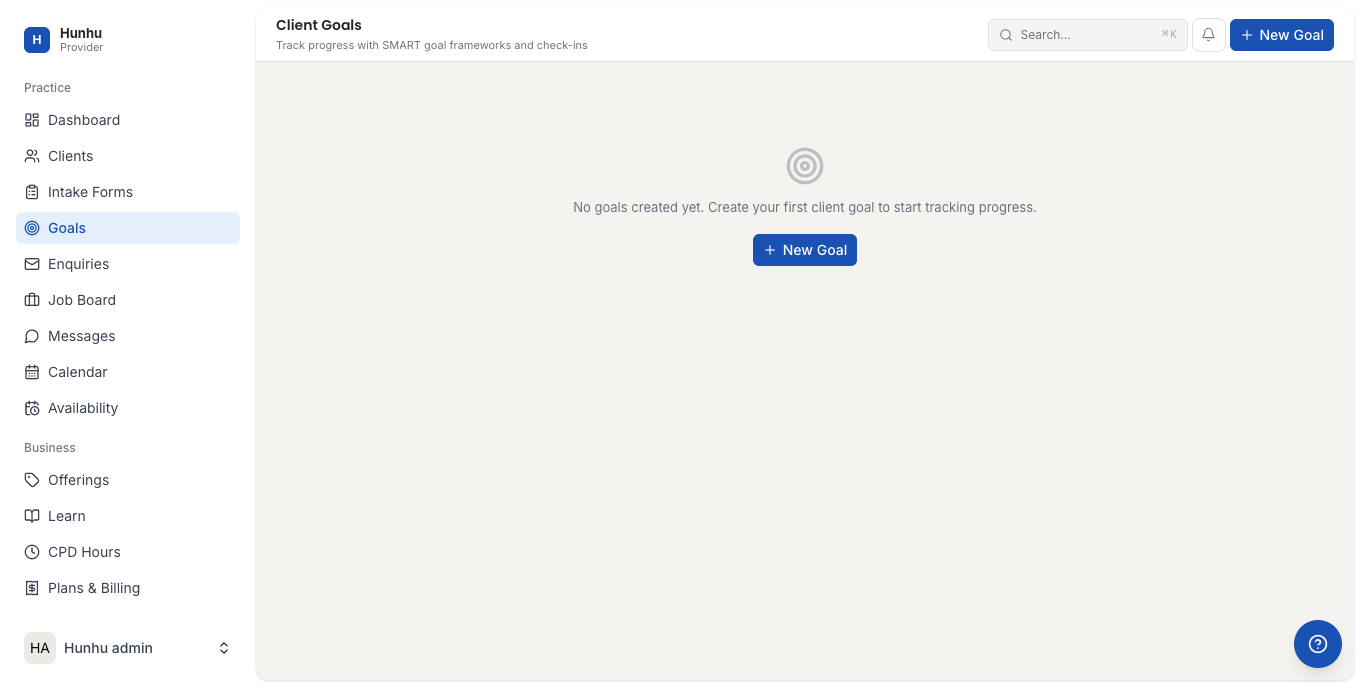
Go to Provider > Goals to see all goal records across your client base. You can filter by client or by status to focus on specific work.
Creating a Goal for a Client
- From the Goals list, click New Goal.
- Select the client the goal is for.
- Enter the goal title and a description of what the client wants to achieve.
- Set a target date if applicable.
- Set the initial status (e.g. Not Started, In Progress).
- Save the goal.
The client can view their goals in the Consumer portal under My Plan, so they always have a clear picture of what they are working toward.
Updating Goal Progress
- Open a goal from the list.
- Update the status — Not Started, In Progress, Achieved, or On Hold.
- Add a progress note describing what has been accomplished.
- Save the update.
Progress notes build a running log that is useful for session recaps and for the client to see how far they have come.
Linking Goals to Sessions
When adding notes to a completed appointment on the Calendar, you can reference or update the client's goals directly from the session record. This connects each session to the broader engagement arc.
Reviewing Completed Goals
When a client achieves a goal, mark it as Achieved and add a closing note. Completed goals remain in the record so both you and the client can reflect on progress over the course of the engagement.
Client Visibility
Clients can see their own goals in the Consumer portal. They cannot edit goals — only providers can create and update goal records. This keeps the goal structure under your professional guidance.
Still need help?
Our support team is here for you. Send us a message and we'll get back to you within 48 hours.