Consumer Appointments
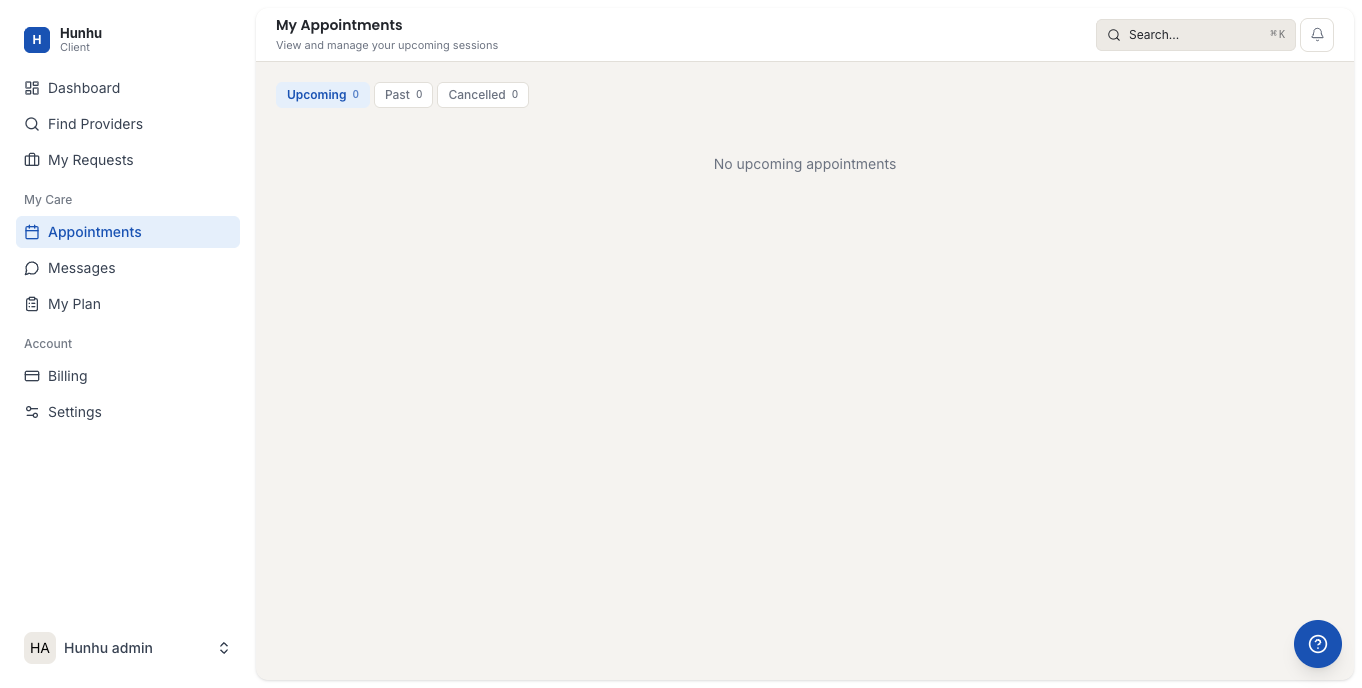
The Appointments section in the Consumer portal is where you manage all your booked sessions. You can see upcoming appointments, review past sessions, request rescheduling, and cancel bookings from here.
Viewing Your Appointments
Go to Appointments in the consumer navigation to see your session history and upcoming bookings.
Upcoming appointments are shown at the top. Each card displays:
- The provider's name and photo.
- The session type and duration.
- The date and time.
- A link to join if the session is virtual.
Joining a Virtual Session
If your provider offers virtual sessions, a Join Session link appears on your appointment card when the session is close to its start time. Click it to open the video call. Have your camera and microphone ready before joining.
Cancelling or Rescheduling
To cancel or reschedule a booking:
- Click on the appointment to open the details.
- Click Cancel or Request Reschedule.
- If cancelling, you will be shown whether the booking is eligible for a refund based on the agency's cancellation policy.
- Confirm your choice.
The provider is notified automatically when you cancel or request a reschedule. If rescheduling, the provider proposes alternative times and you confirm a new slot.
Cancellation Policy
Each agency sets its own cancellation policy. The policy for your booking is shown on the appointment details page. Common policies include full refund if cancelled more than 24 hours before the session, and no refund for late cancellations. If you are unsure, contact the agency before cancelling.
Past Sessions
Completed sessions appear under the Past tab in Appointments. Click any past session to see the date, provider, session type, and any notes the provider added. If the agency has enabled session ratings, you can leave a rating for completed sessions here.
Booking History and Receipts
For payment details and receipts related to your bookings, go to Billing in the consumer navigation. Each booking that generated a payment has a linked receipt you can download from there.
Still need help?
Our support team is here for you. Send us a message and we'll get back to you within 48 hours.