Provider Enquiries
Enquiries are messages from potential clients who are interested in working with you but have not yet booked a session. They are your main lead channel on Hunhu. This article explains how to view, respond to, and manage enquiries.
Where to Find Enquiries
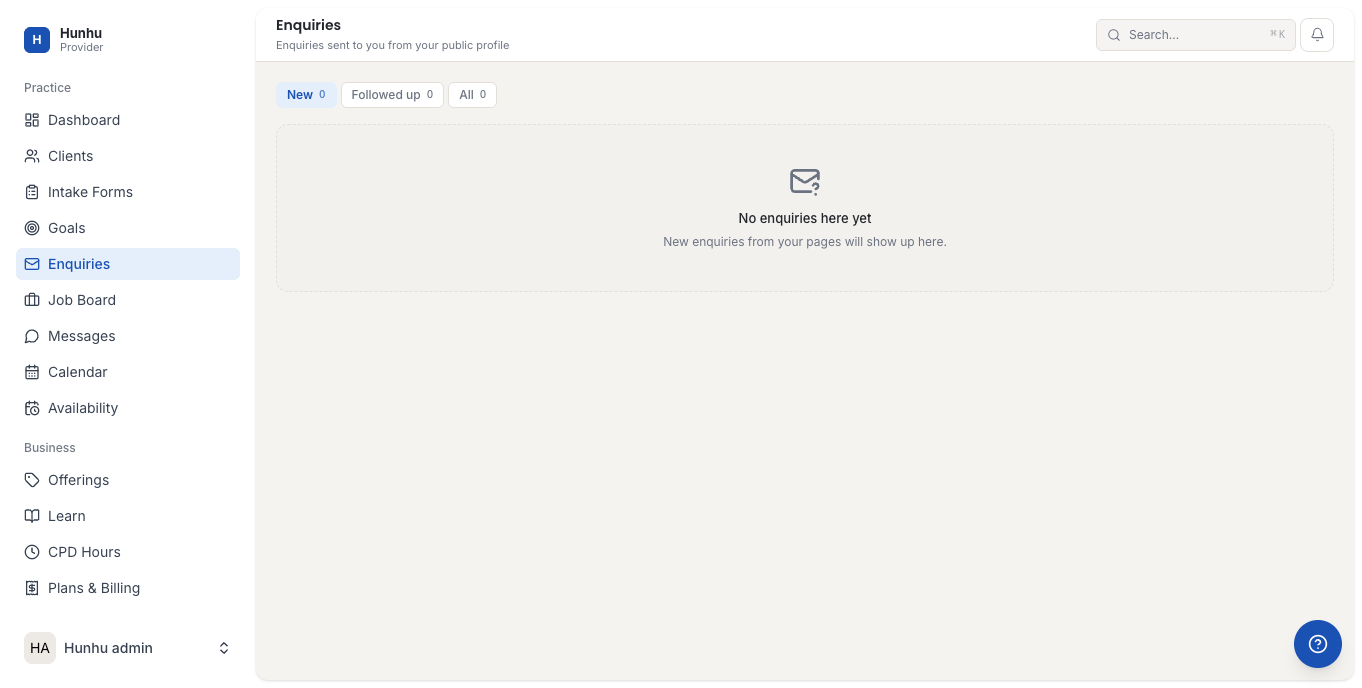
Go to Provider > Enquiries to see all inbound messages from prospective clients. Each enquiry shows:
- The client's name and when they sent the message.
- Their enquiry message or the service they are asking about.
- The current status (New, In Progress, Booked, Declined).
Responding to an Enquiry
- Click on an enquiry to open the detail view.
- Read the client's message and their profile information.
- Type your reply in the message field.
- Click Send Reply.
The client receives your reply by email and can respond through the platform. The conversation thread stays in the enquiry record for your reference.
Progressing from Enquiry to Booking
Once you and the client have agreed to work together, you can convert the enquiry to a booked session:
- Share a direct booking link to a specific offering.
- Or offer specific available times and let the client choose a slot.
Once the client books, the enquiry status updates to Booked and the session appears on your calendar.
Declining an Enquiry
If you are unable to take on a client or the enquiry is not a good fit, you can decline it:
- Open the enquiry.
- Click Decline.
- Optionally add a message explaining why (this is sent to the client).
Declining an enquiry removes it from your active queue and notifies the client that you are not available to help at this time.
Enquiry Status Reference
- New — Just received. No reply sent yet.
- In Progress — You have replied and the conversation is ongoing.
- Booked — The client has booked a session.
- Declined — You declined or the client did not proceed.
Tips for Faster Conversion
- Reply within 24 hours. Clients who get quick responses are much more likely to book.
- Include a direct link to your most relevant offering in your first reply.
- If the client has not booked after 48 hours, send a follow-up with two specific available times.
Still need help?
Our support team is here for you. Send us a message and we'll get back to you within 48 hours.