Managing Providers
Your provider network is the core of your agency's directory. Managing providers well — from recruiting and onboarding through to maintaining an active, high-quality roster — directly affects the experience your clients have when they browse and book.
The provider management tools in Hunhu are spread across three areas under the main navigation: My Providers (your active network), Explore (discovery of potential new providers), and Provider Requests (incoming join requests from providers who have applied to your network).
My Providers
Go to Agency > My Providers to see all providers currently in your network. For each provider you can see:
- Their name, photo, and primary category.
- Whether they are active in your directory or paused.
- Number of active offerings and bookings.
- Date they joined your network.
Inviting a Provider
To add a provider to your network directly:
- Click Invite Provider in My Providers.
- Enter the provider's email address.
- Add an optional personal message.
- Send the invitation.
The provider receives an email invitation. If they do not already have a Hunhu account, they are prompted to create one. Once they accept, they appear in your My Providers list and their profile becomes visible in your directory.
Removing a Provider
To remove a provider from your network:
- Find the provider in My Providers.
- Open their record and click Remove from Network.
- Confirm the removal.
Removing a provider from your network does not delete their Hunhu account. It simply unpublishes their profile from your directory. Any existing bookings they have with your clients remain active and must be handled separately.
Pausing a Provider
If a provider is temporarily unavailable but will return, you can pause them instead of removing them. A paused provider's profile is hidden from your directory but their account and booking history are preserved. Reactivate them when they are ready to take bookings again.
Explore
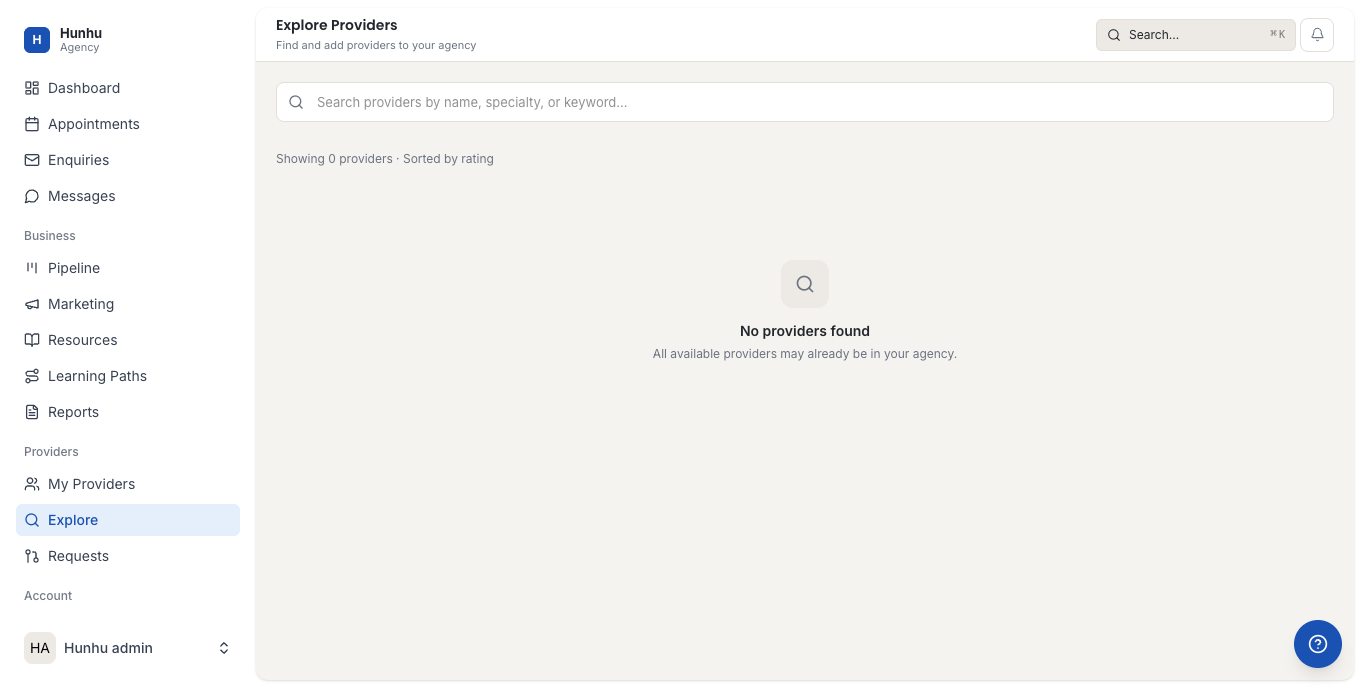
Go to Agency > Explore to search the broader Hunhu provider base for potential additions to your network. Use filters to find providers by:
- Category and specialty.
- Location.
- Availability status (accepting new clients / not accepting).
- Credentials or certifications.
When you find a provider you want to recruit, click Invite to Network on their profile. They receive an invitation and can accept or decline from their Agency Requests section.
Provider Requests
Go to Agency > Provider Requests to see providers who have applied to join your network on their own initiative. Each request shows the provider's profile, specialty, and their application message.
To process a request:
- Click on the request to review the provider's profile and credentials.
- Click Accept to add them to your network, or Decline to reject the application.
Accepted providers are immediately added to My Providers and their profile becomes visible in your directory based on their own offering visibility settings.
Provider Commission Rates
Your agency's default commission rate applies to all providers unless you set an individual override. To set a custom commission rate for a specific provider, open their record in My Providers and adjust the commission field. Custom rates take effect on new bookings immediately.
Still need help?
Our support team is here for you. Send us a message and we'll get back to you within 48 hours.