Consumer Billing
The Billing section is where you manage all payment-related matters — viewing invoices, downloading receipts, and updating your payment method. All financial transactions related to your bookings are recorded here.
Accessing Billing
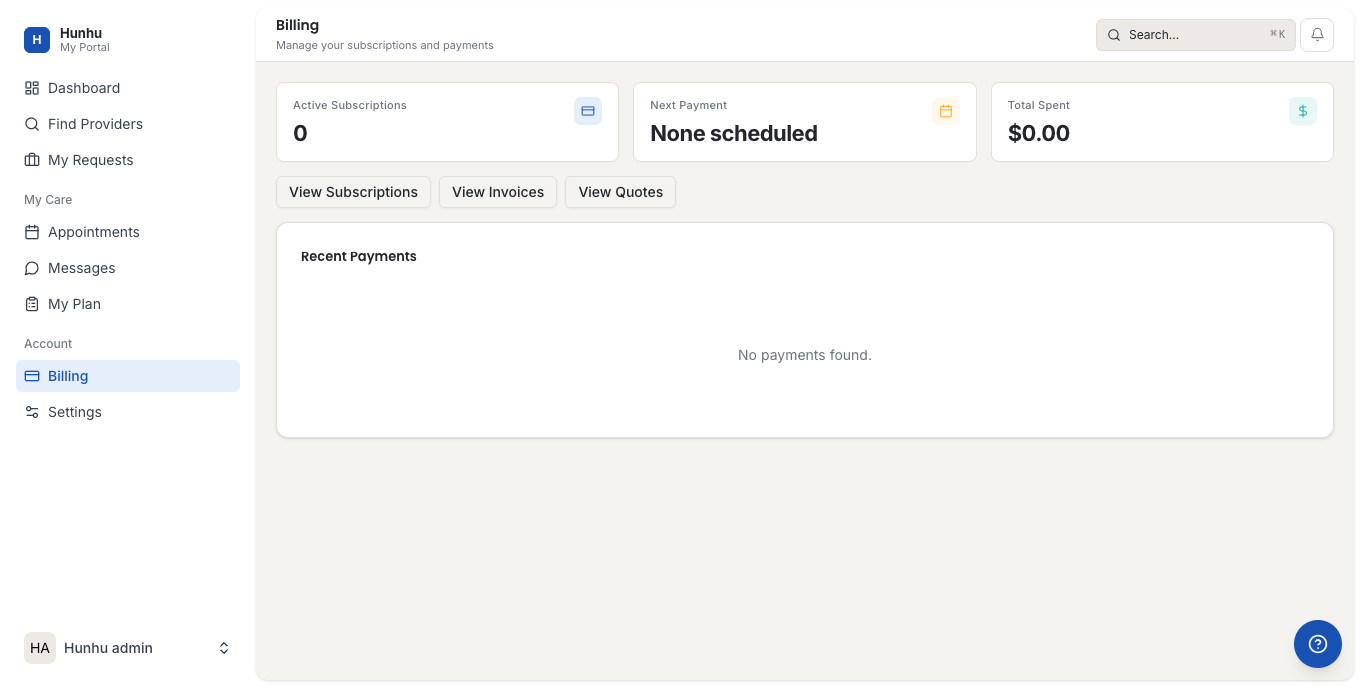
Go to Billing in the consumer navigation to see your payment history and billing settings.
Payment History
The payment history table shows all transactions associated with your account, including:
- Date of payment.
- Provider and session booked.
- Amount charged.
- Payment status (Paid, Pending, Refunded, Failed).
- A download link for the receipt.
Downloading a Receipt
To download a receipt for any payment:
- Find the transaction in your payment history.
- Click Download Receipt in the row.
- A PDF receipt opens and can be saved or printed.
Updating Your Payment Method
If your card has expired or you want to use a different card:
- Go to Billing > Payment Methods.
- Click Add Payment Method or select an existing card to update.
- Enter your new card details. These are stored securely via Stripe — the platform never stores your card number directly.
Refunds
If a session was cancelled and you are eligible for a refund, the refund appears in your payment history with a status of Refunded. Refunds typically take 3-5 business days to appear on your bank statement depending on your bank. If a refund does not appear after 7 days, contact the agency directly.
Failed Payments
If a payment fails, your booking remains in a pending state and you will receive an email asking you to update your payment method. Resolve the failed payment from the Billing section by updating your card and retrying the payment from the transaction record.
Questions About a Charge
If you see a charge you do not recognize or disagree with, contact the agency through Messages. Include the transaction date and amount so the agency team can investigate and resolve it quickly.
Still need help?
Our support team is here for you. Send us a message and we'll get back to you within 48 hours.