Exploring the Provider Network
The Explore section is where agencies discover providers on the Hunhu network and add them to their roster. You can search by name, specialty, or keyword, and browse the full directory of available providers sorted by rating.
Accessing Explore
Go to Providers > Explore in the left navigation of your Agency portal.
Searching for Providers
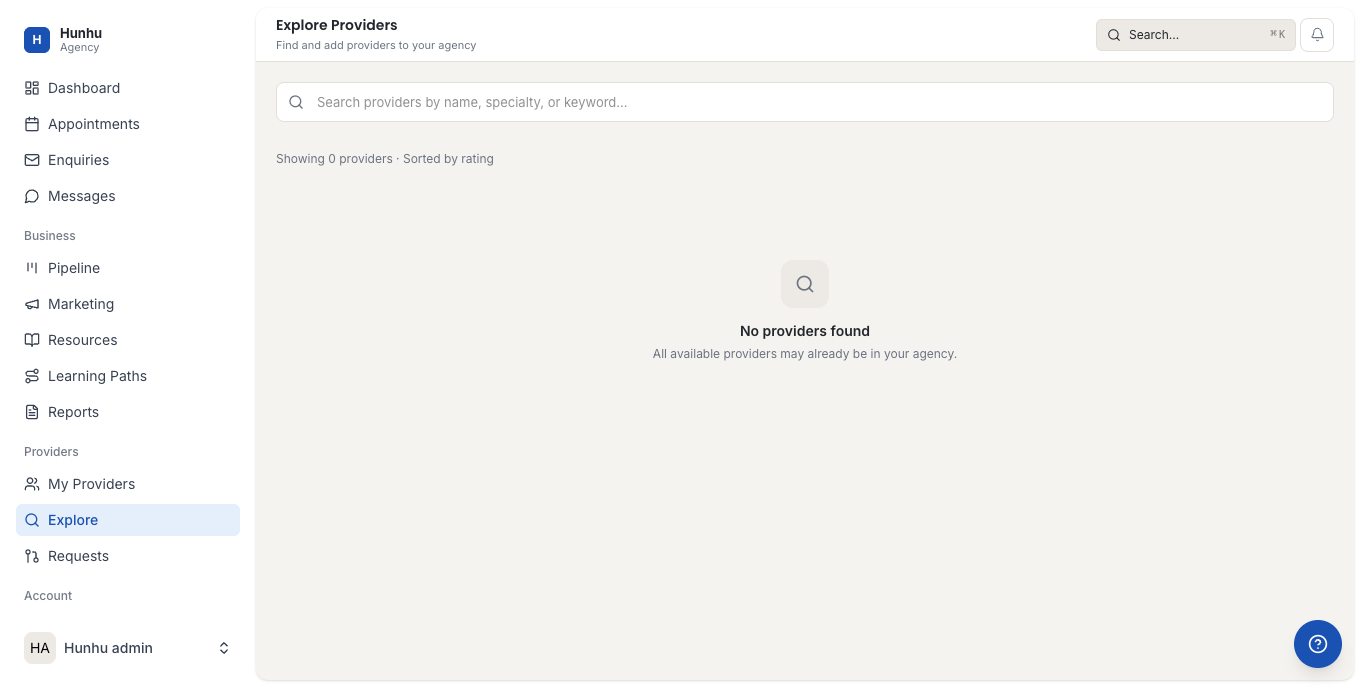
Use the search bar at the top to find providers by name, specialty, or keyword (for example: "anxiety," "CBT," or "leadership coaching"). Results are sorted by rating by default. Scroll through results or refine your search term to narrow the list.
Viewing a Provider Profile
Click on any provider card to open their full profile. A provider profile includes:
- Biography — Background, credentials, and approach.
- Specialties — Focus areas and populations served.
- Service offerings — Session types, duration, and pricing.
- Ratings — Aggregate rating from consumer feedback.
- Availability overview — General scheduling availability.
Adding a Provider to Your Agency
To invite a provider to your agency:
- Open their profile from the Explore results.
- Click Invite to Agency.
- The provider receives an invitation notification and must accept before they appear in your My Providers list.
Providers already in your agency do not appear in Explore results.
Cross-Agency Provider Sharing
If a provider you want is already affiliated with another agency, you can submit a sharing request instead of a direct invitation. See Cross-Agency Provider Requests for how this works.
Tips for Finding the Right Providers
- Search by condition or modality (e.g., "EMDR," "somatic," "executive coaching") to find specialists.
- Check a provider's rating and review count before inviting — higher volume indicates established practice.
- Providers with complete profiles (photo, bio, and multiple service offerings) typically have better consumer conversion rates.
Still need help?
Our support team is here for you. Send us a message and we'll get back to you within 48 hours.