Cancellations and Rescheduling (Consumer)
As a consumer, you can cancel or request to reschedule an appointment directly from your Hunhu portal. This article explains how to manage your bookings and what to expect when appointments change.
Viewing Your Appointments
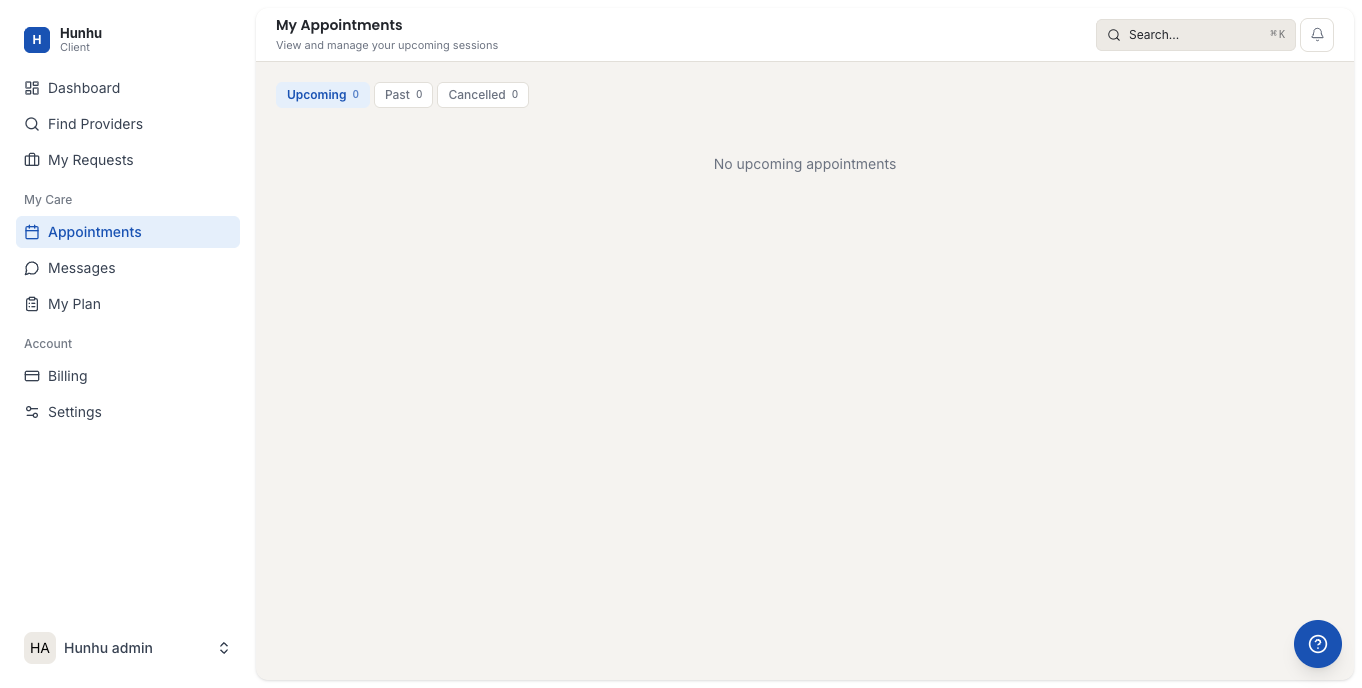
Go to Appointments in the left navigation of your Consumer portal. Your upcoming and past appointments are listed with the provider name, date, time, and current status.
Cancelling an Appointment
To cancel an upcoming appointment:
- Find the appointment in your list and click on it to open the detail view.
- Click Cancel Appointment.
- Select a reason for cancellation.
- Review the cancellation policy (if one is in effect) and confirm.
Your provider receives a notification when you cancel. A cancellation confirmation is sent to your email.
Cancellation Policies
Each agency may have its own cancellation policy that specifies:
- Notice window — How far in advance you must cancel to avoid a fee (e.g., 24 or 48 hours before the appointment).
- Late cancellation fee — A fee charged if you cancel within the notice window.
- No-show fee — A fee charged if you do not attend and do not cancel.
The specific policy for your appointment is shown before you confirm a cancellation. If you have questions about a fee, contact the agency directly.
Requesting to Reschedule
To move an appointment to a different time:
- Open the appointment detail view.
- Click Reschedule.
- Select a new available time slot from your provider's calendar.
- Confirm the request.
Your provider receives a reschedule notification. Depending on your agency's settings, the reschedule may be confirmed automatically or may require provider approval before it is finalized.
When Your Provider Cancels or Reschedules
If your provider cancels or reschedules an appointment, you will receive an email and in-app notification with the details. If the appointment is rescheduled:
- You will see the proposed new time in your Appointments list.
- Click Confirm to accept the new time, or Decline to cancel the appointment instead.
If you do not respond to a reschedule request within the response window (typically 48 hours), the appointment may be automatically cancelled. You will receive a reminder notification before the window closes.
Missing an Appointment
If you miss an appointment without cancelling (a no-show), the appointment will be marked accordingly in your history. Any applicable no-show fees will be applied per the agency's policy. To avoid no-show fees, always cancel as early as possible if you cannot attend.
Getting Help
If you need to make a last-minute change or have a billing question related to a cancellation, contact your provider's agency directly through the platform's messaging feature or by the contact information in your appointment confirmation email.
Still need help?
Our support team is here for you. Send us a message and we'll get back to you within 48 hours.