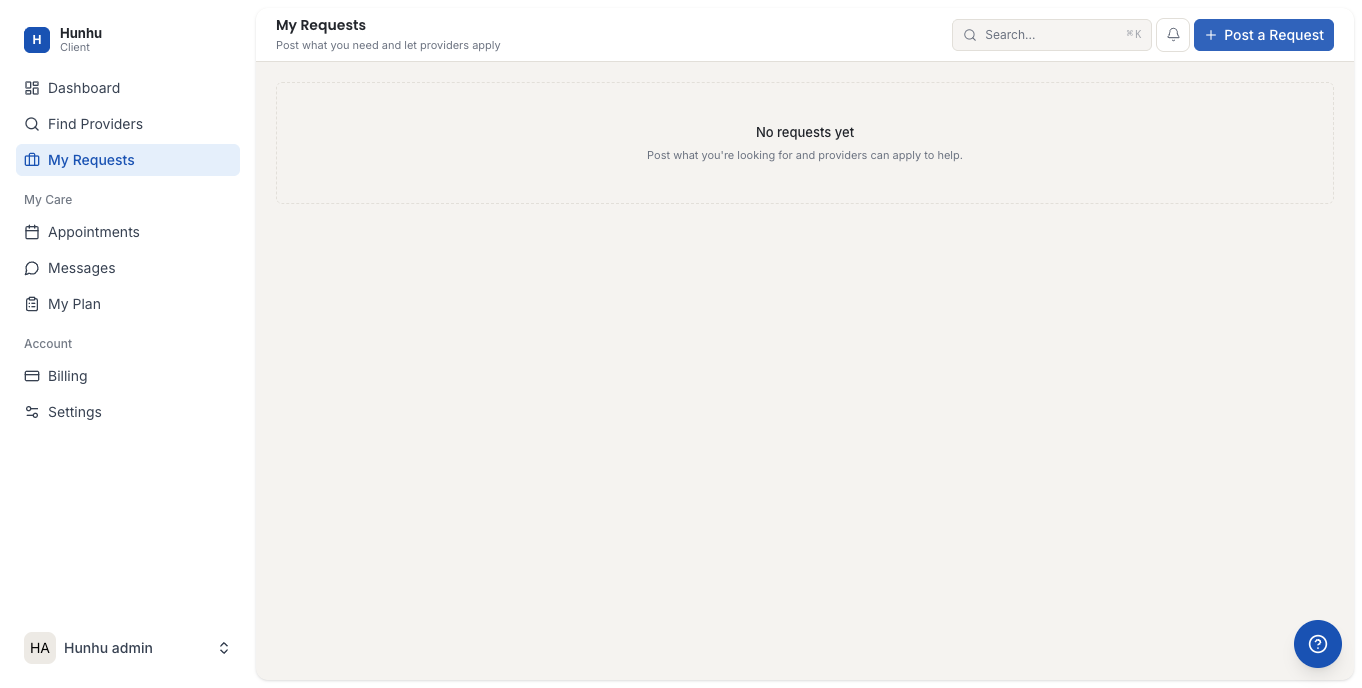
My Requests
My Requests is where you can post an open request for a provider with specific expertise or availability. Instead of browsing the directory and contacting providers one by one, you describe what you are looking for and interested providers respond to you.
How Requests Work
- You post a request describing what kind of support you are looking for.
- Providers in the network who match your criteria can see the request and send you a response.
- You review the responses, look at provider profiles, and choose who you want to work with.
- You book directly with the provider you select.
This is especially useful when you are new to the platform and do not know which provider is the right fit, or when you have very specific requirements that are hard to find through browsing alone.
Posting a Request
- Go to My Requests in the consumer navigation.
- Click New Request.
- Fill in the request form:
- Title — A short summary of what you are looking for (e.g. "Looking for a spiritual director in the UK").
- Description — More detail about your situation, what kind of support you need, how often you would like to meet, and any preferences about approach or background.
- Category — Select the service category most relevant to your need.
- Session format — In person, virtual, or either.
- Budget — Optional. Indicating a rough budget helps providers respond with appropriate offerings.
- Click Post Request.
Reviewing Provider Responses
As providers respond to your request, their replies appear in the request's response section. Each response includes:
- The provider's message introducing themselves and their approach.
- A link to their full profile so you can review their experience, categories, and offerings.
Take your time reviewing responses. You are not obligated to book with the first provider who responds.
Managing Your Requests
- A request stays open until you close it or book with a provider.
- You can edit a request if you want to add more detail or change your requirements.
- Once you have found the right provider and booked a session, you can close the request to stop receiving further responses.
Privacy
Your request is visible to providers within the agency's network. Your full name may or may not be visible depending on the agency's settings. Providers see enough detail to respond meaningfully but not your full contact details until you choose to engage with them.
Still need help?
Our support team is here for you. Send us a message and we'll get back to you within 48 hours.