Agency Messages
Agency Messages is your inbox for communications sent directly to the agency rather than to a specific provider. Use it to handle general client questions, communicate with providers in your network, and manage any messages that need agency-level attention.
Accessing Agency Messages
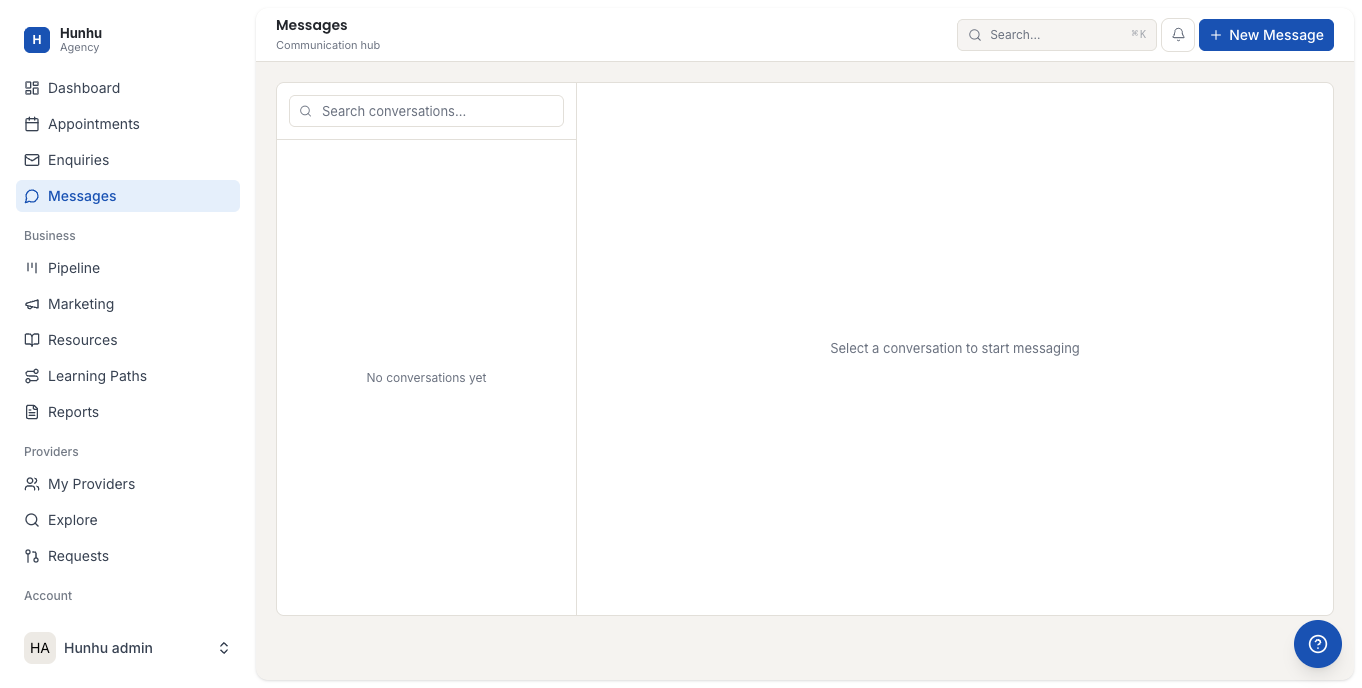
Go to Agency > Messages to see all conversations associated with your agency account. The inbox is organized by conversation thread, with the most recent message visible in the list.
Sending a Message
You can initiate a conversation with:
- A client — to follow up on an enquiry, welcome a new client, or communicate about a booking.
- A provider — to share updates, request information, or communicate privately about their account.
- Click New Message.
- Search for the client or provider by name.
- Type your message and send.
Message Categories
Use the filter tabs at the top of the inbox to separate:
- Client Messages — Conversations with consumers and potential clients.
- Provider Messages — Internal communications with providers in your network.
Team Members and Message Access
All agency team members with messaging access can see and reply to messages in the Agency inbox. This is a shared inbox — responses from any team member appear under the agency account, not an individual's name. Use this for consistent client-facing communication from your agency.
Notifications
New messages appear as in-app notifications and trigger email alerts to the agency team. Check your notification preferences under Settings > Notifications to control how and when you are alerted to new messages.
Still need help?
Our support team is here for you. Send us a message and we'll get back to you within 48 hours.