Agency Enquiries
The Enquiries section in the agency portal gives you visibility across all inbound client enquiries directed at your network. While providers handle their own enquiries directly, you can monitor, reassign, and step in when needed — especially for enquiries that come in through your agency's general contact channel.
Types of Enquiries in the Agency Portal
- Direct provider enquiries — A client messaged a specific provider. These are managed by the provider, but you can view them for oversight.
- General agency enquiries — A prospective client reached out to the agency without selecting a specific provider. These need to be routed to the right provider by your team.
Viewing Enquiries
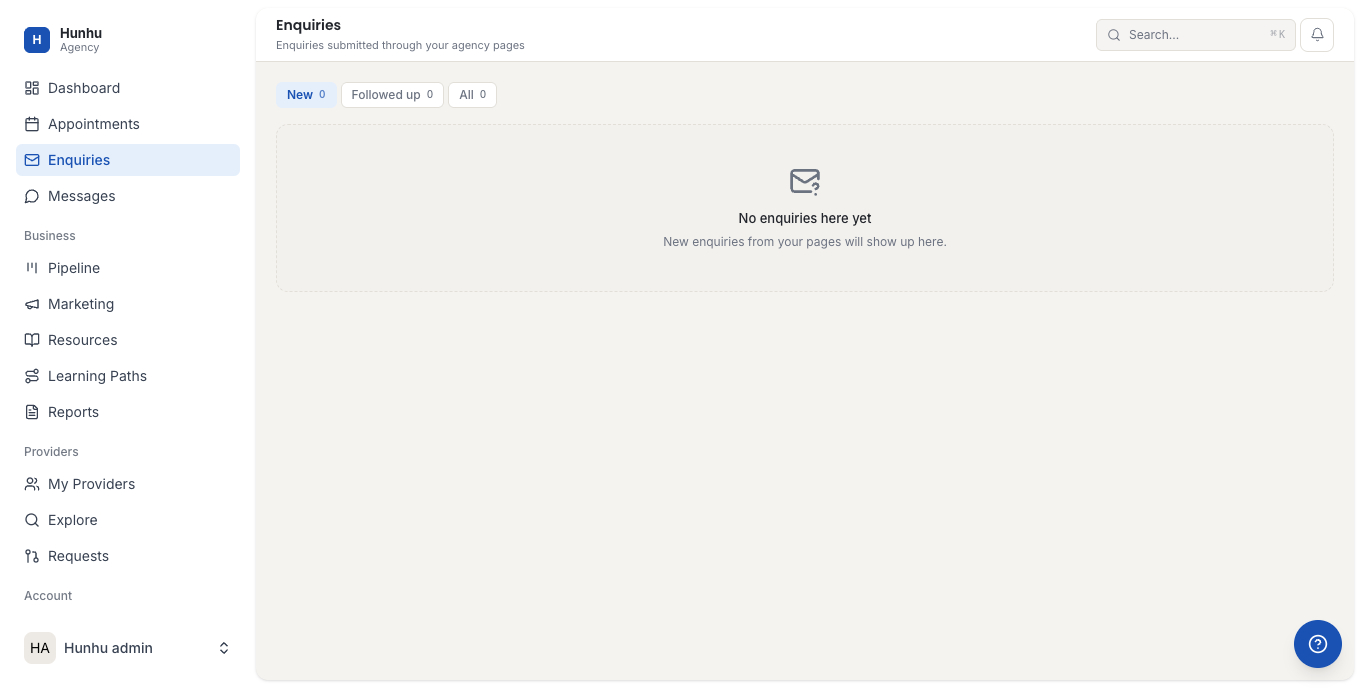
Go to Agency > Enquiries to see all enquiries across your network. The list view shows:
- The client name and when the enquiry was sent.
- Which provider it was directed to (if any).
- The enquiry status (New, In Progress, Booked, Declined).
- Whether a reply has been sent.
Responding to a General Enquiry
- Click on the enquiry to open it.
- Read the client's message and any additional details they provided.
- Either reply directly from the agency, or assign it to a provider.
Assigning an Enquiry to a Provider
If a general enquiry is clearly suited to a specific provider in your network:
- Open the enquiry.
- Click Assign to Provider.
- Select the provider from your network.
- Add a handoff note if needed.
- The provider is notified and the enquiry appears in their inbox.
Monitoring Response Times
Enquiries that have not received a reply within 24 hours are flagged in the list view. Use the filter to surface unresponded enquiries and follow up with providers who may have missed them. Fast response times are critical to conversion.
Enquiry Analytics
Go to Agency > Reports to see enquiry volume, response time averages, and enquiry-to-booking conversion rates across your network. Use this to identify gaps in your provider coverage or areas where follow-up processes need improvement.
Still need help?
Our support team is here for you. Send us a message and we'll get back to you within 48 hours.