Admin Portal Overview
The Hunhu Admin Portal gives platform administrators full visibility and control over all agencies, providers, consumers, and platform configuration. This article walks through every section of the Admin Portal.
Access the Admin Portal at admin.hunhu.us/admin using your admin credentials.
Dashboard
The Admin Dashboard is your platform at a glance.
- Log in at admin.hunhu.us with your admin account.
- You land on the Platform Overview dashboard. From here you can see aggregate performance across all agencies.
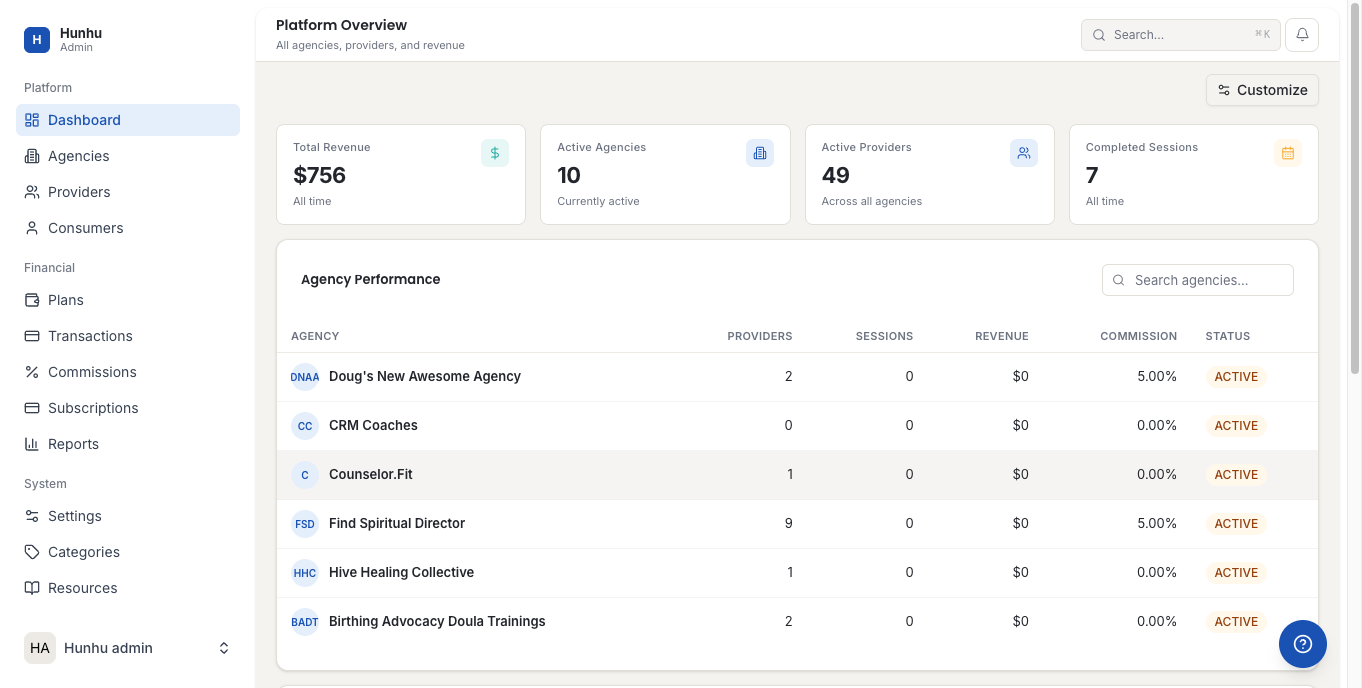
- Key metrics shown include Agency Performance (table showing each agency's stats), Recent Signups, and System Health.
- Click Customize to reorder or configure dashboard widgets.
Agencies
All white-label agency tenants on the platform.
- Click Agencies in the left sidebar under Platform.
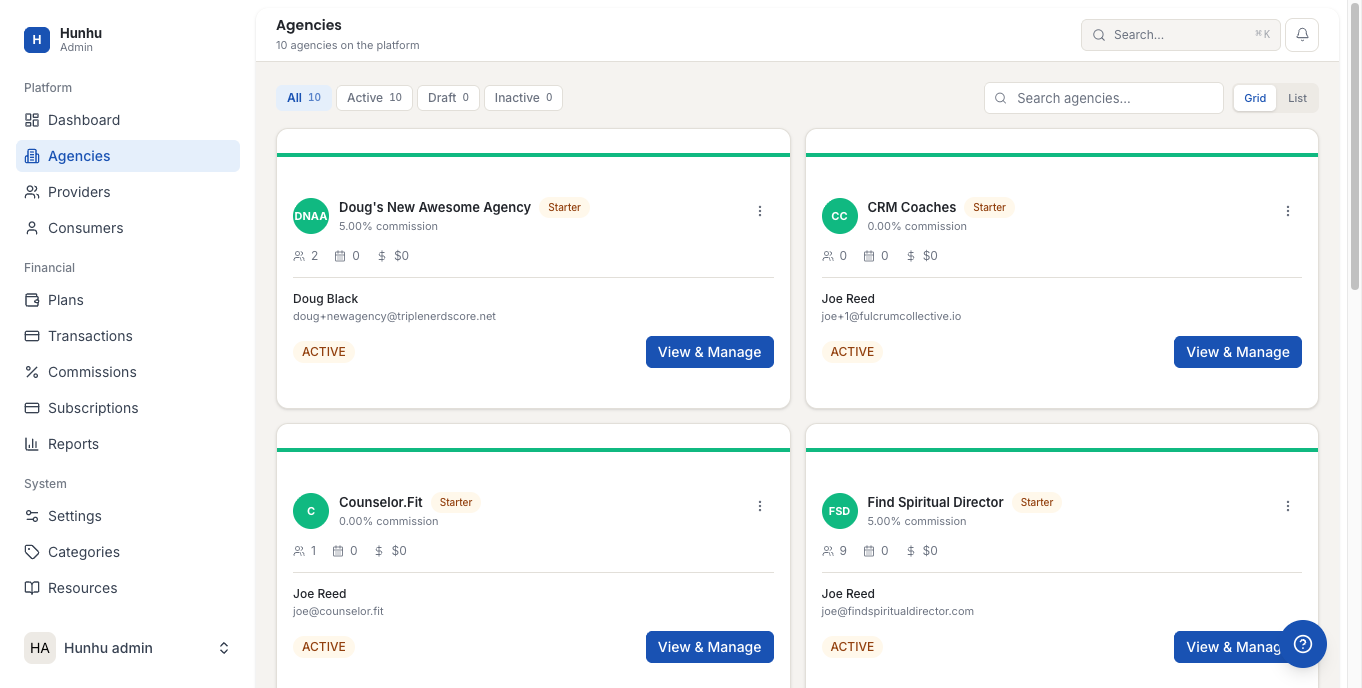
- The agencies list shows each agency's name, status, provider count, and revenue.
- Click View on any agency row to open its detail page.
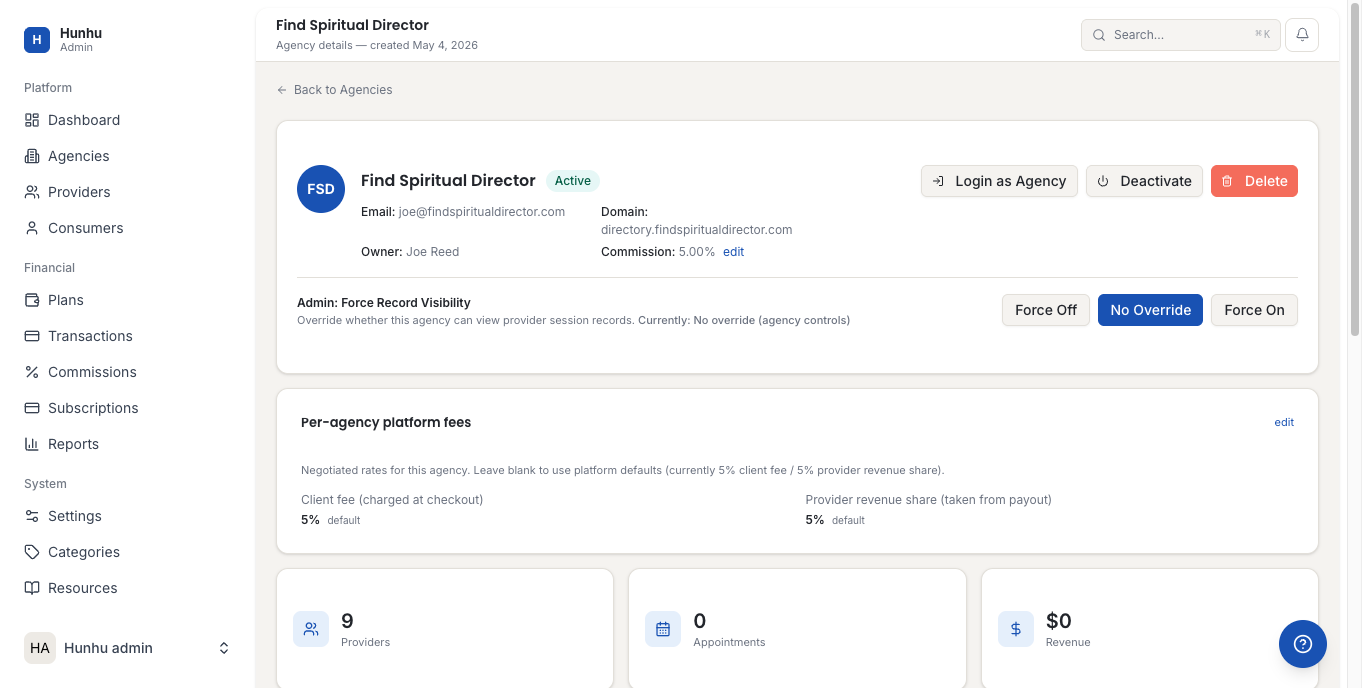
- On the agency detail page you can:
- Click Login as Agency to impersonate the agency and access their portal
- Toggle individual feature overrides for that agency
- Click Deactivate to suspend the agency
- Click Delete to permanently remove it
Note: When impersonating an agency, a yellow "Return to Admin" banner appears at the top of every page. Click it at any time to exit back to the Admin Portal.
Providers
All providers registered across the entire platform.
- Click Providers in the sidebar.
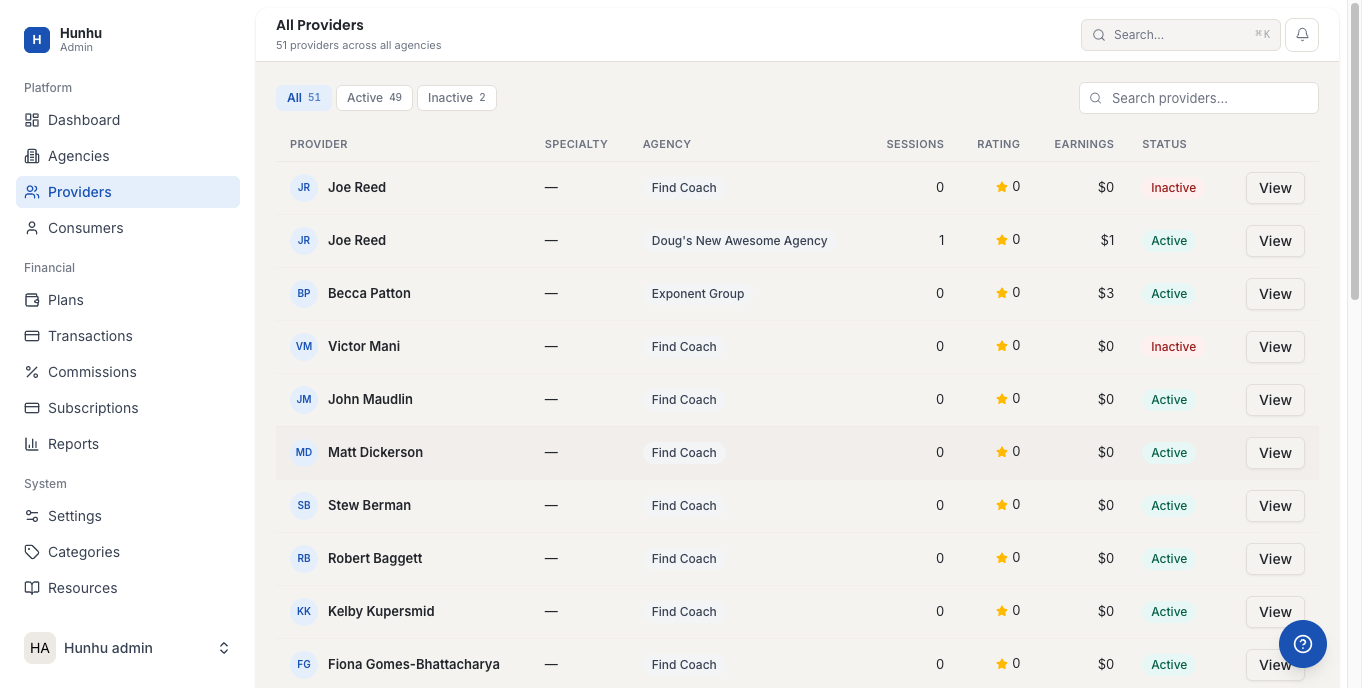
- Use the search bar and filters to find a specific provider.
- Click View to open the provider detail page.
- On the provider detail page you can:
- Click Login as Provider to impersonate that provider
- Click Activate or Deactivate their account
- Click Copy Profile Link to get a direct link to their public profile
- Click Delete to permanently remove the provider
Consumers
All end-users (clients) registered on the platform.
- Click Consumers in the sidebar.
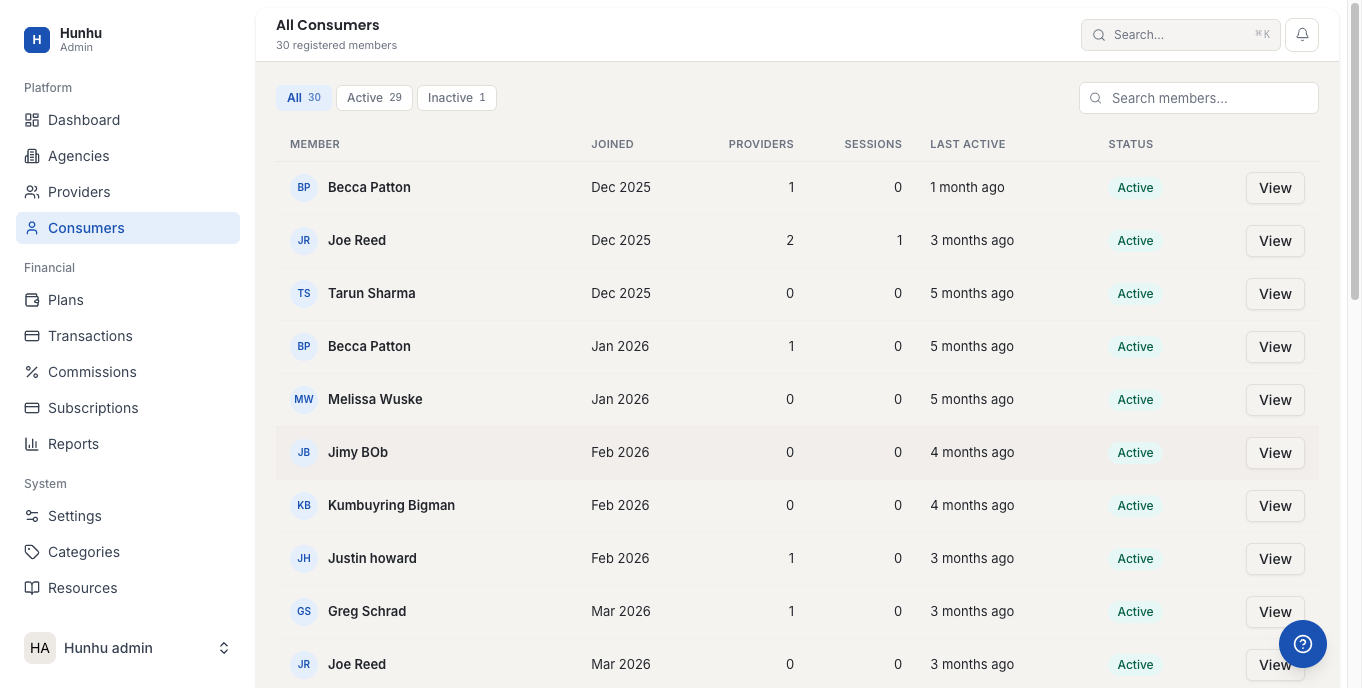
- The list shows each member's name, join date, provider connections, session count, and status.
- Click View on any consumer to see their appointment history and associated providers.
- From the consumer detail page, click Login as Consumer to impersonate them and see their portal view.
Financial
Payment Plans
- Click Plans in the sidebar under Financial.
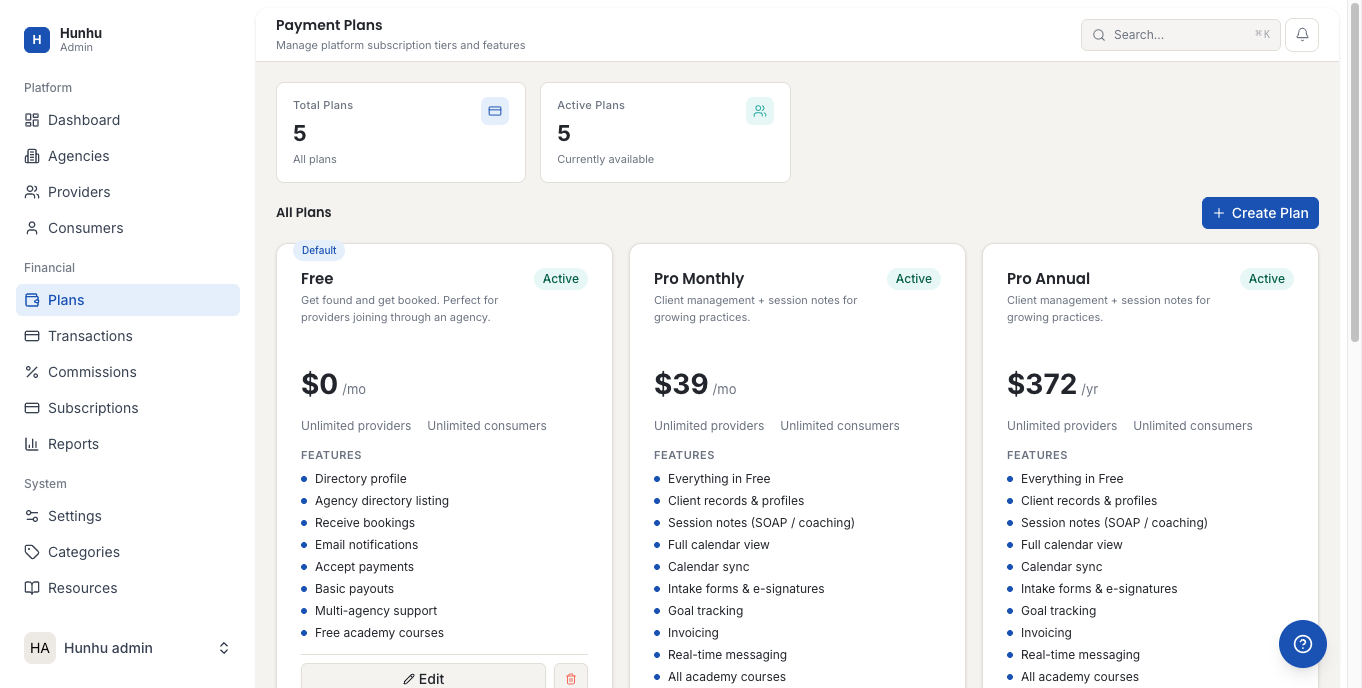
- Manage the platform-level subscription plans that agencies and providers can purchase.
Transactions
- Click Transactions in the sidebar.
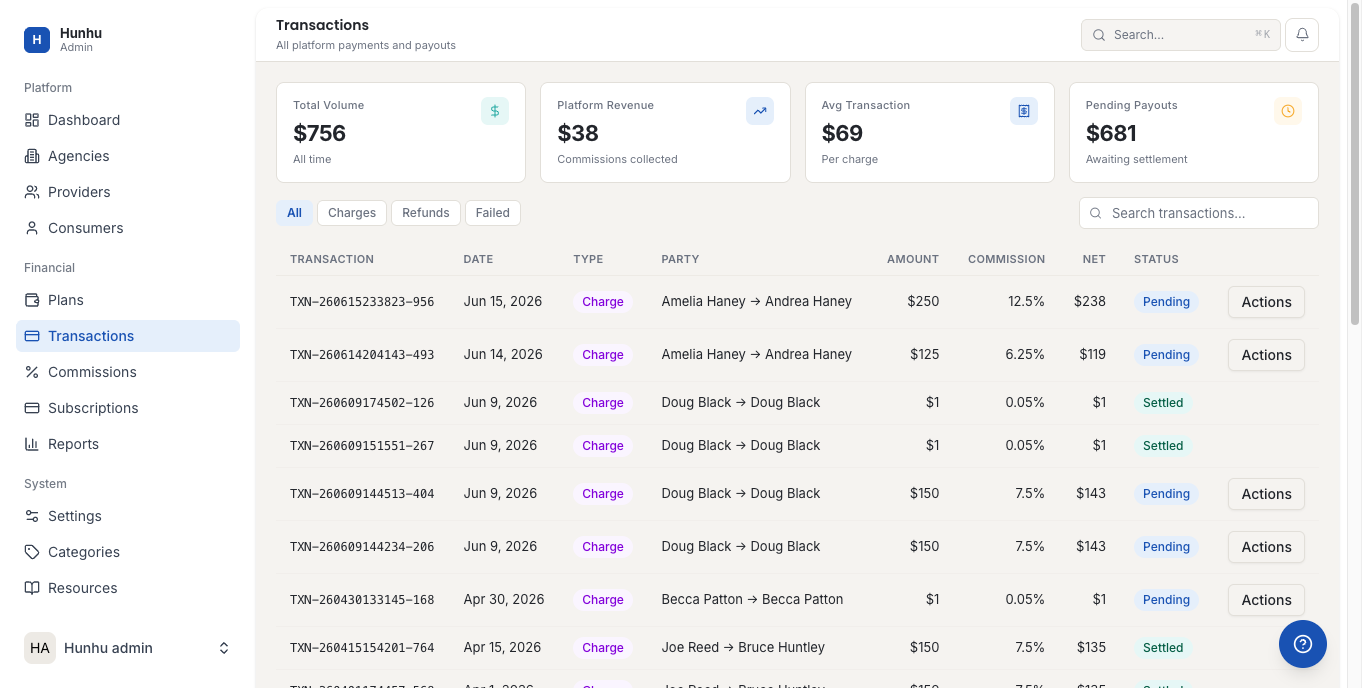
- View all payment transactions across the platform with date, amount, status, and associated agency/provider.
Commissions
- Click Commissions in the sidebar.
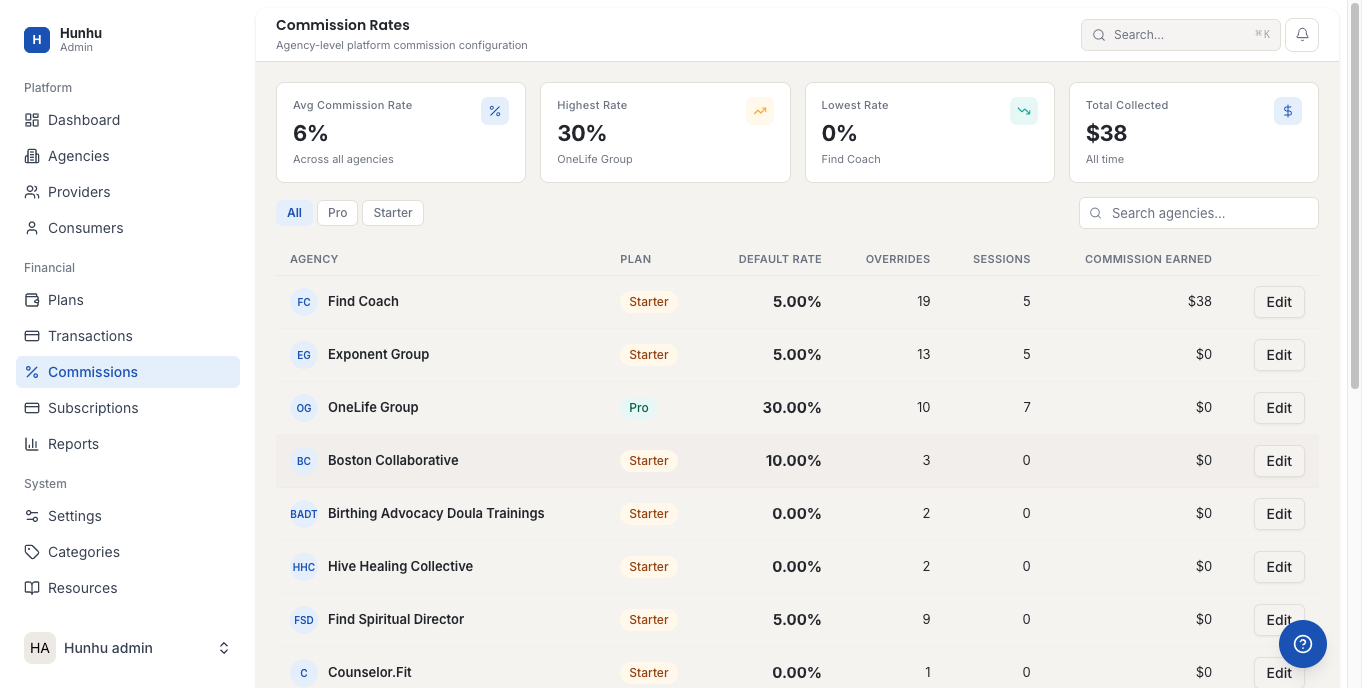
- Review commission records for agency-to-provider referral arrangements.
Subscriptions
- Click Subscriptions in the sidebar.
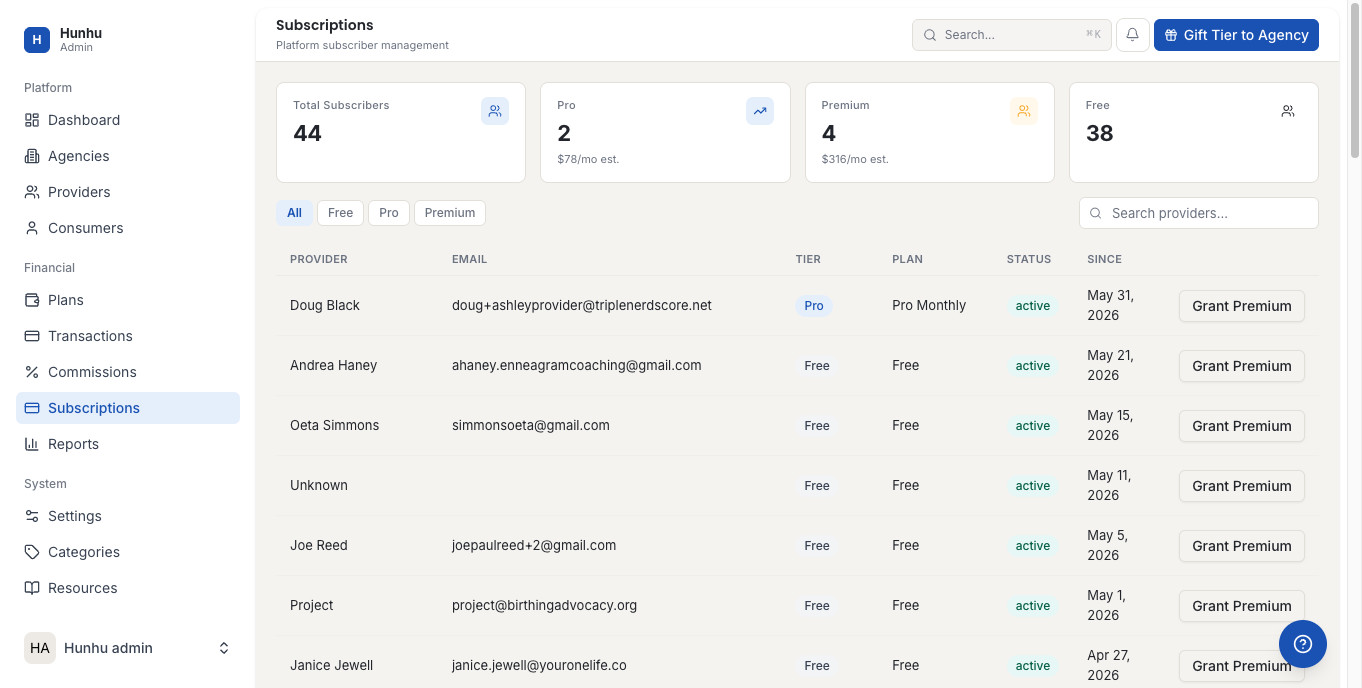
- View all active subscription records for agencies and providers.
Reports
- Click Reports in the sidebar.
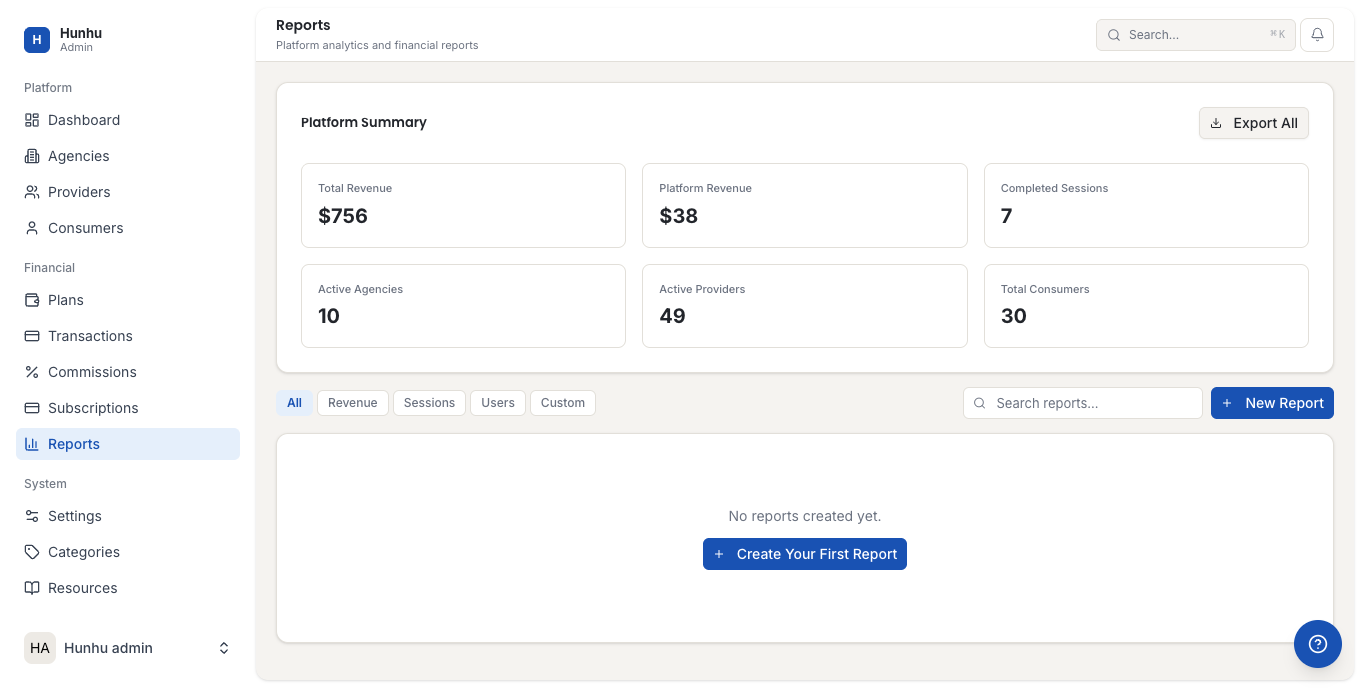
- Access platform-wide revenue reports, growth trends, and usage analytics.
System
Settings
- Click Settings in the sidebar under System.
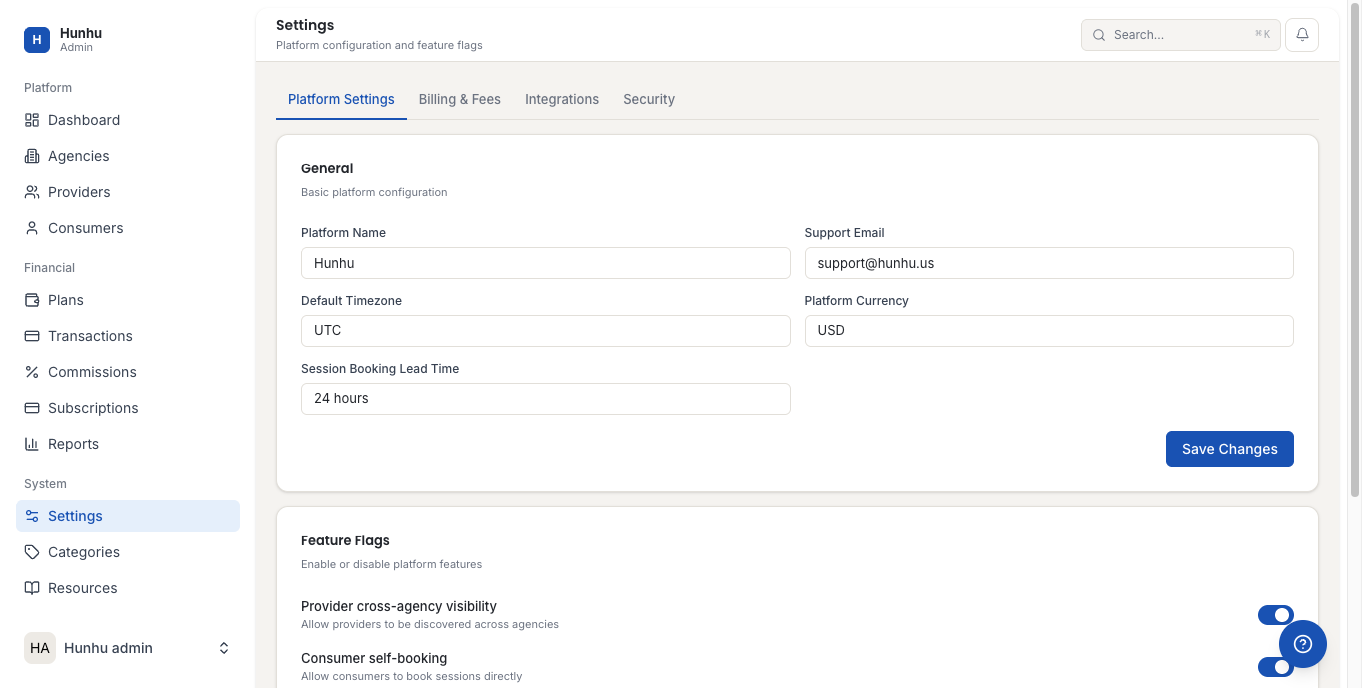
- Configure platform-wide defaults including general settings, email configuration, and feature flags.
Categories
- Click Categories in the sidebar.
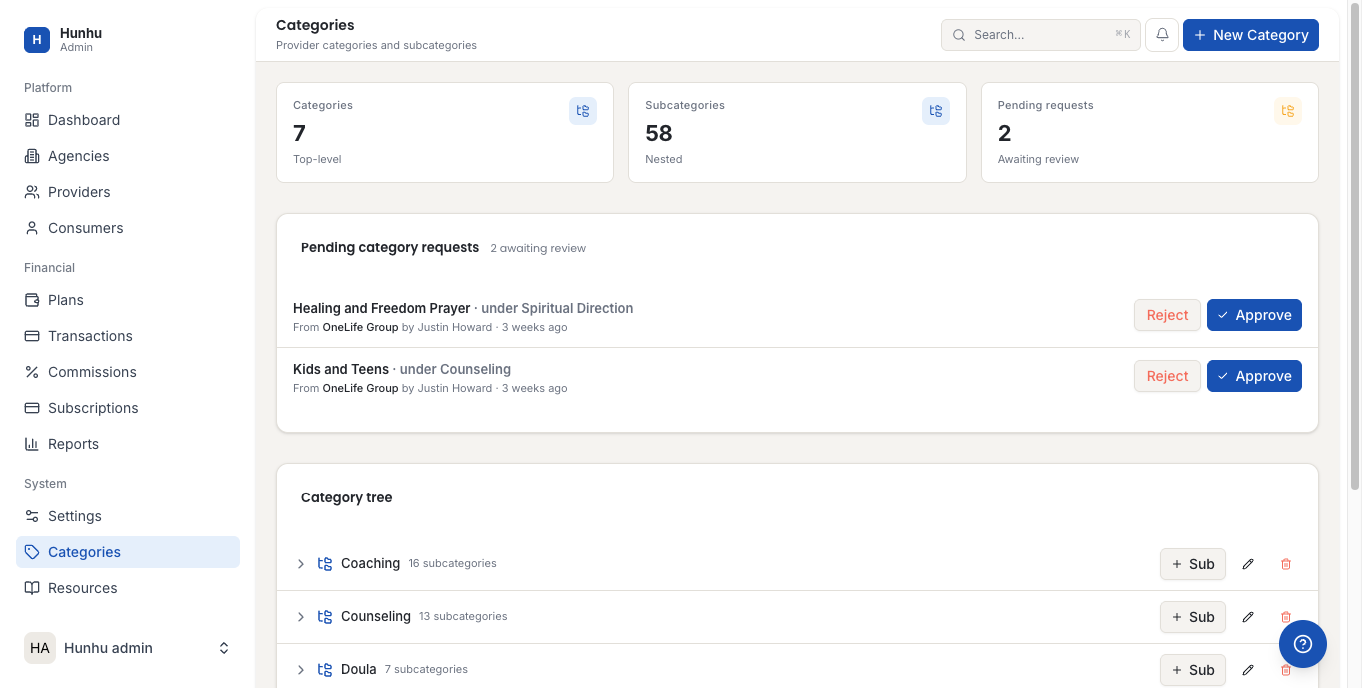
- Manage the service categories that providers and agencies use to classify their offerings.
Resources
- Click Resources in the sidebar.
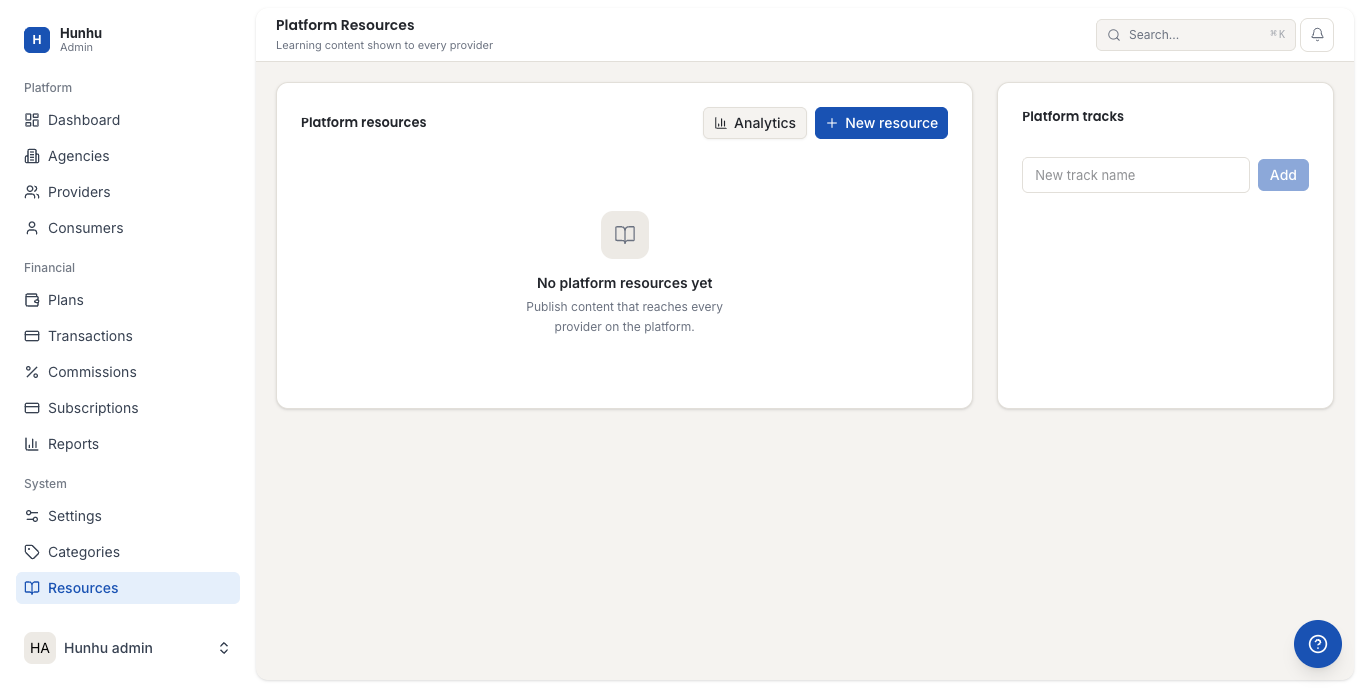
- Add and manage platform-level resource documents that are shared with all agencies and providers.
Learning Paths
- Click Learning Paths in the sidebar.
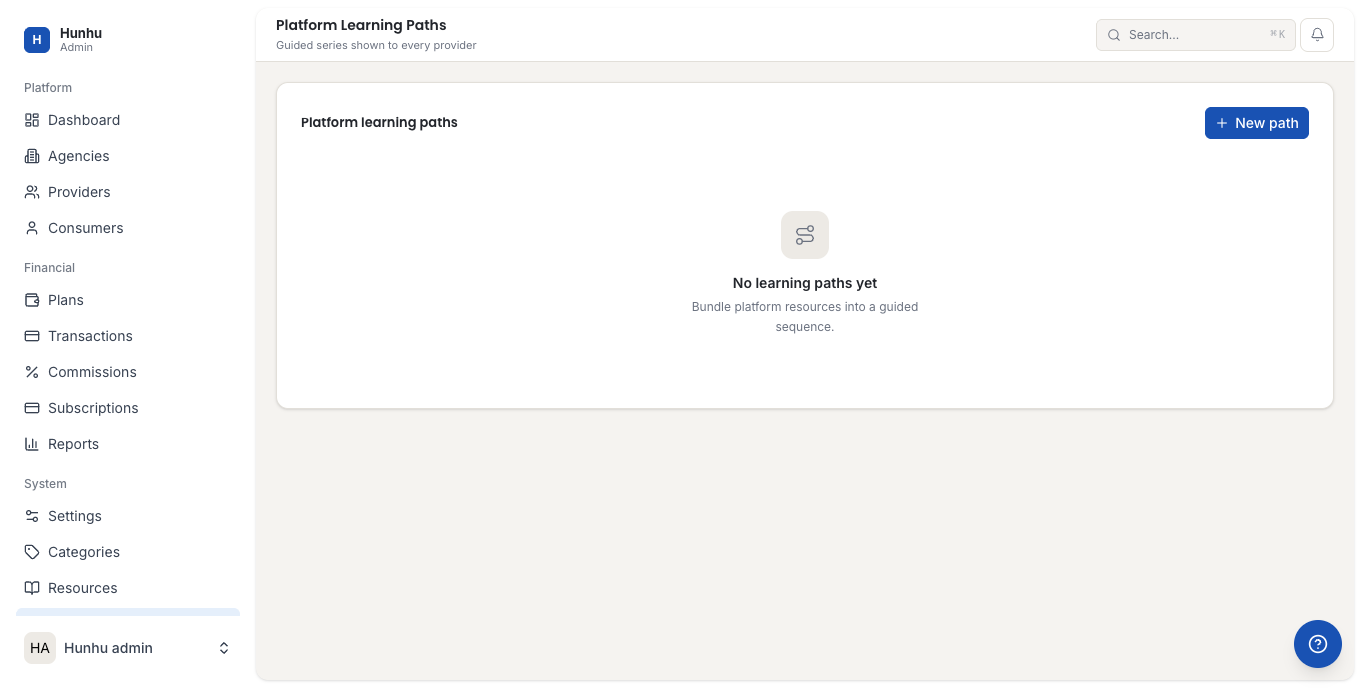
- Create and manage structured learning paths available to providers on the platform.
Team and Roles
- Click Team & Roles in the sidebar.
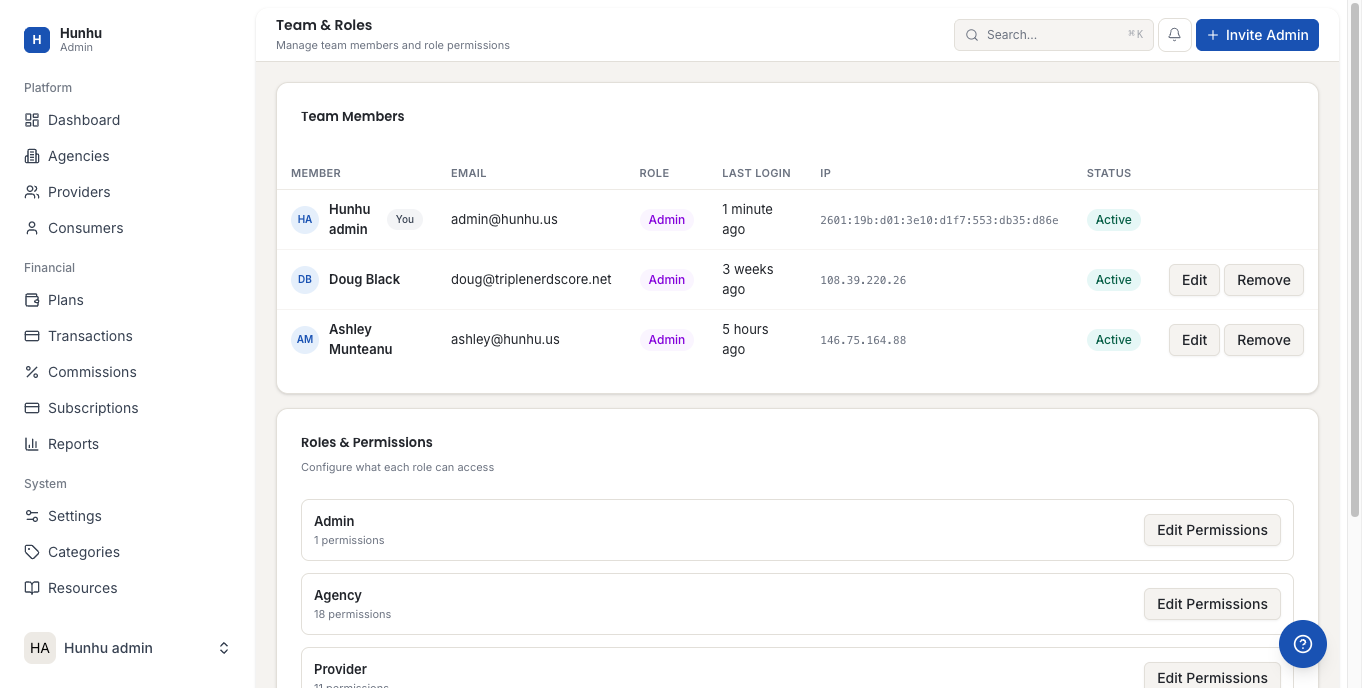
- Add admin team members and assign roles with appropriate permission levels.
Tours
- Click Tours in the sidebar.
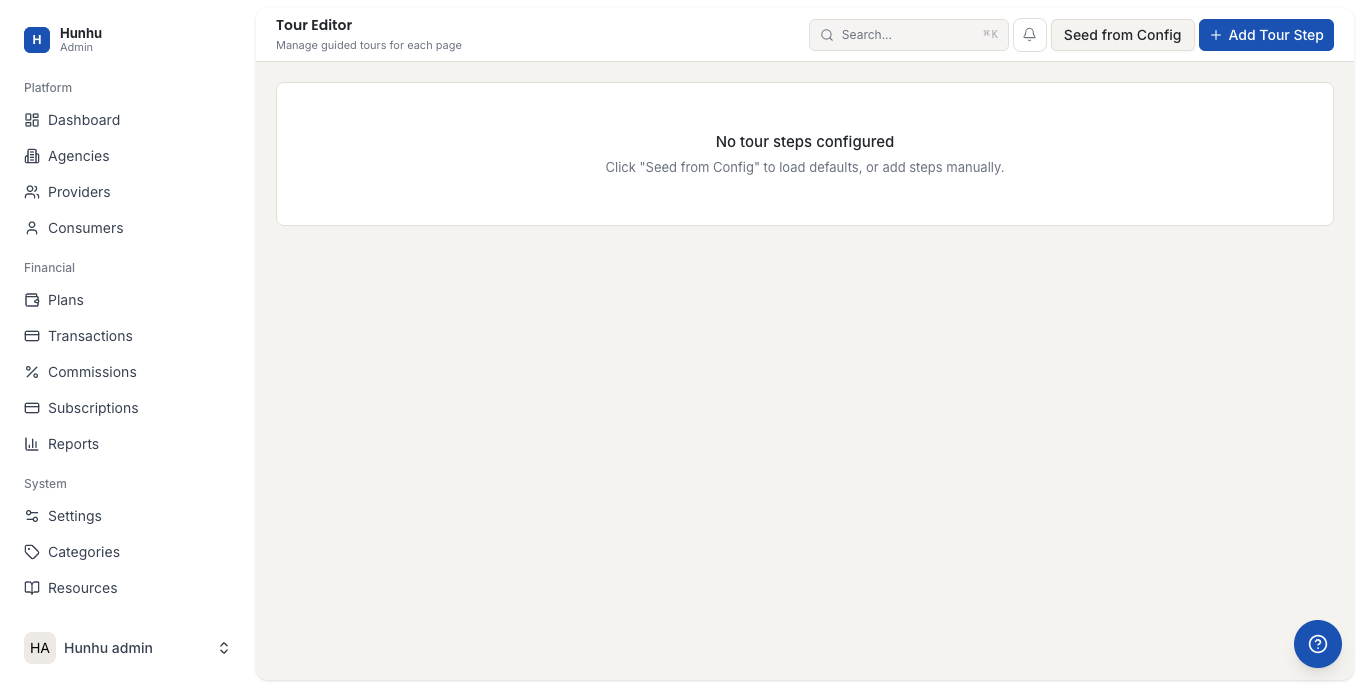
- Edit and manage onboarding tours shown to new users when they first log in.
Announcements
- Click Announcements in the sidebar.
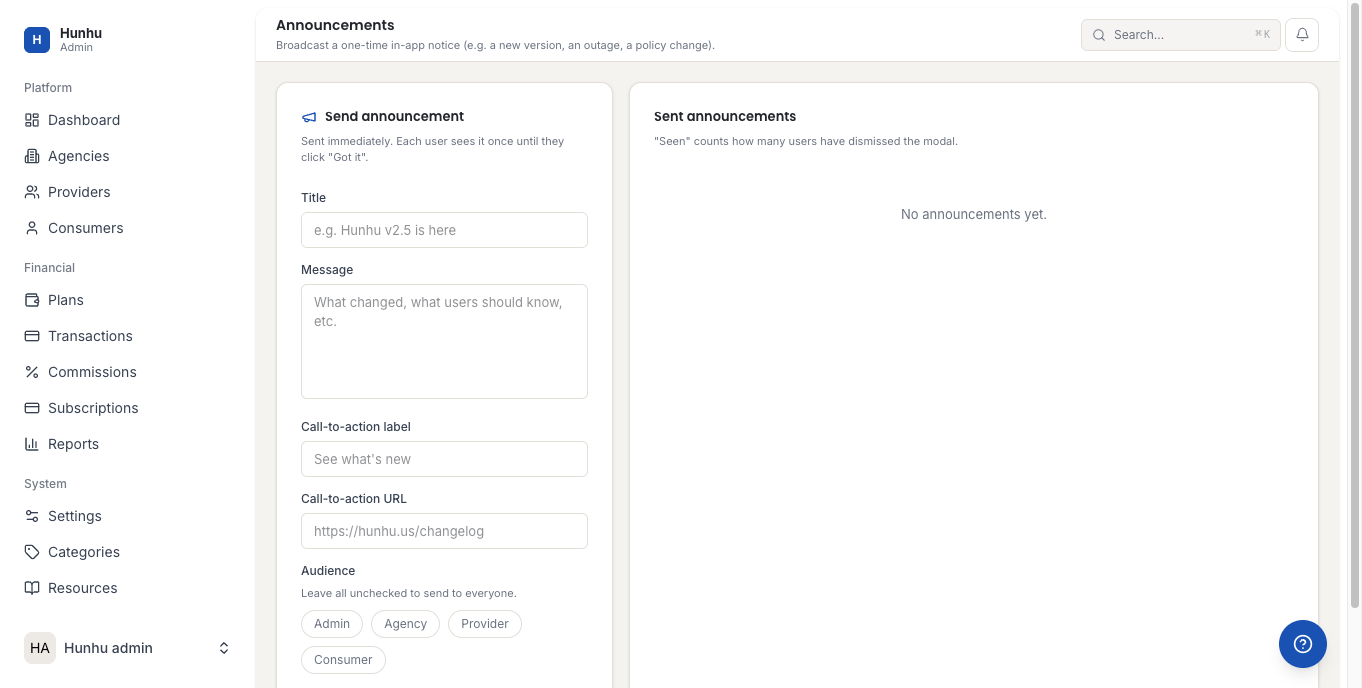
- Create platform-wide announcements that appear to all portal users.
Audit Logs
- Click Audit Logs in the sidebar.
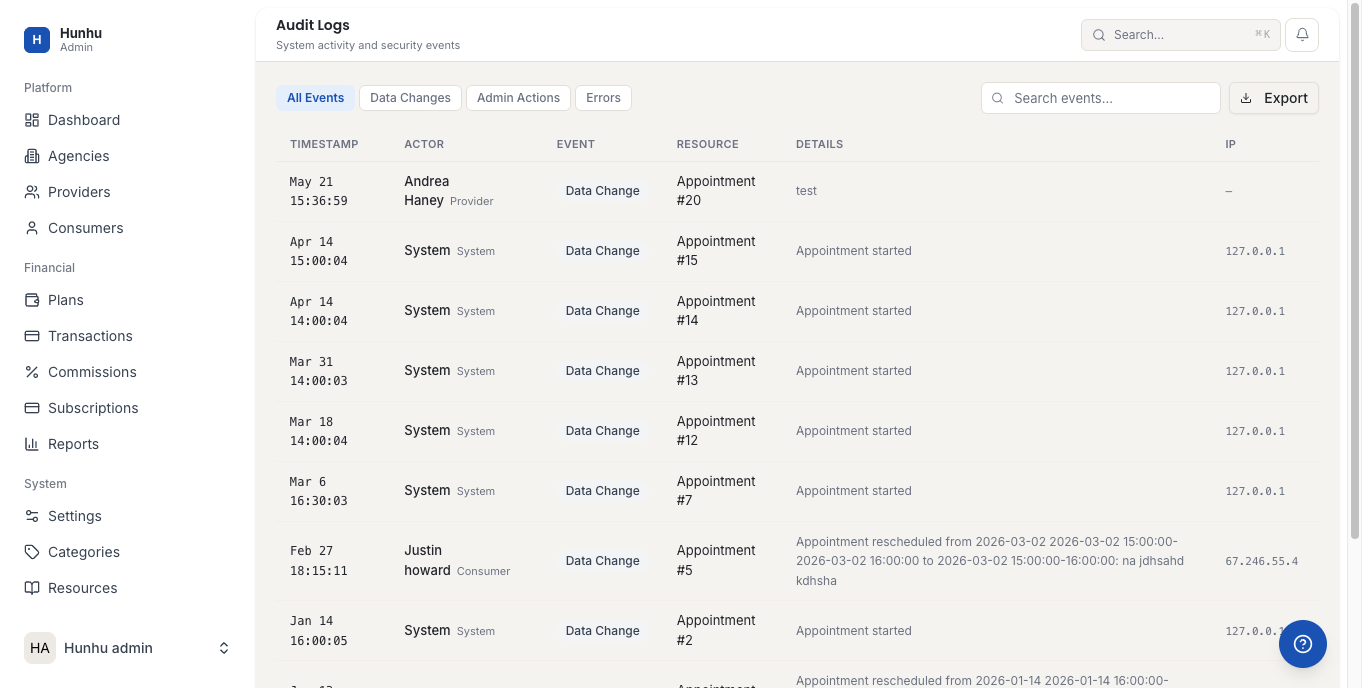
- Review a chronological log of all significant actions taken across the platform, including who did what and when.
Was this helpful?
Still need help?
Our support team is here for you. Send us a message and we'll get back to you within 48 hours.