Consumer Messages
Messages is where you communicate directly with your provider or the agency between sessions. Use it to ask questions, share information before a session, or follow up after a session without needing to use email.
Accessing Messages
Click Messages in the consumer navigation to see all your active conversations. Conversations are grouped by provider or agency. The most recent message in each conversation is visible in the list.
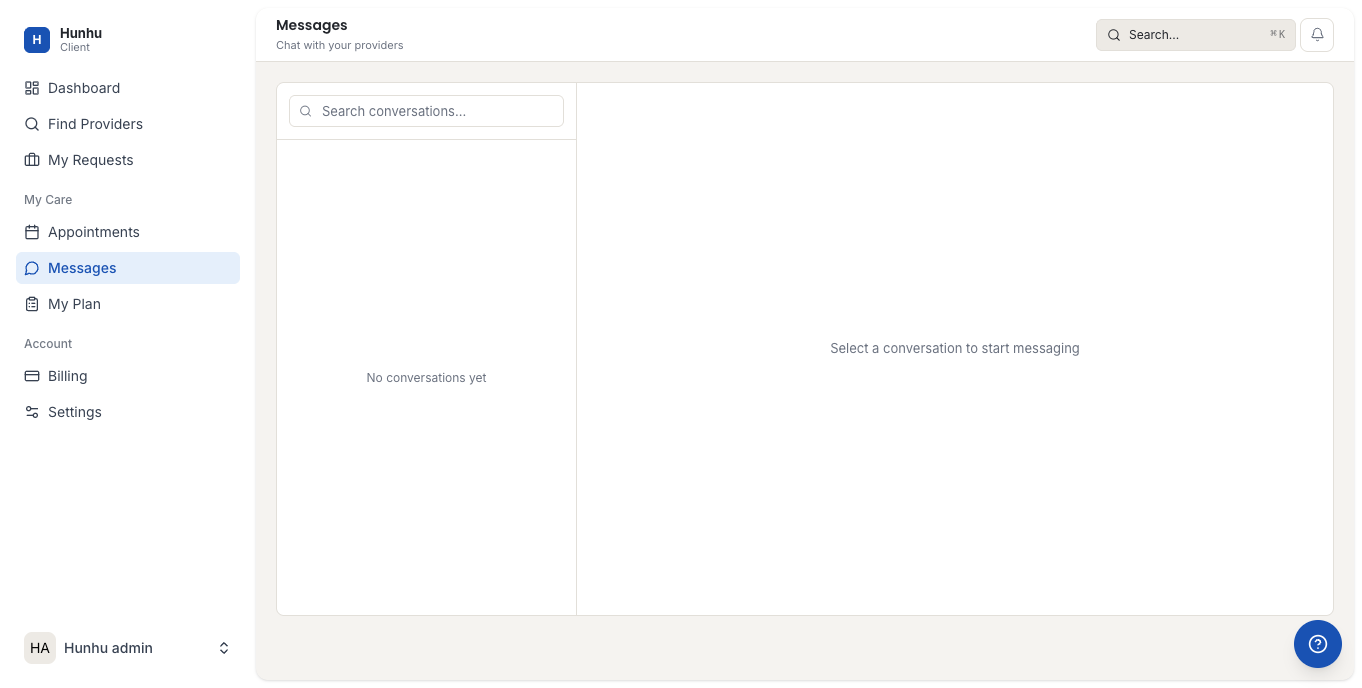
Sending a Message to Your Provider
- Open the conversation with your provider, or click New Message to start one.
- Search for your provider by name.
- Type your message and press Send.
Your provider receives the message by email and can reply from their provider portal or directly from the email notification.
Contacting the Agency
If you have a general question for the agency rather than your provider — about billing, policies, or your account — you can send a message to the agency directly:
- Click New Message.
- Select the agency from the contact list.
- Type your message and send.
Attachments
You can attach files to messages. This is useful for sharing documents with your provider before a session, or sending a form or record the agency requests. Click the paperclip icon in the message composer to attach a file.
Message Notifications
You receive an email notification when a new message arrives. If you are active in the portal, an in-app notification also appears. To adjust your notification preferences, go to Settings > Notifications.
Privacy
Messages sent through the platform are private between you, your provider, and the agency. They are not visible to other clients or providers. The agency may review messages as part of their standard quality and safeguarding procedures.
Still need help?
Our support team is here for you. Send us a message and we'll get back to you within 48 hours.