Provider Agency Requests
Agency Requests are invitations from agencies that want you to join their provider network. When an agency discovers your profile and thinks you are a good fit, they can send you a request to become part of their directory. This article explains how to review and respond to those requests.
Viewing Agency Requests
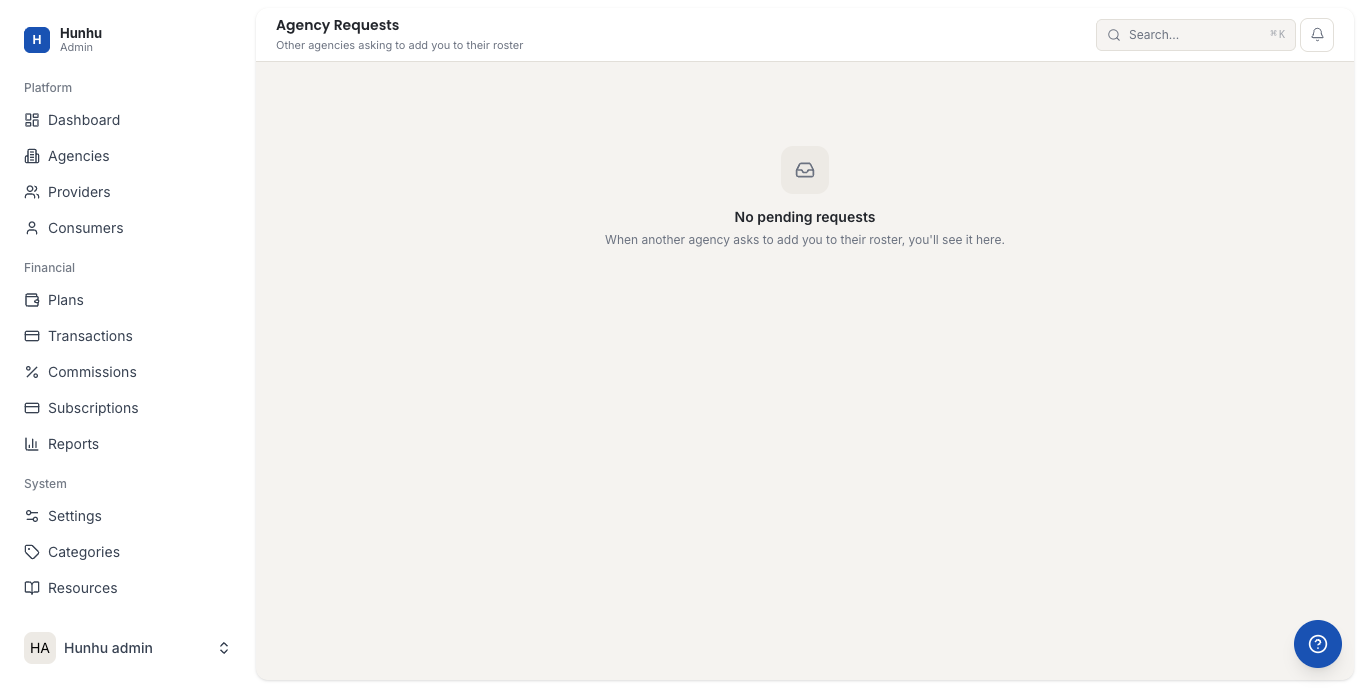
Go to Provider > Agency Requests to see all incoming invitations. Each request shows:
- The agency's name and logo.
- A brief message from the agency explaining why they want you in their network.
- The date the request was sent.
- The current status (Pending, Accepted, Declined).
Reviewing an Agency
Before accepting a request, click on the agency name to view their profile. You can see:
- The agency's description, focus areas, and the types of clients they serve.
- Other providers currently listed in the agency's directory.
- The commission rate the agency charges on bookings.
Understanding an agency's client base and commission structure before accepting helps you decide if the partnership is a good fit for your practice.
Accepting a Request
- Open the agency request.
- Review the agency profile.
- Click Accept.
Once you accept, your profile and public offerings become visible in that agency's directory. Clients browsing that agency's platform can find and book you through their branded experience.
Declining a Request
- Open the agency request.
- Click Decline.
- Optionally add a note (visible to the agency).
Declining a request removes it from your queue. The agency will not be able to resend the same request unless you reach out to them later through Discover Agencies.
Being Listed in Multiple Agencies
You can be a member of more than one agency at the same time. Each agency's directory shows your profile independently. Bookings from different agencies are tracked separately in your Calendar and Earnings sections. Your commission rate may differ across agencies based on their individual settings.
Leaving an Agency
If you want to leave an agency's network after accepting, go to your profile settings or contact your agency administrator. Existing bookings remain active when you leave — your future availability simply stops appearing in that agency's directory for new clients.
Still need help?
Our support team is here for you. Send us a message and we'll get back to you within 48 hours.