Consumer Settings
Your Settings and Profile section is where you manage your personal information, privacy preferences, notification settings, and account security. Keeping your profile up to date ensures providers have the information they need to serve you well.
Accessing Settings
Click on your name or avatar in the top navigation and select Settings, or go directly to Settings in the consumer navigation menu.
Personal Information
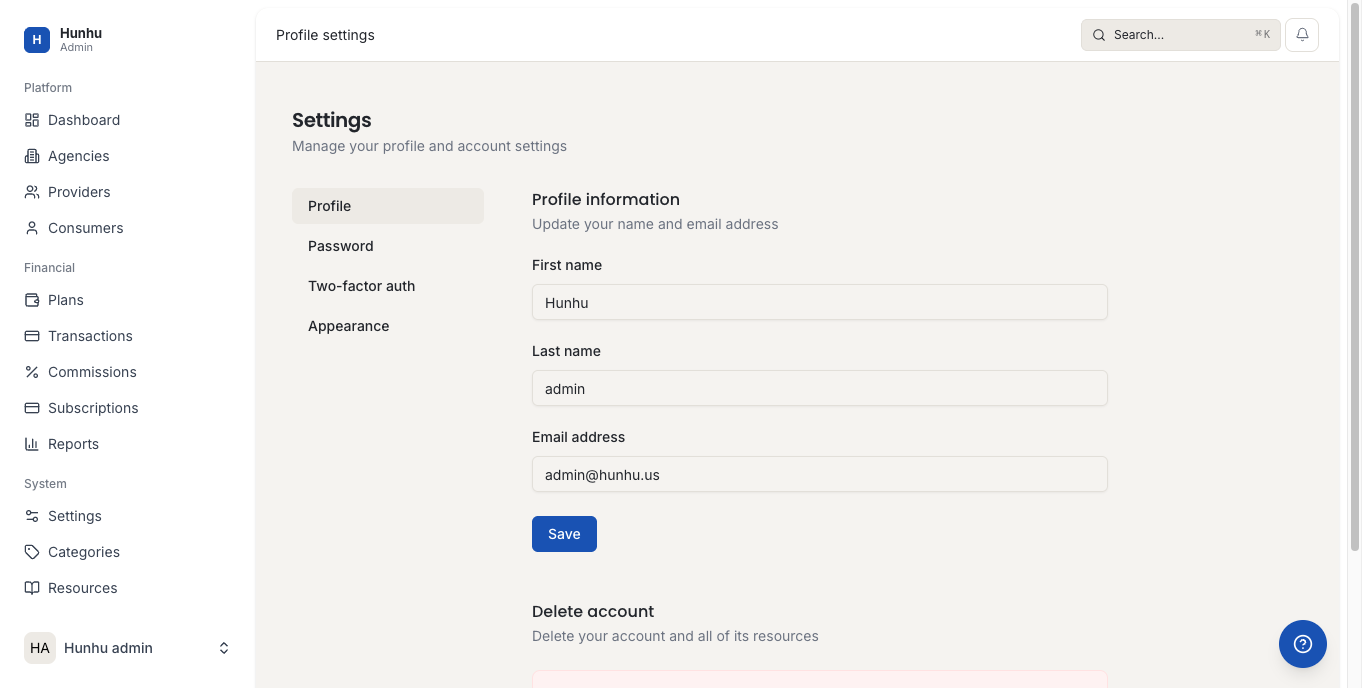
Update your personal details in Settings > Profile:
- Name — Your full name as it appears to providers and the agency.
- Email address — Your login email. Changing this updates where session reminders and messages are sent.
- Phone number — Optional. Some agencies use this for appointment reminders.
- Profile photo — Upload a photo to make your profile more personal.
- Location — City or postcode. Providers use this when offering in-person sessions.
- About me — A short description of what you are looking for. This helps providers understand your context before a session.
Notification Preferences
Go to Settings > Notifications to control when and how you receive alerts:
- Session reminders — Email reminders before each upcoming appointment.
- New messages — Alerts when a provider or the agency sends you a message.
- Booking confirmations — Confirmation emails when a session is booked or changed.
- Marketing emails — Newsletters and promotional content from the agency.
You can toggle each notification type on or off. Turning off marketing emails does not affect transactional notifications about your bookings.
Privacy Settings
Go to Settings > Privacy to review what information is visible to providers and the agency:
- Providers can always see your name and contact details once you have booked a session with them.
- Your profile is not publicly visible to other consumers or outside the platform.
- Enquiries and messages are private between you, your provider, and the agency.
Changing Your Password
- Go to Settings > Security.
- Click Change Password.
- Enter your current password, then your new password twice.
- Save.
If you have forgotten your password, use the Forgot Password link on the login page instead.
Deleting Your Account
If you want to close your consumer account, contact the agency directly. Account deletion removes your personal data from the platform subject to the agency's data retention policy. Any outstanding bookings should be resolved before requesting deletion.
Still need help?
Our support team is here for you. Send us a message and we'll get back to you within 48 hours.