Learning Hub
The Learning Hub is your professional development center inside the Hunhu Provider portal. It gives you access to curated resources — articles, PDFs, videos, and links — organized by topic, with the ability to save content for later and track what you have completed.
Accessing the Learning Hub
Go to Learning (or Resources) in the left navigation of your Provider portal.
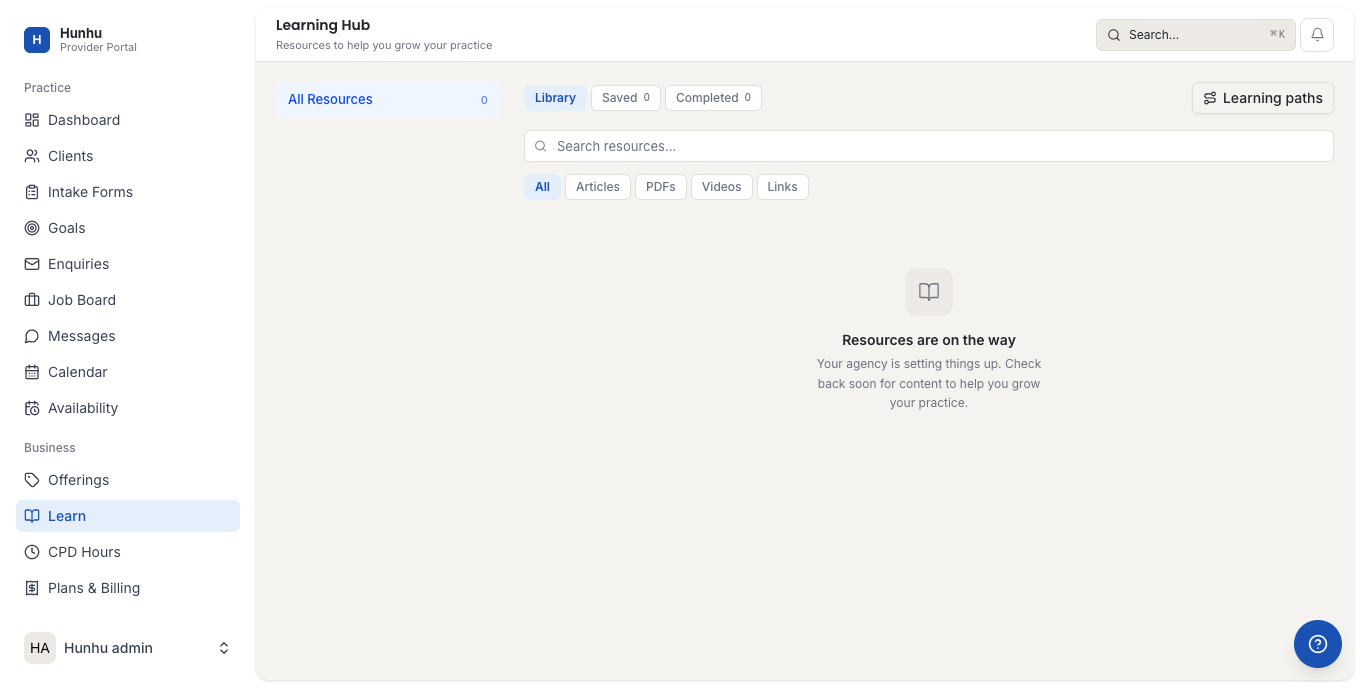
Library Tabs
The Learning Hub has three tabs:
- Library — The full catalog of available resources. Browse or filter by type.
- Saved — Resources you have bookmarked for later reference.
- Completed — Resources you have marked as completed. Useful for tracking CE-relevant reading or structured programs.
Filtering by Content Type
Within the Library tab, use the filter bar to narrow results by content type:
- Articles — Text-based resources with in-depth coverage of a topic.
- PDFs — Downloadable documents including worksheets, guides, and research summaries.
- Videos — Recorded training sessions, demonstrations, or interviews.
- Links — Curated links to external resources such as professional organizations, research databases, or tool documentation.
Learning Paths
Learning Paths are structured sequences of resources grouped around a specific skill or topic. Click Learning Paths to view available paths. Each path shows the resources included and tracks your progress as you work through them.
Learning paths are useful for systematic development — for example, completing all resources in a "Trauma-Informed Practice" path — rather than browsing individually.
Saving and Marking Complete
On any resource card:
- Click the bookmark icon to add a resource to your Saved tab.
- Click Mark Complete (or the checkmark) after reviewing a resource to move it to your Completed tab.
Content Added by Your Agency
Your agency may add custom resources to the Learning Hub specific to their practice model, onboarding materials, or local referral networks. These appear in the Library alongside platform-wide content. Agency-specific resources are typically labeled with the agency name or a custom tag.
Still need help?
Our support team is here for you. Send us a message and we'll get back to you within 48 hours.